
 Share
 Print
|
|
|
|
|


Defect Fields, via Due List
The Defect fields define the key elements used to describe Defect Reports.
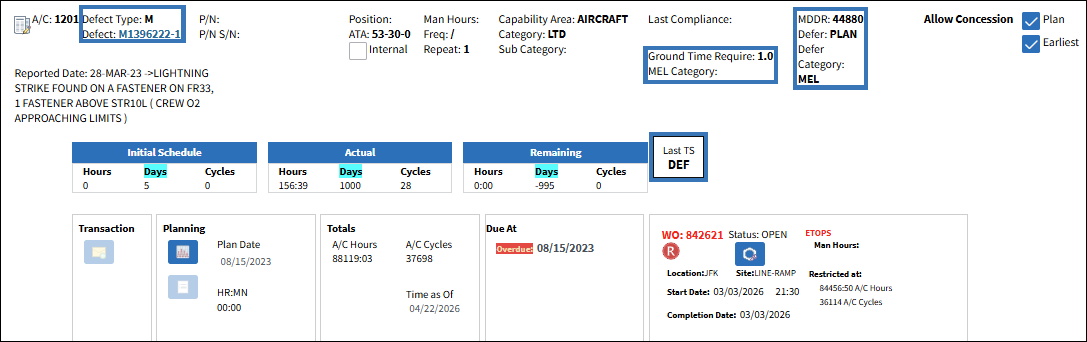
The following information/options are available in this window:
_____________________________________________________________________________________
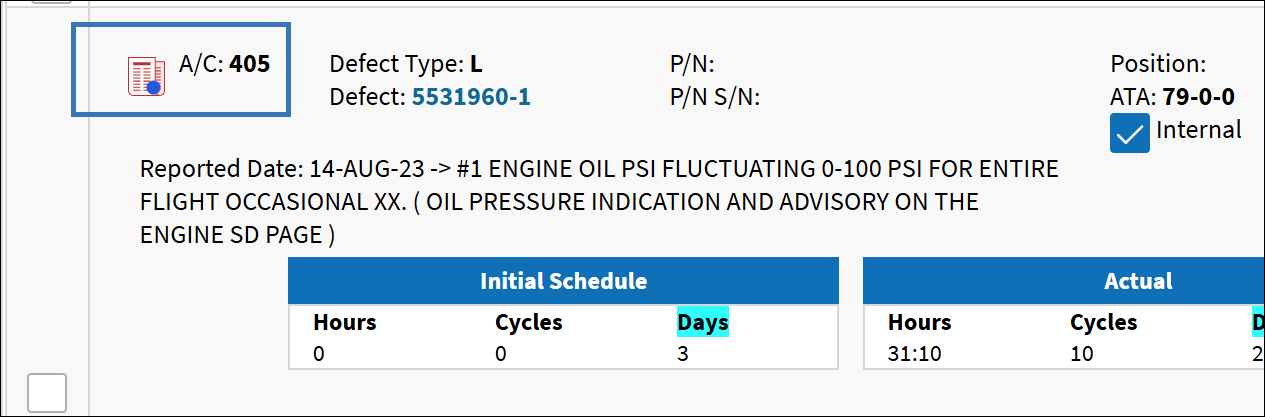
Defect Icon for MEL 
This icon displays among the defect fields in the Due List planning results when an MEL category has been provided.
Defect type
The type of defect found on the aircraft (for example, Pilot Report, MX Report).
Defect
The Defect field displays the Defect number and Item number, separated by a dash. When the Defect hyperlink is selected, the Defect Detail for that planning element will open.
MEL Category
The MEL Category type.
MDDR
This is also known as a Deferred Maintenance Item (DMI). This field allows users to enter the deferment on one defect report (aircraft log page) by using the MDDR number on another defect report (aircraft log page) so that the user may resolve the MDDR.
Defer
Reason for the defect deferment; for example MEL, Dent, No Parts, WATCH item, etc. This field is part of the functional System Transaction Codes and contents embedded functionality which includes authorization requirements, default requisition prompts and defaulted MDDR closings.
Defer Category
Category of the deferment. This is the reference if the deferral is operational, or performance related. This field may be used to reference if the deferral is related to a General Maintenance Manual or a Standard Practice Manual.
Troubleshooting Category 
The Troubleshooting Category is displayed to the right of the Remaining field whenever a Defect Report containing Troubleshooting items is queried. When a Defect Report has multiple Troubleshooting Items, the Category corresponding to the last Troubleshooting Item is displayed in Planning Control.
Additionally, please note that if the Defect Report Troubleshooting Item does not have a Category Transcode selected, then the last Troubleshooting field will not be visible from the Results section of the Due List tab.
_____________________________________________________________________________________
When the Defect hyperlink is selected, users can view all pertinent information related to a defect from the Defect Detail.
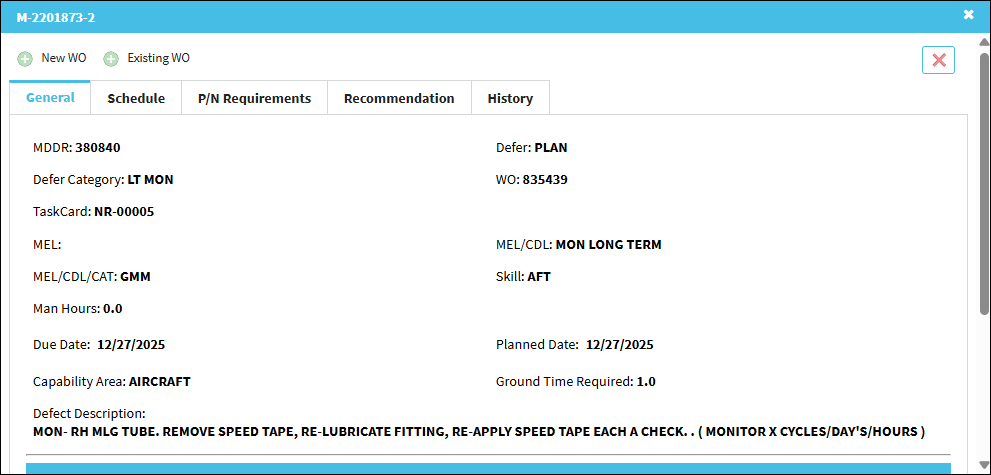
The following tabs are available:
Share
Print
|
©1997-2026 Trax USA Corp. All rights reserved. This manual may not be copied, photocopied, reproduced, translated, or converted to any electronic or machine-readable form, in whole or in part, without prior written approval from Trax USA Corp. |
 |