 Download Online Help
 Print
|
|
|
|
|


GREYOUTBINPREF - Grey Out The Bin Field If Part Is Setup With Preferred Bins
Grey Out The Bin Field If Part Is Setup With Preferred Bins
Affected windows: w_pn_initial_eu
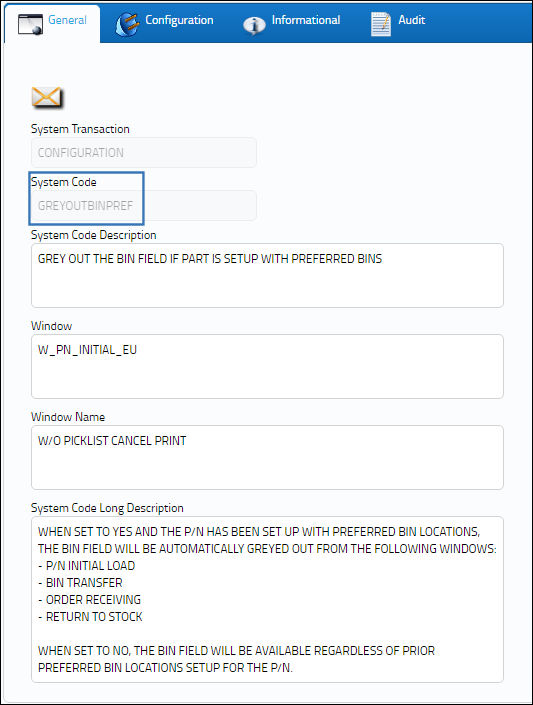
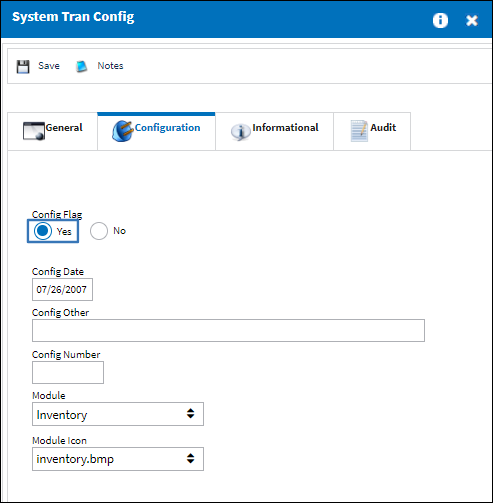
Switch Set to Yes:
When set to Yes and the P/N has been set up with preferred bin locations, the Bin field will be automatically greyed out from the following windows:
- P/N Initial Load
- Bin Transfer
- Order Receiving
- Return To Stock
The following P/N is setup with multiple preferred bin locations via the Bin Control  button in the P/N Master. The following Bins for the particular Location were reserved for the P/N.
P/N Initial Load:
In the P/N Initial Load window, after entering the part's location, the Bin field automatically becomes unavailable.
The Bin Control button is available. Select this button to specify which preferred bin will be used for this transaction. The specified bin will populate the Bin field.
Note: For parts with a single preferred bin setup, the system will automatically populate this field upon the selection of the Bin Control button.
Bin Transfer:
For transactions requiring a bin transfer, the Bin field will be unavailable and the system will display all preferred bins for this part number in the screen:
Note: Prior P/N bin control setup is required.
To select one of the preferred bins on display, select the Bin Control button and select the appropriate bin:
Order Receiving:
When receiving an order into the system, the Bin field will be unavailable.
Note: Prior P/N bin control setup is required.
To select one of the preferred bins on display, select the Bin Control button and select the appropriate bin:
Return To Stock:
For Return To Stock transactions, the Bin field will be unavailable however selecting the Bin Control button will allow the user to make a selection from the list of preferred bins displayed.
Note: Prior P/N bin control setup is required.
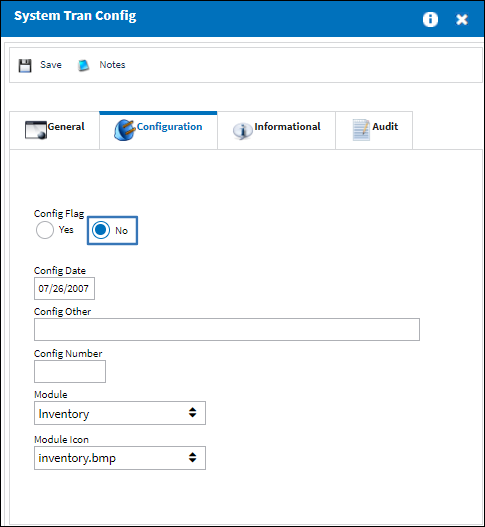
Switch Set to No:
When set to No, the Bin field will be available regardless of prior preferred bin locations setup for the P/N.
The following P/N is setup with multiple preferred bin locations via the Bin Control button in the P/N Master. The following Bins for the particular Location were reserved for the P/N.
P/N Initial Load:
In the P/N Initial Load window, after entering the part's location, the Bin field remains available. The user is able to select any bins setup for that specified location. However, the Bin Control button is also available allowing the user to select a preferred bin if required:
Download Online Help
Print
|
©1997-2018 Trax USA Corp. All rights reserved. This manual may not be copied, photocopied, reproduced, translated, or converted to any electronic or machine-readable form, in whole or in part, without prior written approval from Trax USA Corp. |
 |