 Download Online Help
 Print
|
|
|
|
|


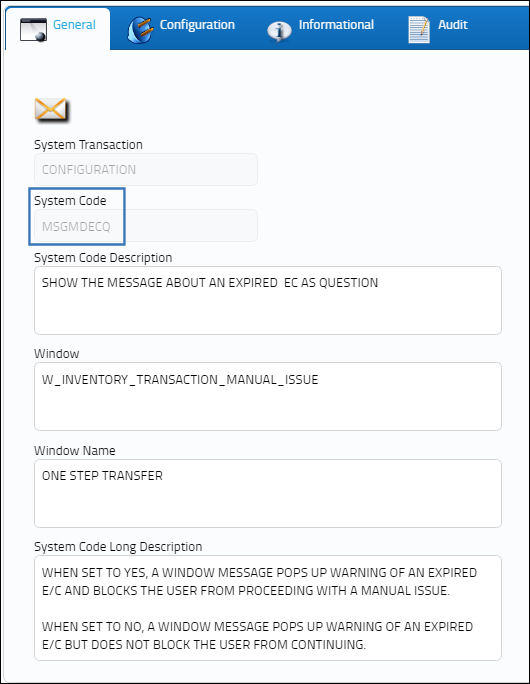
MSGMDECQ - Show the Message about the Mandatory E/C as a Question
Show the Message about the Mandatory E/C as a Question
Affected Window: w_inventory_transaction_manual_issue
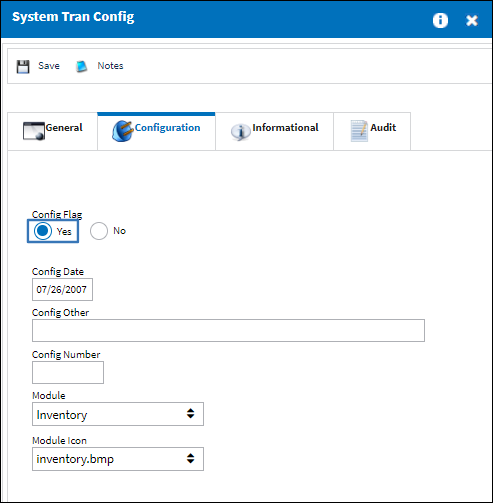
Switch Set to Yes:
When set to Yes, a Windows message pops up a warning of a mandatory E/C and blocks the user from proceeding with a Manual Issue.
Find an expired P/N then select the Manual Issue button. A popup message will state the following and block the Manual Issue.
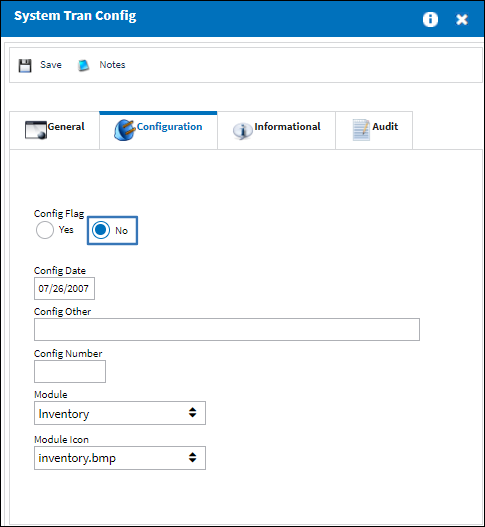
Switch Set to No:
When set to No, a Windows message pops up a warning of an expired E/C but does not block the user from continuing.
Find an expired P/N via Inventory Transaction then select the Manual Issue button. A popup message will state the following.
Users can select 'Yes' to continue with the manual Issue or select 'No' to return to the previous screen.
Download Online Help
Print
|
©1997-2018 Trax USA Corp. All rights reserved. This manual may not be copied, photocopied, reproduced, translated, or converted to any electronic or machine-readable form, in whole or in part, without prior written approval from Trax USA Corp. |
 |