 Download Online Help
 Print
|
|
|
|
|


RCVPRTDF - Set Default Number of Prints for P/N Identification Tag
Set Default Number of Prints for P/N Identification Tag
Affected Windows: w_pn_identification_tag_print
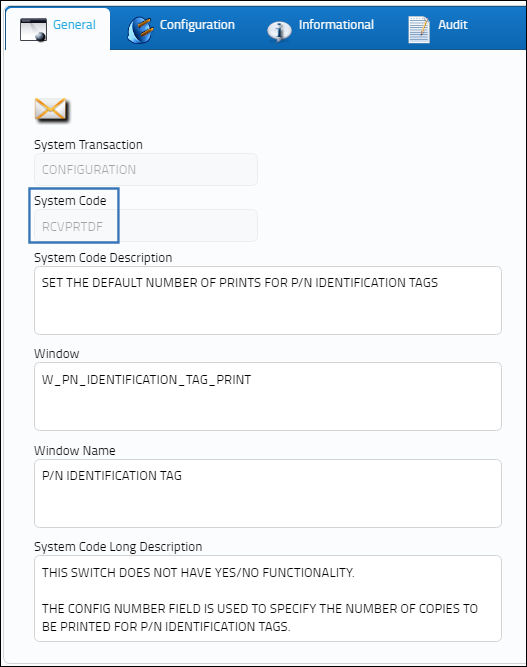
Note: This switch does not have Yes/No functionality.
The Config Number field is used to specify the number of copies to be printed for P/N Identification Tags. In the example below, the Config Number field is set to two.
After saving a Manual Issue, the system displays the Manual Issue Print. Notice how the Manual Issue Print Copies field matches the amount implemented in the Config Number field above.
The Label No field, in the P/N Identification Tag Print, matches the Config Number field mentioned above.
Download Online Help
Print
|
©1997-2018 Trax USA Corp. All rights reserved. This manual may not be copied, photocopied, reproduced, translated, or converted to any electronic or machine-readable form, in whole or in part, without prior written approval from Trax USA Corp. |
 |