 Download Online Help
 Print
|
|
|
|
|


SHOWLOANCAT
Shows Loan Category in P/N Explorer
Affected Window: w_pn_explorer
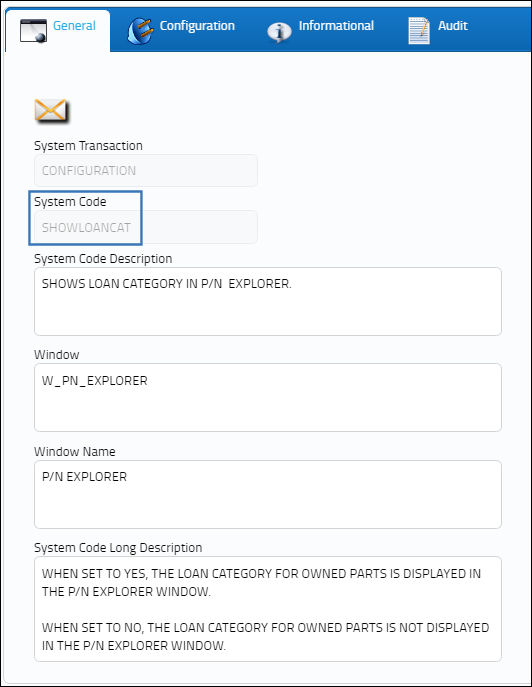
Switch Set to Yes:
When set to Yes, the Loan Category for owned parts is displayed in the P/N Explorer window.
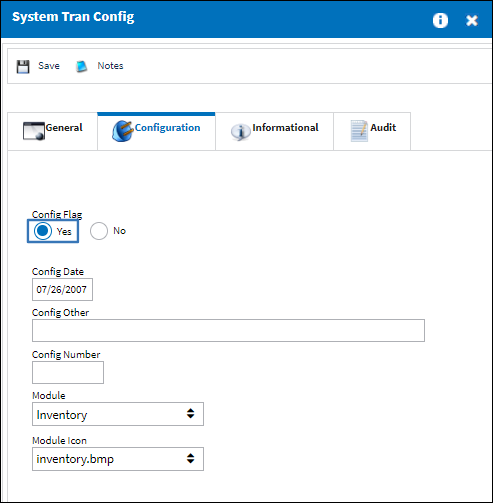
For example, from the Inventory Detail notice that the following part is owned and is categorized as 'LONG/LOAN.'
From the P/N Explorer, notice that the Owner category 'Long Loan' is displayed for the part.
Switch Set to No:
When set to No, the Loan Category for owned parts is not displayed in the P/N Explorer window.
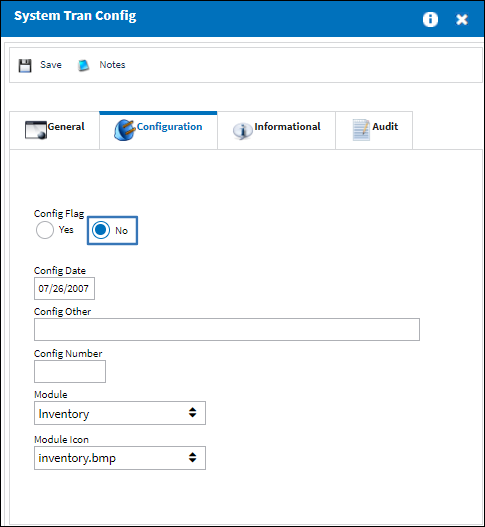
From the Inventory Detail notice that the following part is owned and is categorized as 'LONG/LOAN.'
From the P/N Explorer, notice that the Owner category is not displayed for the part, simply the Owner.
Download Online Help
Print
|
©1997-2018 Trax USA Corp. All rights reserved. This manual may not be copied, photocopied, reproduced, translated, or converted to any electronic or machine-readable form, in whole or in part, without prior written approval from Trax USA Corp. |
 |