
 Share
Share
 Print
Print
|
|
|
|
|



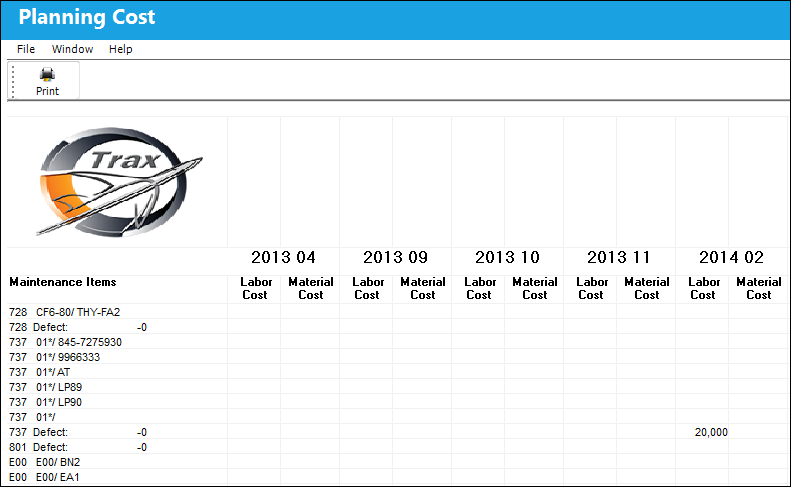
The Cost  button in the Planning Query results window will take the user to a preview screen for the cost information for each item selected in the Planning query.
This print will show the monthly costs for labor and material for each maintenance item.
The product is similar to a spreadsheet, as displayed below:
Share
Print
|
©1997-2026 Trax USA Corp. All rights reserved. This manual may not be copied, photocopied, reproduced, translated, or converted to any electronic or machine-readable form, in whole or in part, without prior written approval from Trax USA Corp. |
 |