 Download Online Help
 Print
|
|
|
|
|


INTERACTPLANMANHOURS - Interactive Planner Displays Man Hours per Location/Site
Interactive Planner Displays Daily Man Hours per Location/Site
Affected Window: w_ac_planning_qry
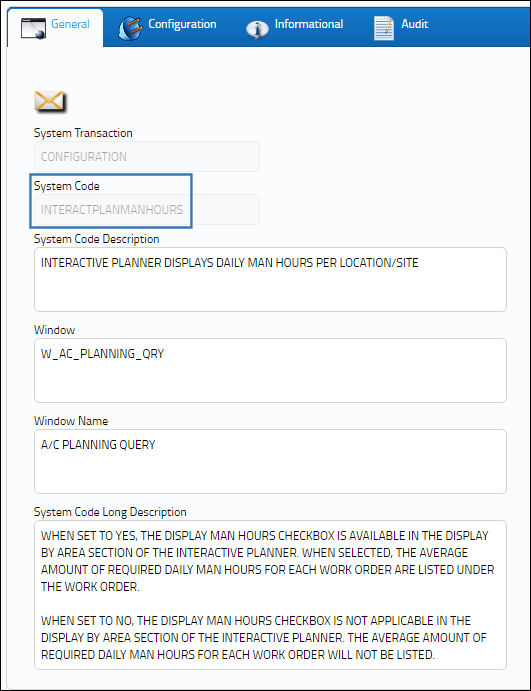
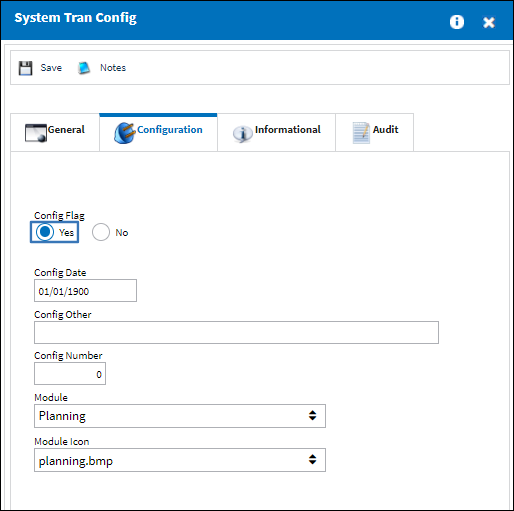
Switch Set to Yes:
When set to Yes, the Display Man Hours checkbox is available in the Display by Area section of the Interactive Planner. When selected, the average amount of required daily Man Hours for each Work Order is listed under the Work Order.
Notice that the following Work Order Task Car contains a specified amount of total Man Hours (Man Hours x Men Required = Total Man Hours).
From the Interactive Planner, with the Display Man Hours checkbox is selected, notice that the amount of Man Hours required to complete the W/O tasks have been divided by the days of the Work Order. The Total Man Hours have been divided by the amount of days that the Work Order is scheduled to require.
Note 1: If the amount of Total Man Hours required for each Work Order cannot be evenly divided by the amount of days for the W/O, each day will be rounded up to the nearest whole number.
Note 2: If the Exclude Man Hours from Interactive Planner checkbox is selected in the W/O, Optional tab, then that specific W/O's Man Hours will not be displayed in the Interactive Planner.
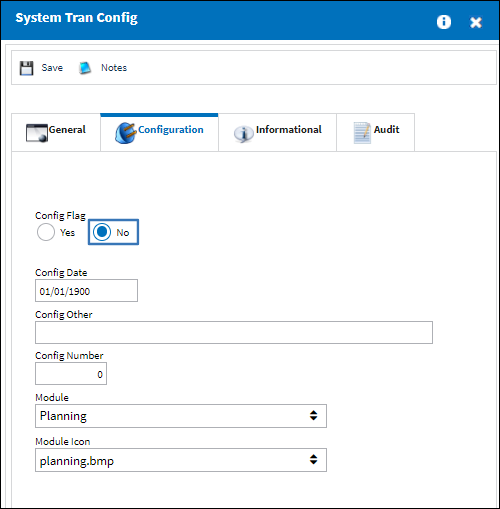
Switch Set to No:
When set to No, the Display Man Hours checkbox is not applicable in the Display by Area section of the Interactive Planner. The average amount of required daily Man Hours for each Work Order will not be listed.
Notice that the Man Hours are not displayed for the Work Order in the Interactive Planner.
Download Online Help
Print
|
©1997-2018 Trax USA Corp. All rights reserved. This manual may not be copied, photocopied, reproduced, translated, or converted to any electronic or machine-readable form, in whole or in part, without prior written approval from Trax USA Corp. |
 |