 Download Online Help
 Print
|
|
|
|
|


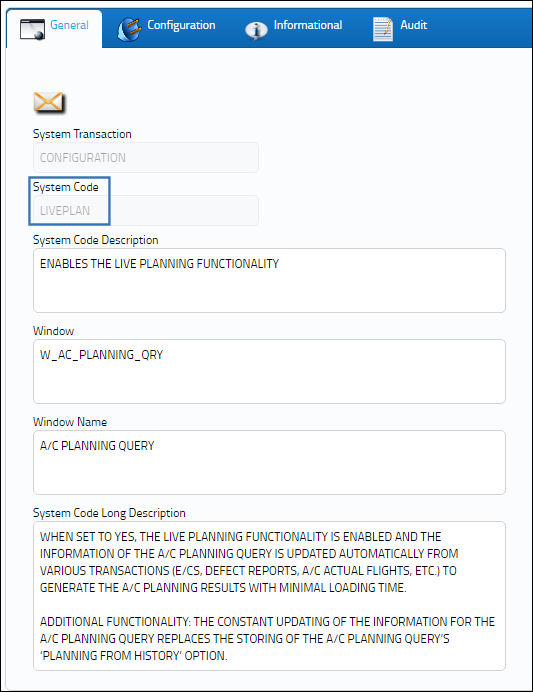
LivePlan - Enables the Live Planning Functionality
Enables the Live Planning Functionality
Affected Window: w_ac_planning_qry
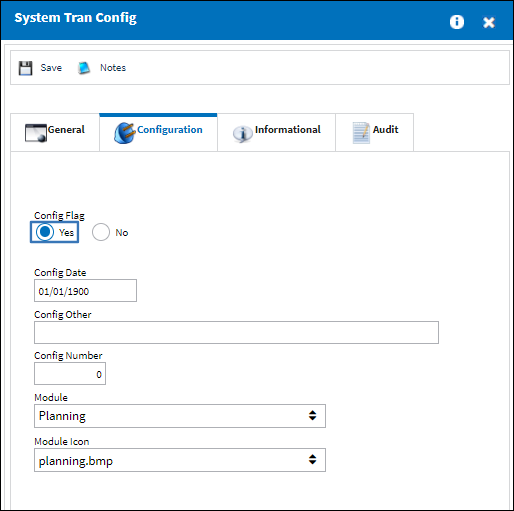
Switch Set to Yes:
When set to Yes, the Live Planning functionality is enabled and the information of the A/C Planning Query is updated automatically from various transactions (see below) to generate the A/C Planning Results with minimal loading time.
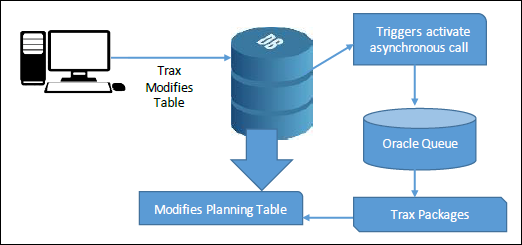
After records are created or updated in the application, a job is triggered to run parallel to the transaction to automatically update the information of the A/C Planning Query. This parallel job generates the A/C Planning Results in real-time, thereby greatly reducing the amount of time it takes to run the standard Planning Query.
Note: The constant updating of the information for the A/C Planning Query replaces the storing of the A/C Planning Query’s ‘Planning From History’ option.
The following triggers call planning actions that will keep Planning data active.
Action Triggers:
- Engineering Control
- with Planning checkbox selected
- Engineering Effective Table
- Engineering Schedule Override Table
- Defect Table
- P/N Control Table
- W/O Table
- updates planning W/O information
- A/C Actual Flights Table
- Concessions
- Part Installations and Removals
- W/O Engineering Table
- updates planning W/O information
- W/O Task Card Table
- updates planning W/O information
Asynchronous Database Transaction Calls:
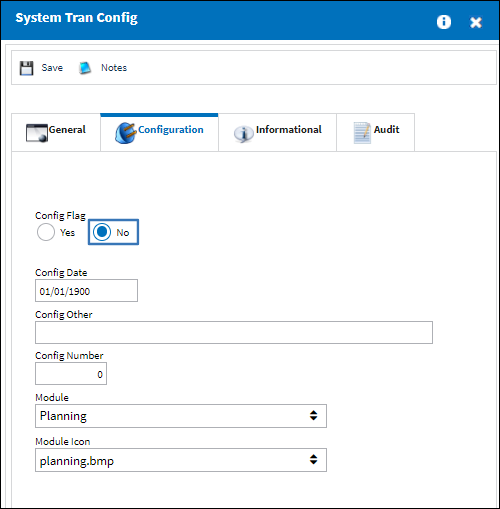
Switch Set to No:
When set to No, the standard functionality of the A/C Planning Query is utilized to generate the information upon each use.
Download Online Help
Print
|
©1997-2018 Trax USA Corp. All rights reserved. This manual may not be copied, photocopied, reproduced, translated, or converted to any electronic or machine-readable form, in whole or in part, without prior written approval from Trax USA Corp. |
 |