
 Share
Share
 Print
Print
|
|
|
|
|


Limited Document Control options exist from within the Receiving Inspection window. The Document Control  button provides access to a dialog to management documents for the record. Features include:
- Create New Document
- Save a Document
- Select a Document
- Erase/Delete a Document
- Print a Document
- TraxDoc Lookup
- Web Link
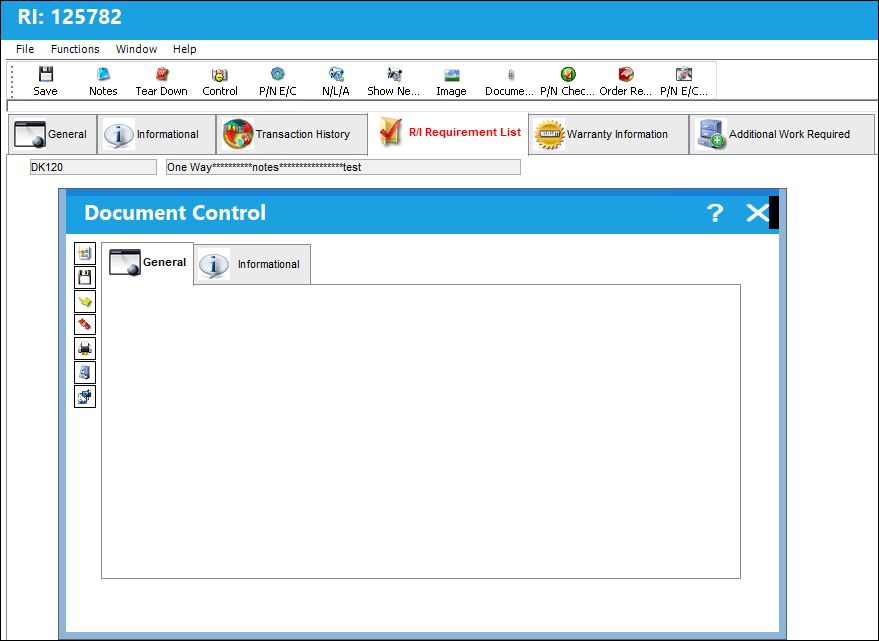
: The Document Control button populates the Document Control window with limited options from within the Receiving Inspection window. Some functionality such as Surveys, otherwise available through Document Control within the Work Order Task Card environment, are not active in the Receiving Inspection module. Consult the Standards manual for more information on this subject.
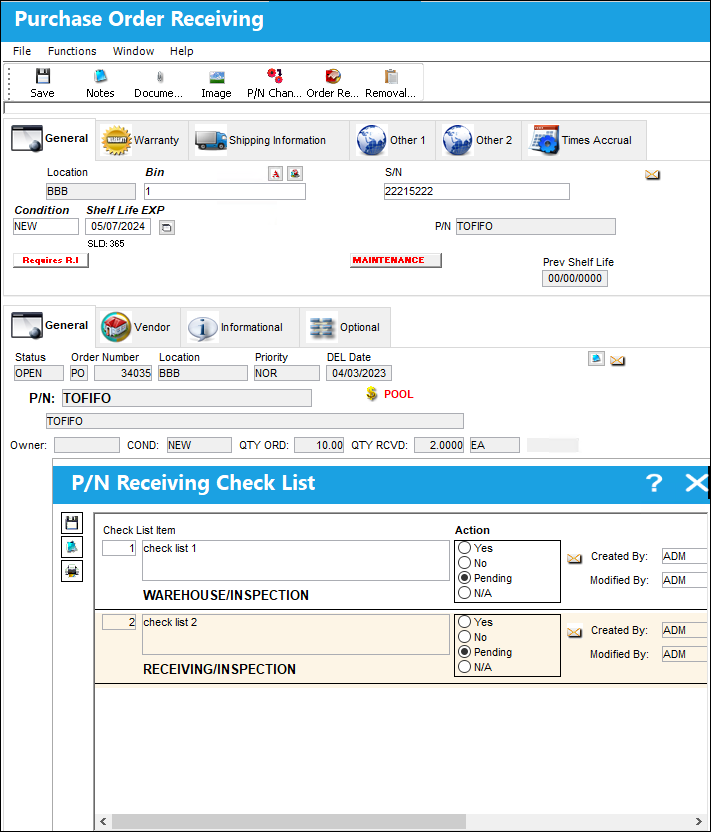
Notice that when a P/N Receiving Check List is opened, a Survey, even when one is available through W/O Task Control, does not populate with the documents available within Receiving.
Share
Print
|
©1997-2026 Trax USA Corp. All rights reserved. This manual may not be copied, photocopied, reproduced, translated, or converted to any electronic or machine-readable form, in whole or in part, without prior written approval from Trax USA Corp. |
 |