
 Share
Share
 Print
Print
|
|
|
|
|



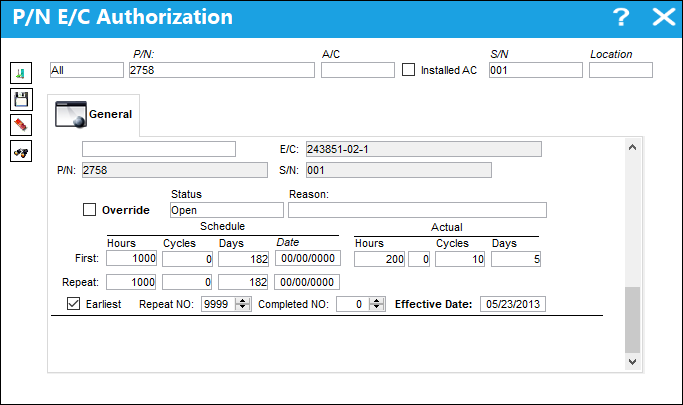
The P/N E/C Authorization  button allows the user to view E/Cs attached to a S/N during R/I and update/override the E/Cs status and schedule.
 This button is security controlled via Receiving/ Update/ Receiving Inspection/ RI P/N E/C Authorization. For additional information, refer to the Security Explorer via the System Administration Training manual.
When the P/N E/C Authorization button is selected, the system displays the P/N E/C Authorization window which works in the same manner as when accessed via the Technical Records module. For additional information refer to P/N E/C Authorization.
Share
Print
|
©1997-2026 Trax USA Corp. All rights reserved. This manual may not be copied, photocopied, reproduced, translated, or converted to any electronic or machine-readable form, in whole or in part, without prior written approval from Trax USA Corp. |
 |