
 Share
Share
 Print
Print
|
|
|
|
|


The Import File via Scan  button allows the user to import files via scanning them into the system.
From the File Multi  button, select the Scan button.
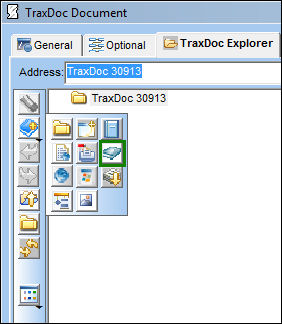
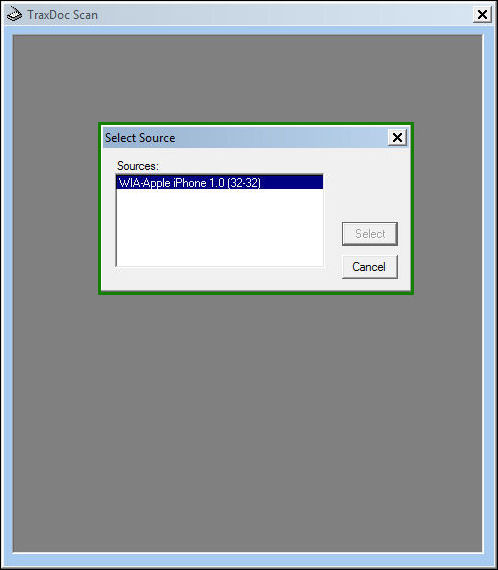
The TraxDoc Scan window appears. Once a source has been established, click on 'Select.'
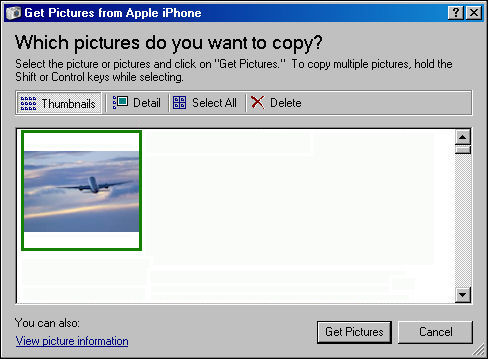
The following window appears. The user may choose to scan one or more images. In this example, the user will select one image. Once the image is selected, double click on it.
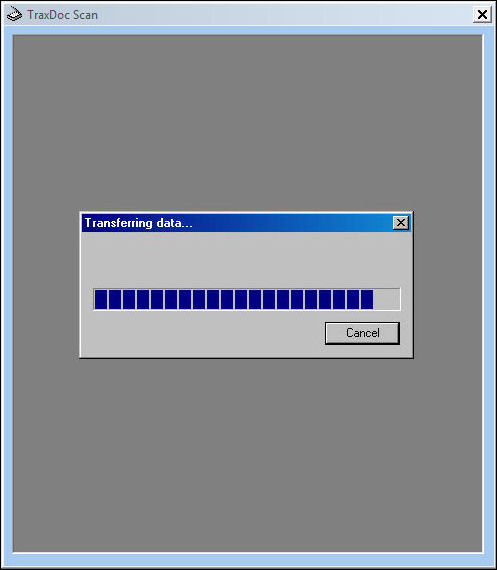
The Transferring data progress bar appears . . .
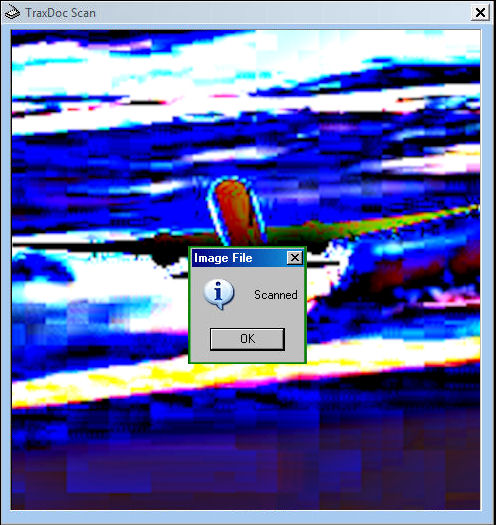
Once the progress bar has completed, the Image File pop-up appears. Select 'OK.'
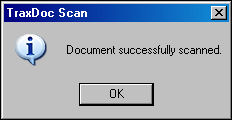
The TraxDoc Scan pop-up appears. Select 'OK.'
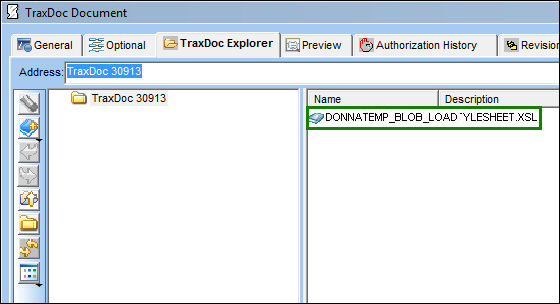
The image appears in the right panel of the TraxDoc Document, TraxDoc Explorer tab. Double click on the file.
A PDF of th image appears as shown below:

Share
Print
|
©1997-2026 Trax USA Corp. All rights reserved. This manual may not be copied, photocopied, reproduced, translated, or converted to any electronic or machine-readable form, in whole or in part, without prior written approval from Trax USA Corp. |
 |