
 Share
Share
 Print
Print
|
|
|
|
|


The Search  button, via the W/O Non-routine Task Card window takes the user to the W/O Task Card and Non-Routine Search window. This window allows the user to create Non- Routine Task Cards and query for both Task Cards and Non-Routine Task Cards based on the various search criteria.
 The Search button is security controlled via Production/ Update/ W/O/ W/O Non Routine Express Find Button. For additional information, refer to the Security Explorer via the System Administration Training Manual.
When the button is selected, the W/O Task Card and Non-Routine Search window is displayed and the Work Order field is automatically populated with the Work Order associated to the Non-Routine Task Card. From this search window, users can search for associated Routine and Non-Routine Task Cards.
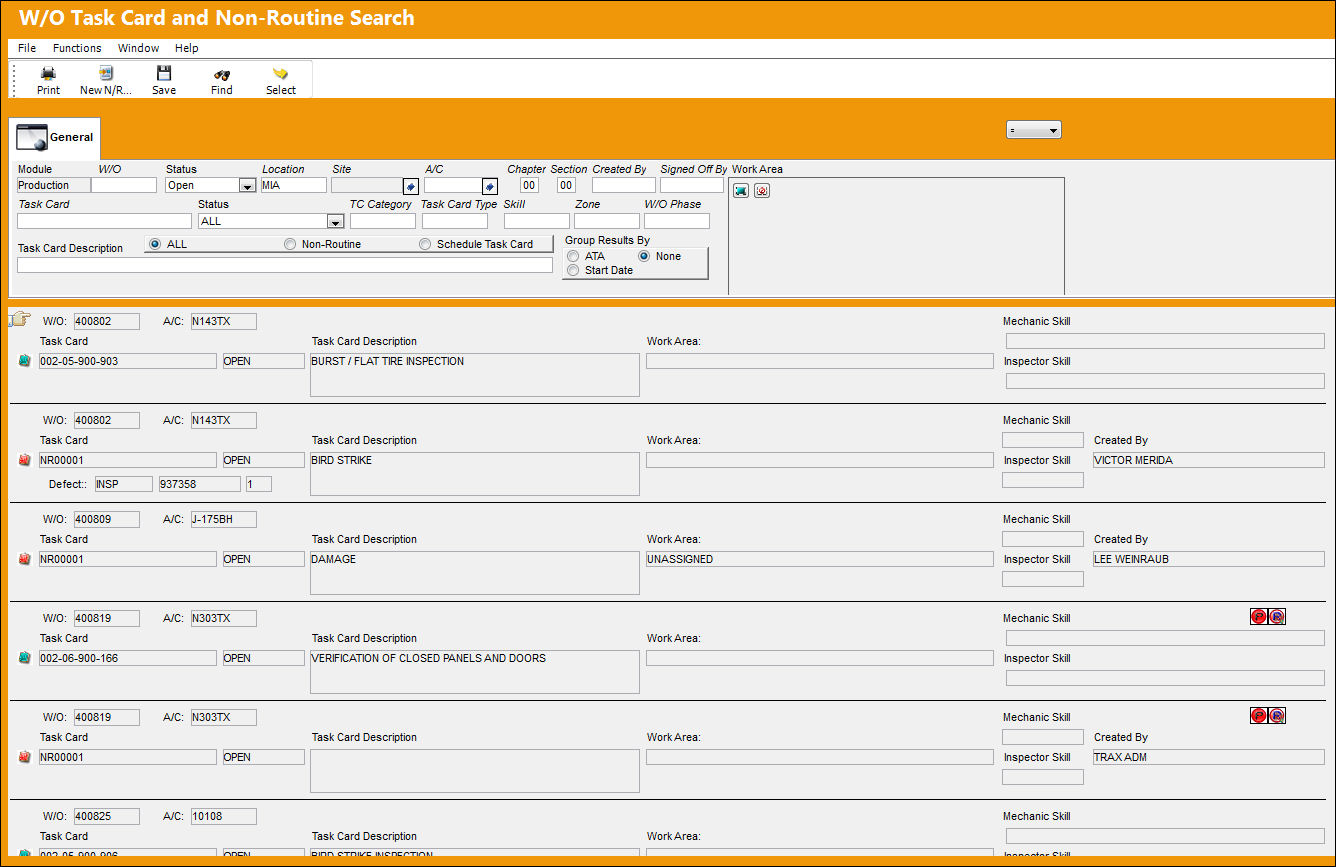
For additional information, refer to the W/O Task Card and Non-Routine Search, via the Production Training Manual.
Share
Print
|
©1997-2026 Trax USA Corp. All rights reserved. This manual may not be copied, photocopied, reproduced, translated, or converted to any electronic or machine-readable form, in whole or in part, without prior written approval from Trax USA Corp. |
 |