
 Share
Share
 Print
Print
|
|
|
|
|


Inspectors can inspect Non-Routine Task Cards via the Non-Routine Express window by selecting the Complete Inspection  button.
 This button is security-controlled via Production/ Update/ W/O/ W/O Non Routine Express Complete Inspection Button. For more information refer to the Security Explorer via the System Administration Training Manual.
For example, notice that work has been completed on the selected T/C Item. The Item contains the Work Accomplished and the Status of the N/R T/C is 'INPROGRESS.'
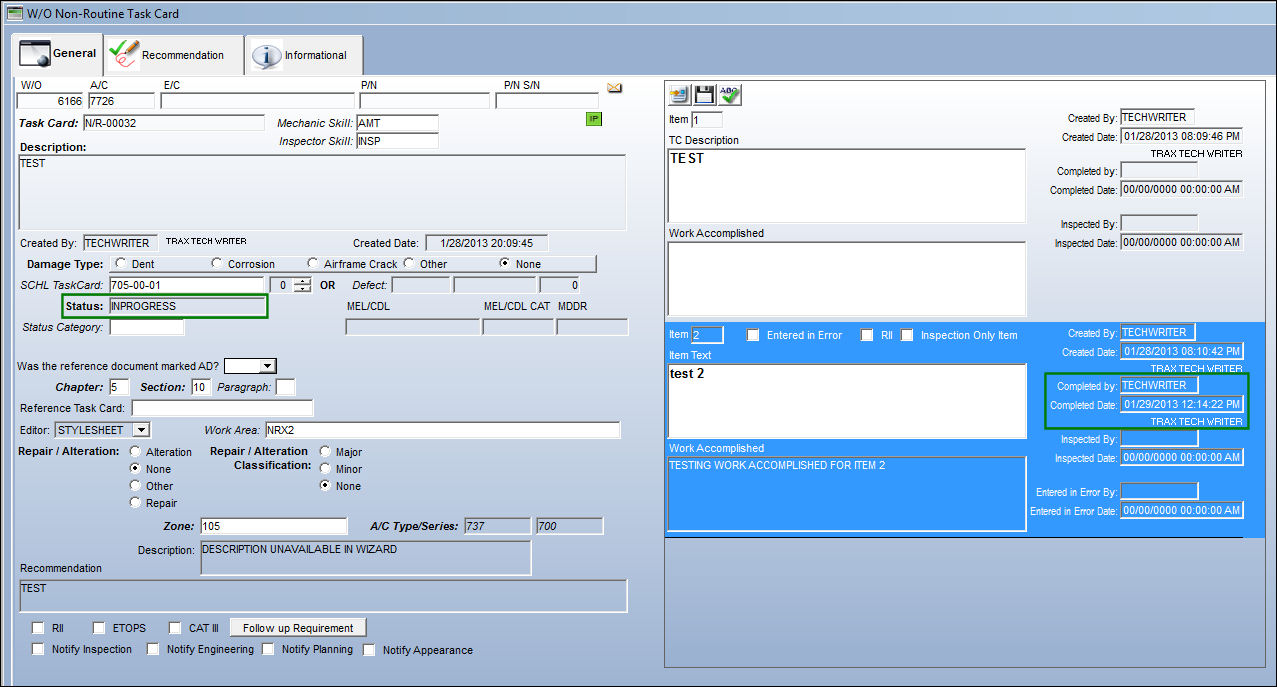
When the Complete Inspection button is selected, the following prompt appears.
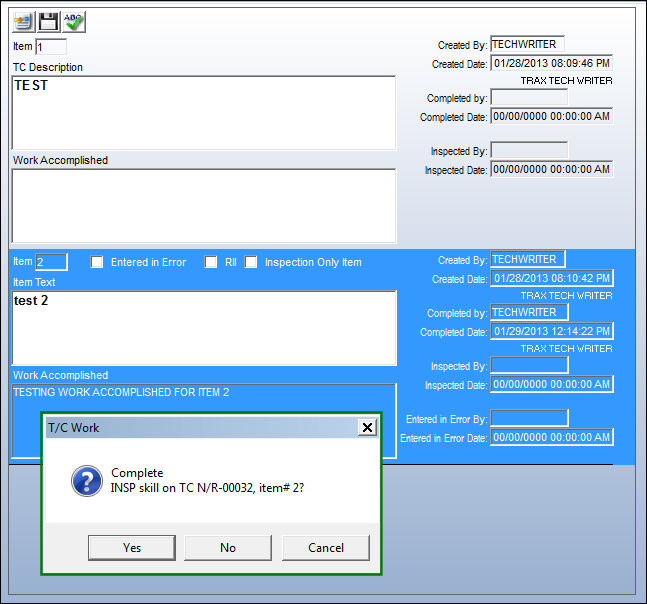
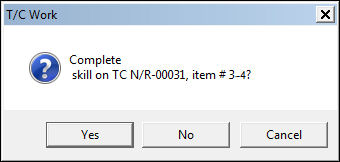
Multiple completed Items can be selected at the same time and completed. When this occurs, the above prompt will list each Item being inspected.
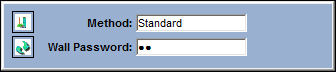
The user may be required to enter their Wall Password (depending on their security configuration).
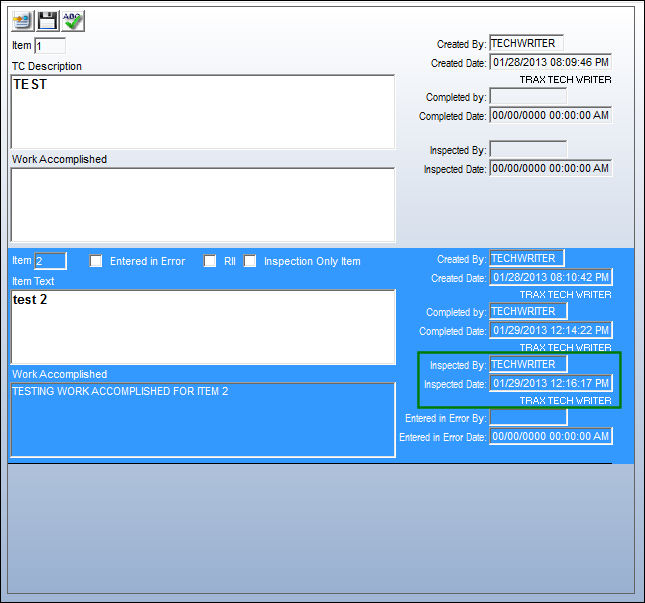
Once the Item is inspected, the Inspected By fields become automatically populated with the inspector's name and the date/time of the inspection.
Share
Print
|
©1997-2026 Trax USA Corp. All rights reserved. This manual may not be copied, photocopied, reproduced, translated, or converted to any electronic or machine-readable form, in whole or in part, without prior written approval from Trax USA Corp. |
 |