
 Share
Share
 Print
Print
|
|
|
|
|


Shelf Life View, via P/N Explorer
The user may view parts in inventory using the P/N Explorer's Shelf Life View:
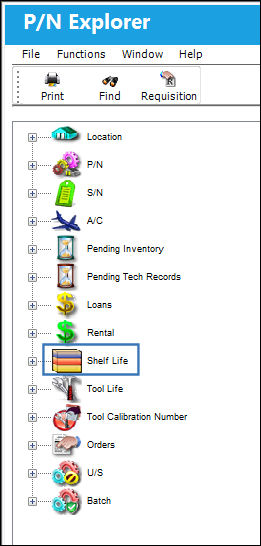
By clicking on the Expand  button next to the Shelf Life View, TRAX displays the locations where parts "on the shelf" may be found:
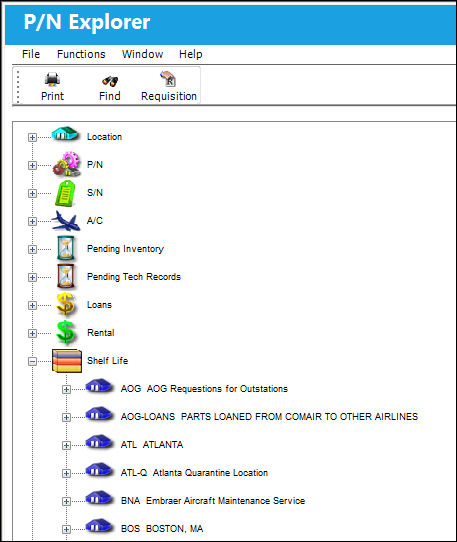
By clicking on the Expand button next to the part, TRAX displays the following pop-up window:
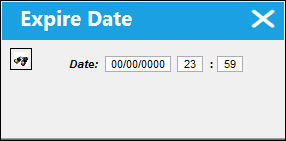
Enter the date (mm/dd/yyyy) and the time (twenty-four hour clock) to see if there are parts on the shelf at the selected location.
If the date and time requirements are true for a part or set of parts at the selected location, then TRAX will re-display the above screen with these parts.
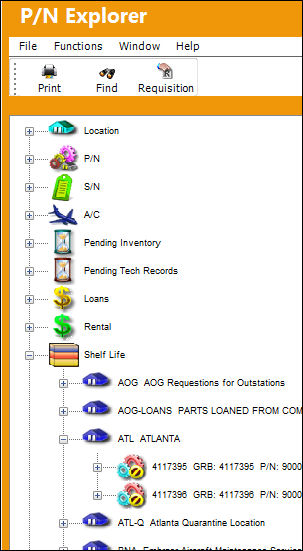
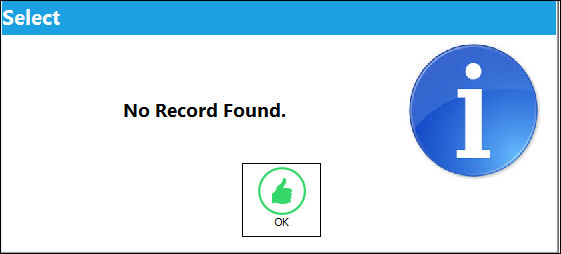
If the date and time specifications are not valid for a part or set of parts at the selected location, then TRAX displays the following message:
Right click on any Shelf Life P/N to access additional options as shown below:
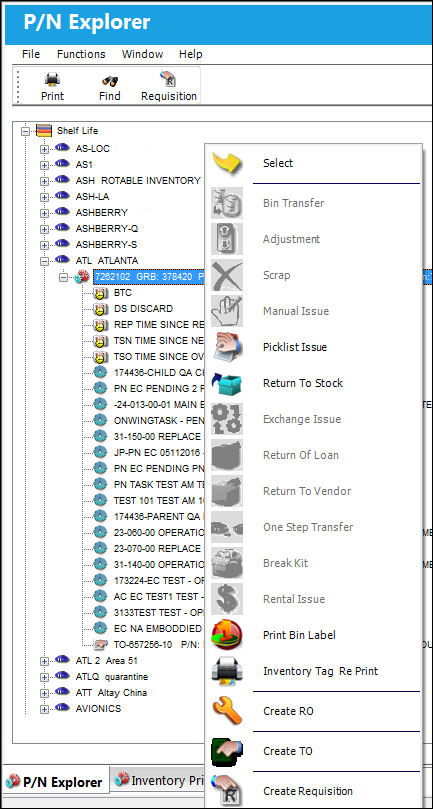
For information on the above buttons, refer to the P/N Explorer Buttons, via the P/N Explorer.
Share
Print
|
©1997-2026 Trax USA Corp. All rights reserved. This manual may not be copied, photocopied, reproduced, translated, or converted to any electronic or machine-readable form, in whole or in part, without prior written approval from Trax USA Corp. |
 |