
 Share
Share
 Print
Print
|
|
|
|
|


Orders View, via P/N Explorer
The user may view parts in inventory using the P/N Explorer's Orders view:
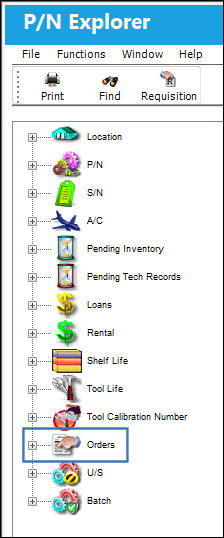
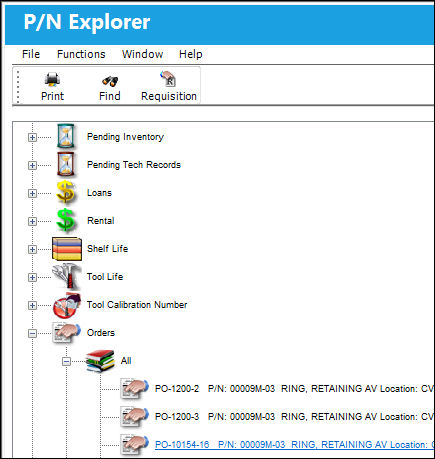
Double-click on the Orders view and TRAX displays the following:
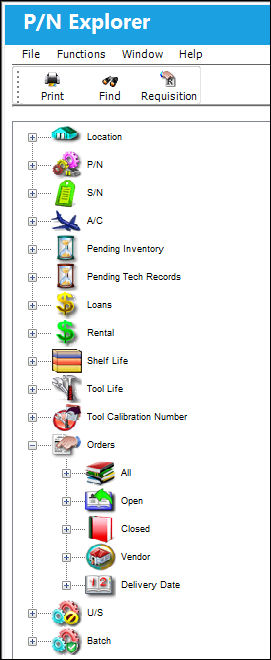
There are five views under the Orders view where the user may see a part:
- All
- Open
- Closed
- Vendor
- Delivery Date
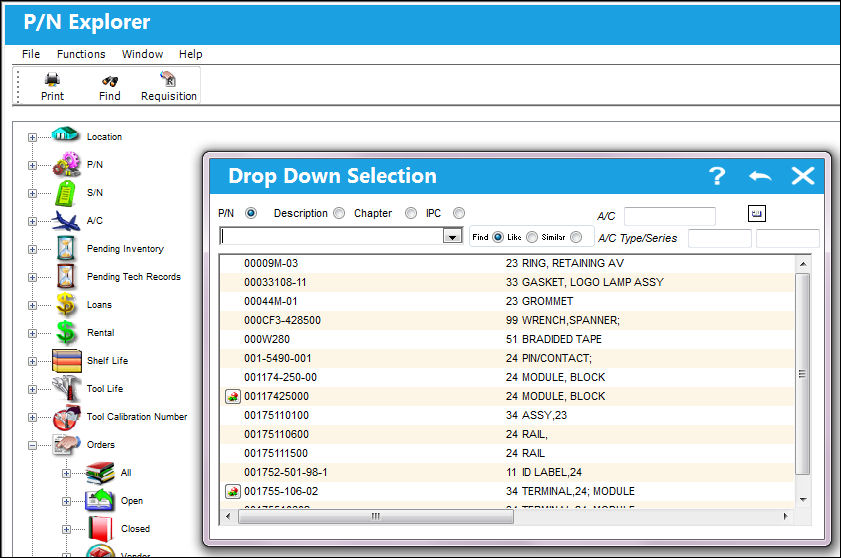
By selecting any one of the above options, TRAX displays a pop-up search window where the part may be selected.
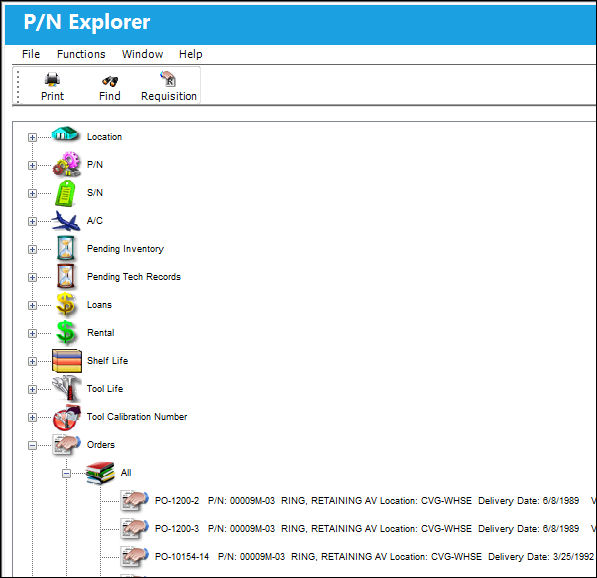
If the part is classified according to the search criteria (open, closed, etc.) then TRAX places the part in the respective view.
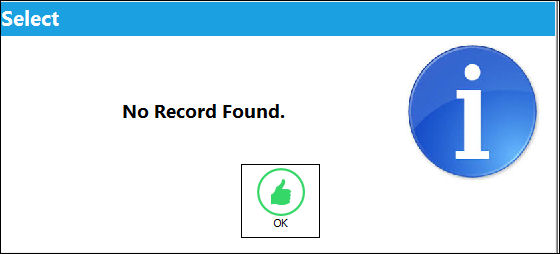
If there are no parts according to the search criteria, then TRAX displays the following message:
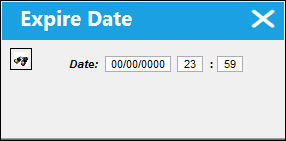
When the Delivery Date option is selected, a listing of all Locations appears. When the Expand  button is selected for a Location, the Date and Time prompt pops up:
When orders are found for parts in that Location they will be displayed.
Right click on any of the locations to access additional options as shown below:
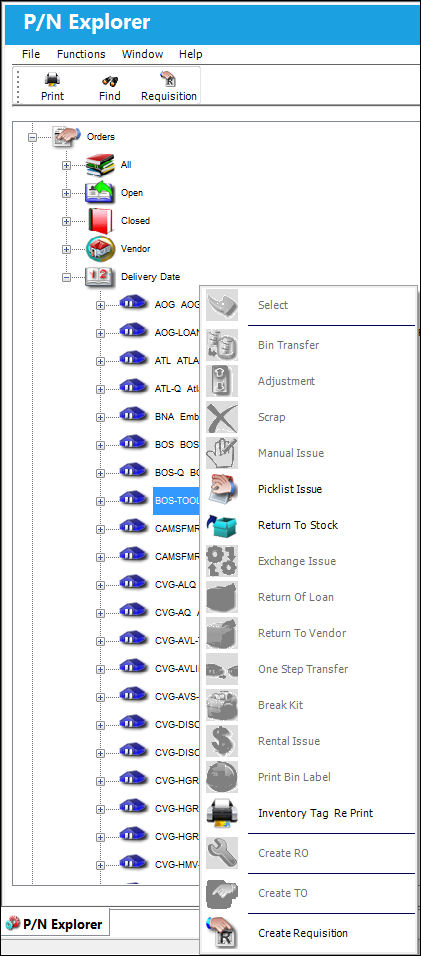
For information on the above buttons, refer to the P/N Explorer Buttons, via the P/N Explorer.
Share
Print
|
©1997-2026 Trax USA Corp. All rights reserved. This manual may not be copied, photocopied, reproduced, translated, or converted to any electronic or machine-readable form, in whole or in part, without prior written approval from Trax USA Corp. |
 |