
 Share
Share
 Print
Print
|
|
|
|
|


The Material Request  button enables the Material Integration functionality.
From the Company Profile window, select the Material Request button.
 This feature is part of the Material Integration functionality which allows an airline to use its suppliers' inventoried parts through a seamless integration system based on multiple interfaces. For more information refer to the TRAX Material Integration Functionality documentation excerpt and consult a TRAX interface administrator.
The Material Request Config File window appears. Select the Import  button.
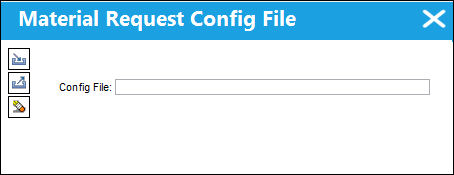
Browse for the .XML file and exit.
Share
Print
|
©1997-2026 Trax USA Corp. All rights reserved. This manual may not be copied, photocopied, reproduced, translated, or converted to any electronic or machine-readable form, in whole or in part, without prior written approval from Trax USA Corp. |
 |