
 Share
Share
 Print
Print
|
|
|
|
|


The Damage tab of the W/O Non-Routine Task Card Express window is used to enter detailed information regarding the damage sustained by an Aircraft for the W/O Non-Routine Task Card. This tab only appears when a Damage Type is selected in the Non-Routine Express, General tab. The Damage Types include Dent, Corrosion, Airframe Crack, Other, and None. Each Damage Type selection will alter the fields displayed in the Damage tab. If 'None' is selected, the Damage tab will not appear in the window.
This tab offers the same information that is offered in the Corrosion/Damage and Repair window in a condensed format. For more information refer to the Corrosion/Damage & Repair Button, via Defect Report Detail, General Tab from the Engineering Training Manual.
 This tab is security-controlled via Production/ Update/ W/O Non Routine Express Damage Tab. For more information refer to the Security Explorer via the System Administration Training Manual.
For more information, refer to the following available tabs:
- W/O Non-Routine Task Card Express, Damage Tab - Dent
- W/O Non-Routine Task Card Express, Damage Tab - Corrosion
- W/O Non-Routine Task Card Express, Damage Tab - Airframe Crack
Other:
When Other is selected in the General tab, the Damage tab is not available.
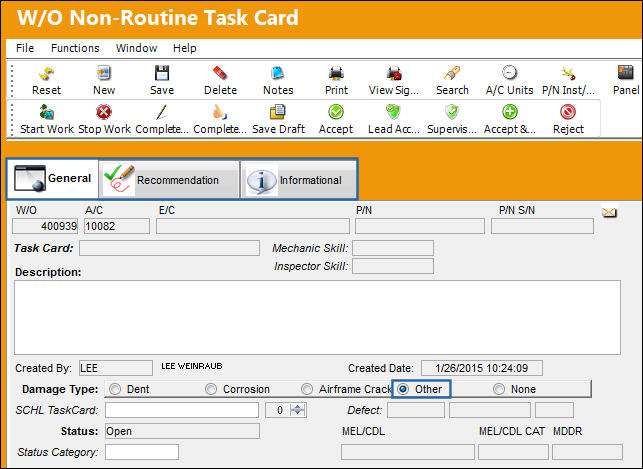
None:
When 'None' is selected in the General tab, the Damage tab is not available as there is no damage of any kind to report.
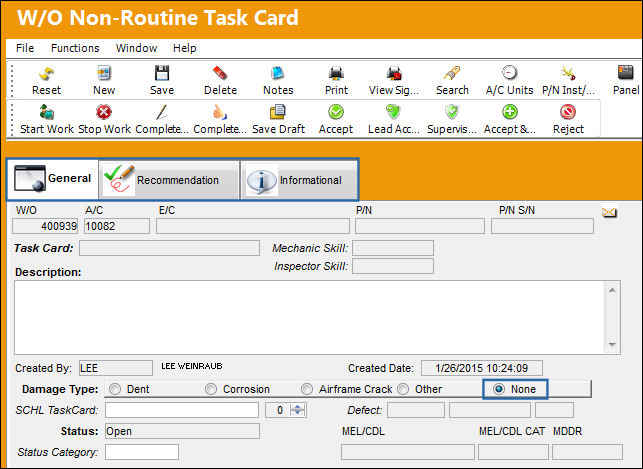
Share
Print
|
©1997-2026 Trax USA Corp. All rights reserved. This manual may not be copied, photocopied, reproduced, translated, or converted to any electronic or machine-readable form, in whole or in part, without prior written approval from Trax USA Corp. |
 |