
 Share
Share
 Print
Print
|
|
|
|
|


ORDLINEMULTINV - Multiple Invoices can be Linked to Single Order Lines

Multiple Invoices can be Linked to Single Order Lines
Affected Window: w_invoice_order_sel
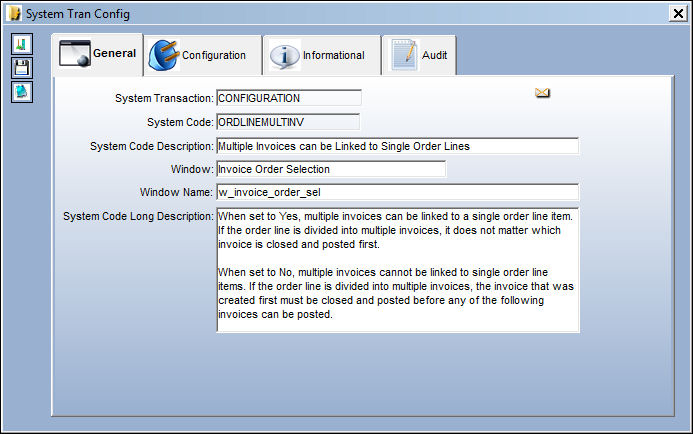
Switch Set to Yes:
When set to Yes, multiple invoices can be linked to a single order line item. If the order line is divided into multiple invoices, it does not matter which invoice is closed and posted first.
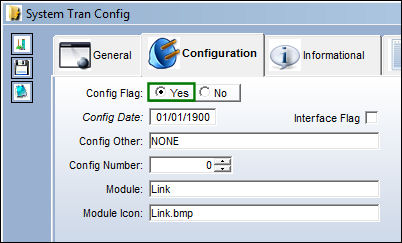
For example, the following Purchase Order was created. The order is for two part on the same line item.
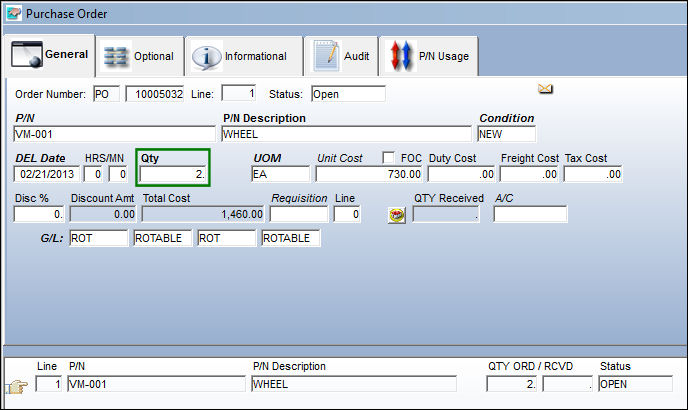
The ordered parts are then received and invoiced, one at a time.
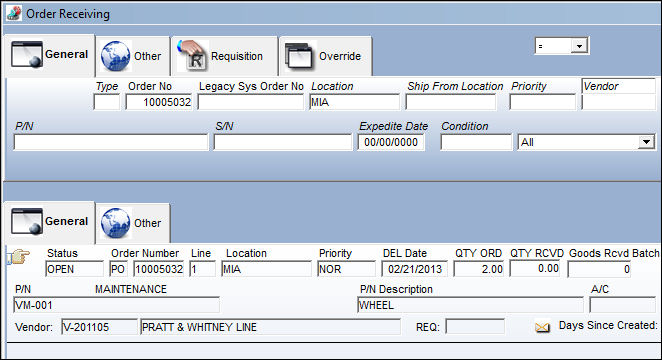
The first part of the order is received.
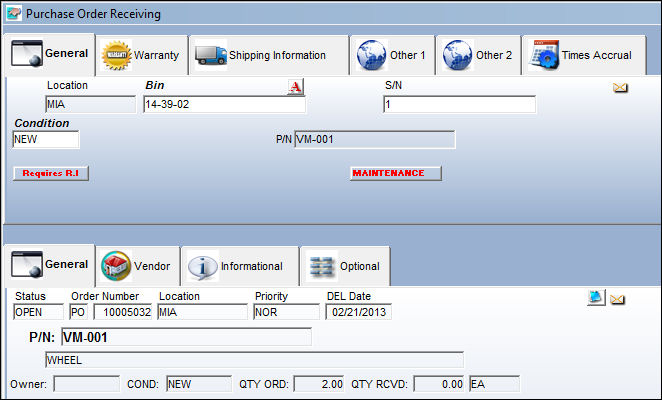
Notice that only one part was received.
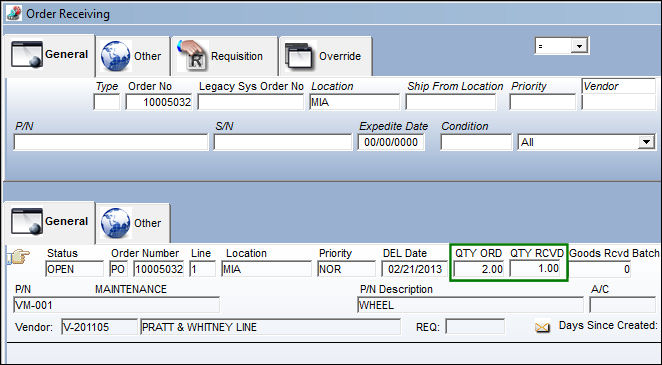
An invoice is then created for the first part, even while the order is not fully received.
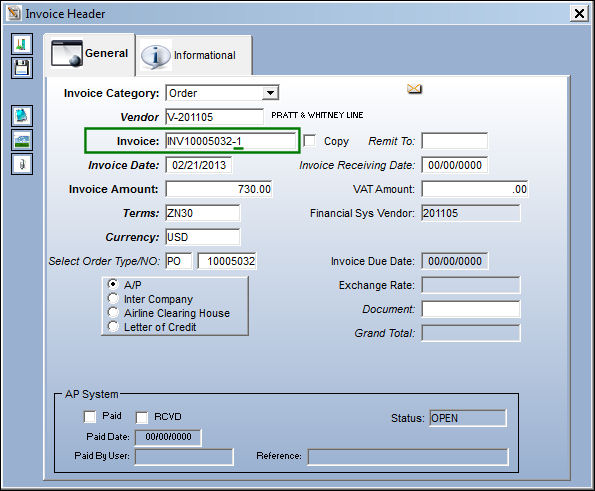
Notice the order was for two parts, but only one part was invoiced at this point. The invoice order is selected and saved, but it is not yet posted.
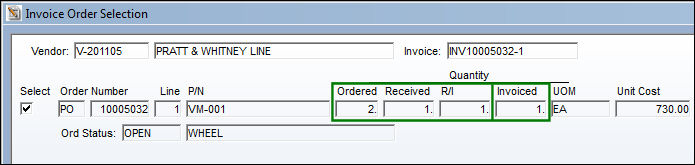
Now the second part from the order is received.
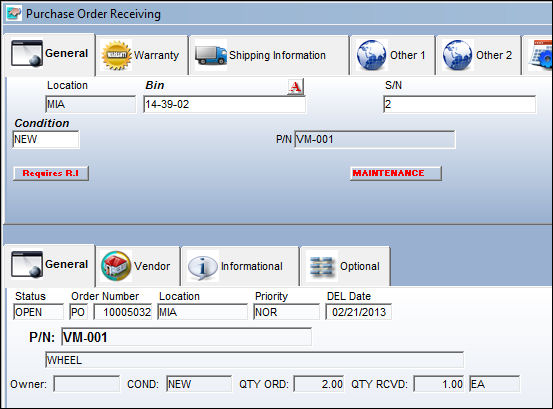
Notice that all of the order's parts have now been received.
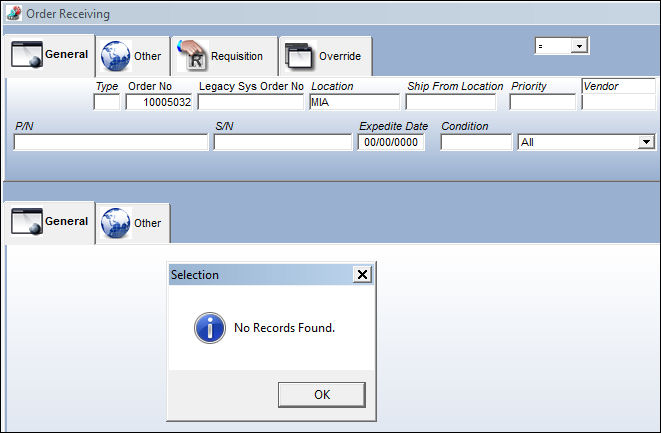
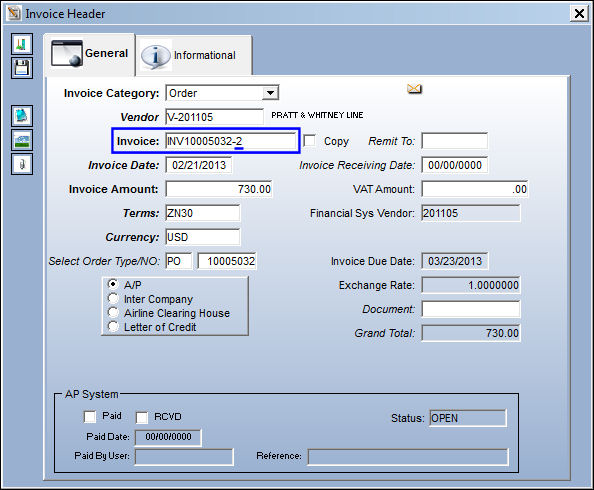
An invoice is then created for the second part of the invoice.
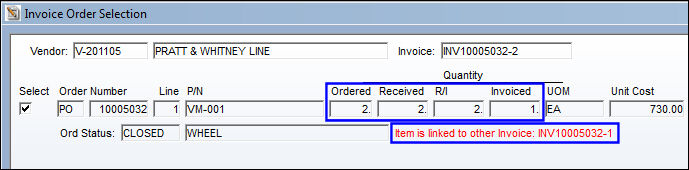
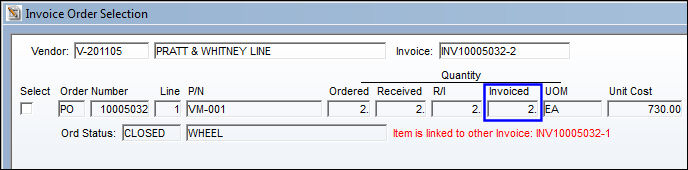
Notice that from the Invoice Order Selection window, the new invoice is linked to the previous invoice that was created for the same order.
When the invoice order is saved, the final part is invoiced.
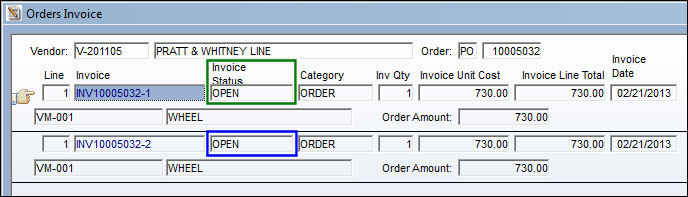
From the Orders Invoice window, notice that both invoices are open.
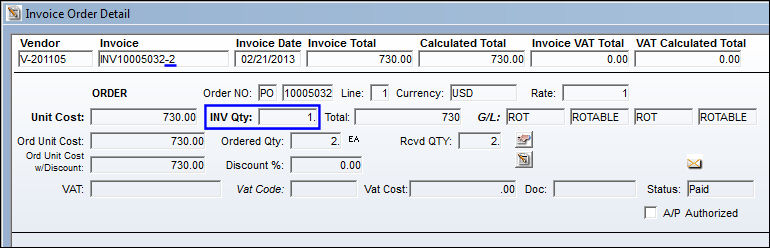
At this point, the newest invoice is closed and posted on its own.
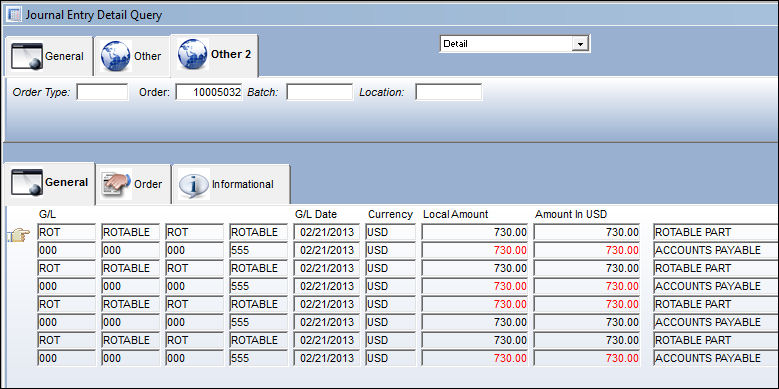
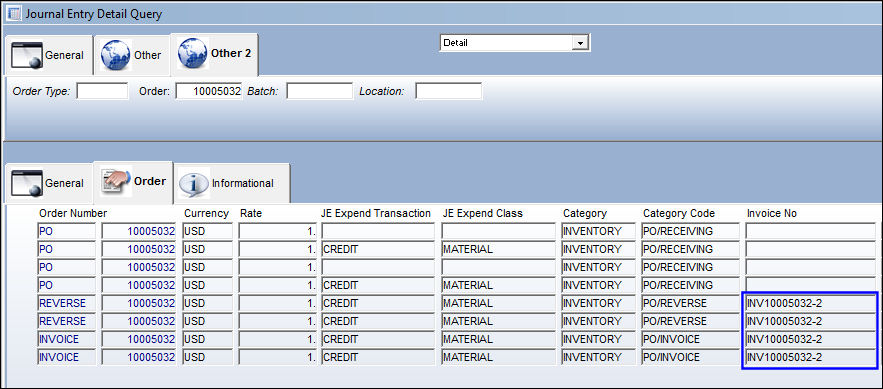
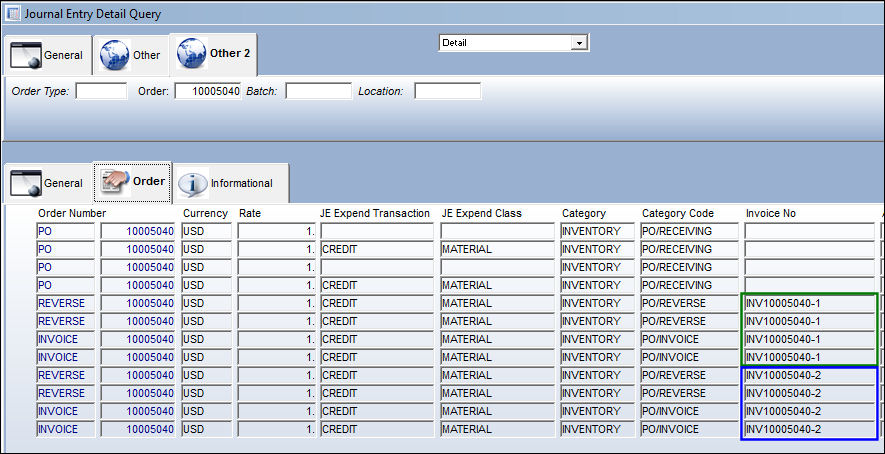
When this invoice is posted, the Journal Entries are created in the Journal Entry Detail Query window.
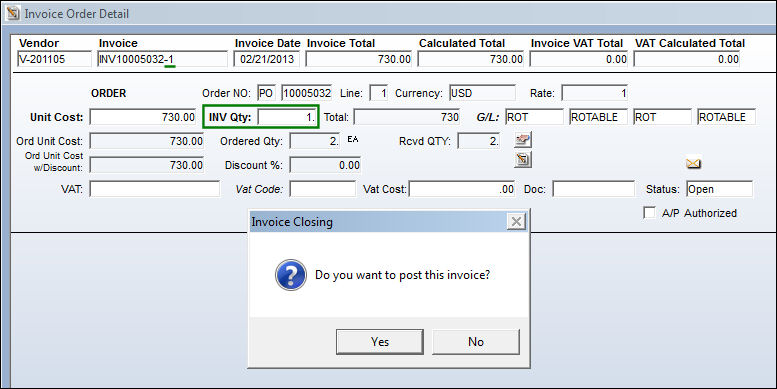
The first invoice is then closed and posted.
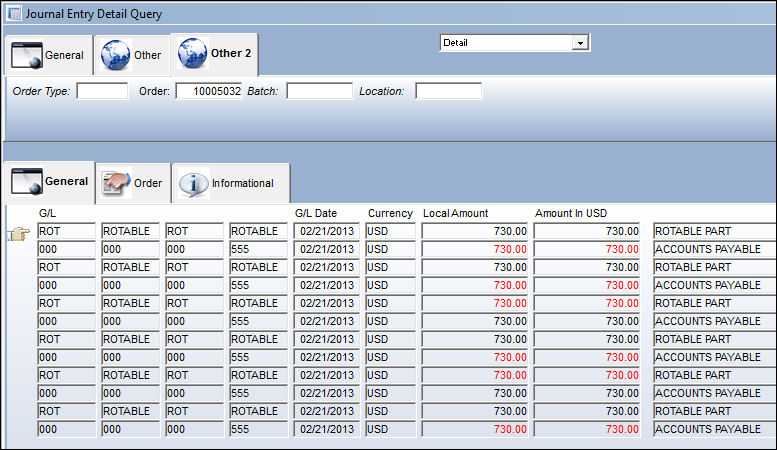
When this invoice is posted, the Journal Entries are created.
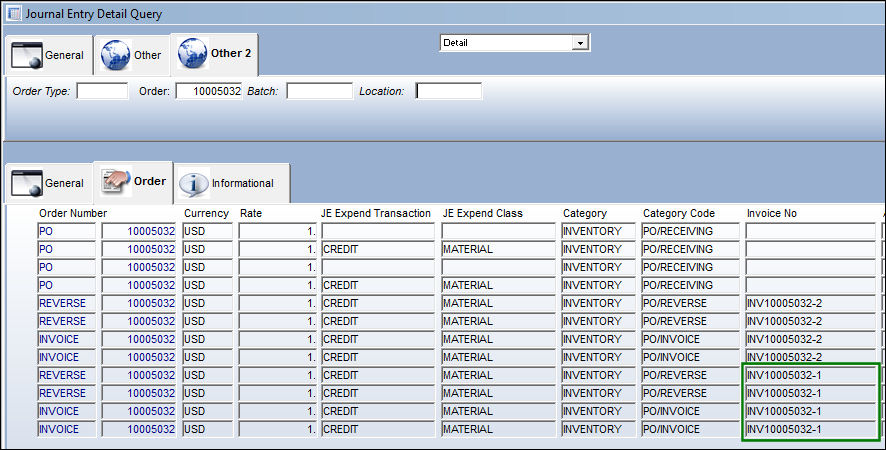
At this point, both Invoices are closed.
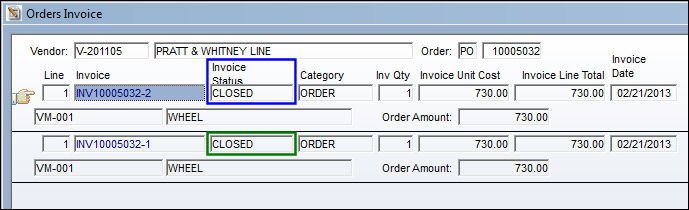
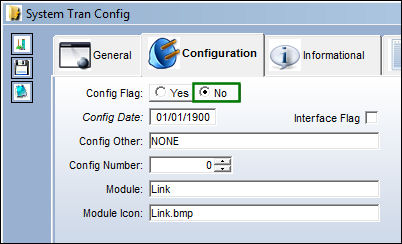
Switch Set to No:
When set to No, multiple invoices cannot be linked to single order line items. If the order line is split into multiple invoices, the first created invoice must be closed and posted before any of the other invoices can be posted.
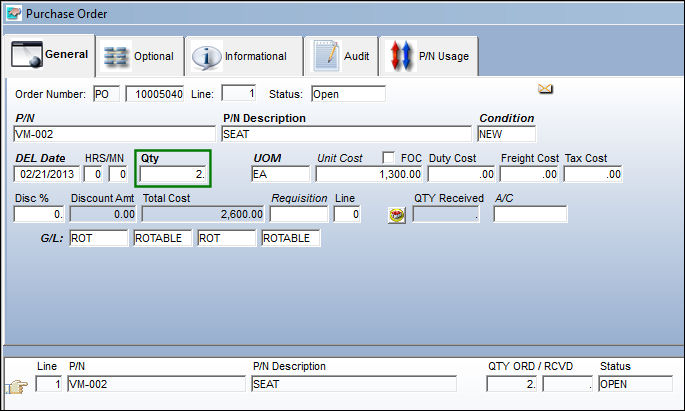
For example, the following Purchase Order was created. The order is for two part on the same line item.
The ordered parts are then received and invoiced, one at a time.
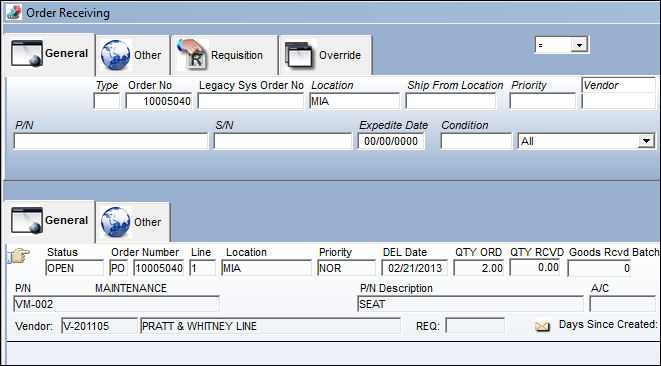
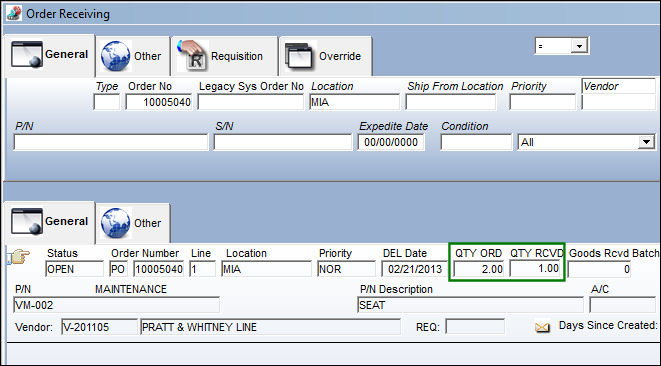
The first part of the order is received.
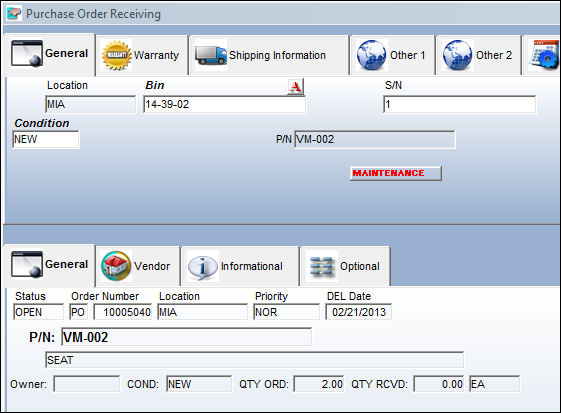
Notice that only one part was received.
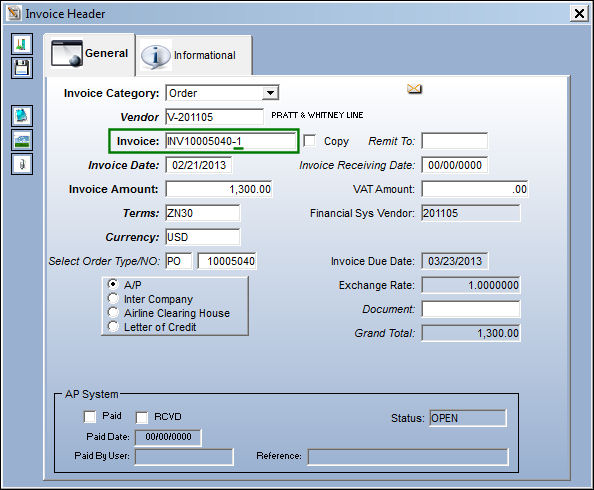
An invoice is then created for the first part, even while the order is not fully received.
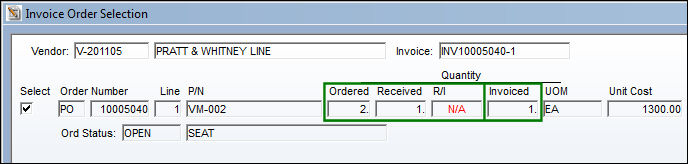
Notice the order was for two parts, but only one part was invoiced at this point. The invoice order is selected and saved, but it is not yet posted.
Now the second part from the order is received.
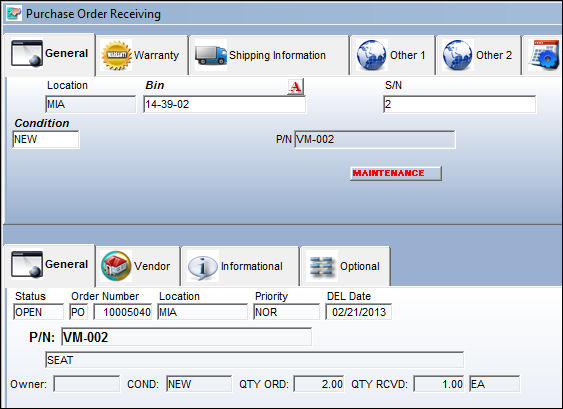
Notice that all of the order's parts have now been received.
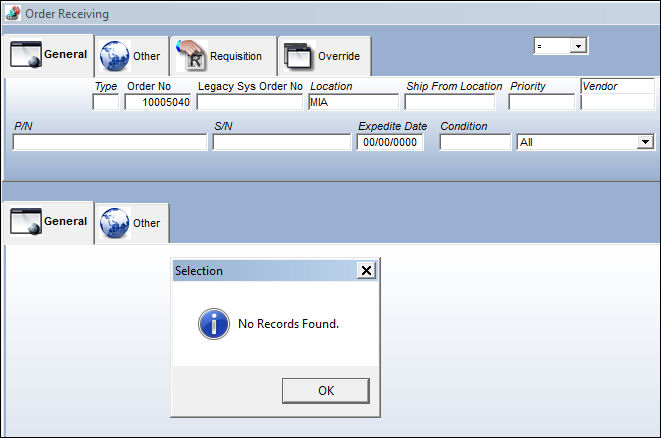
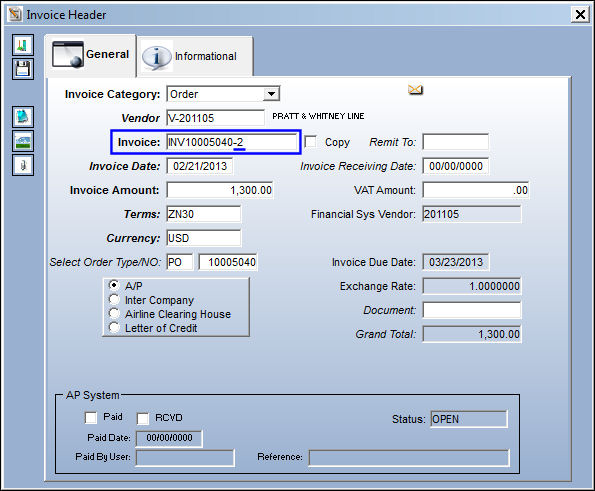
An invoice is then created for the second part of the invoice.
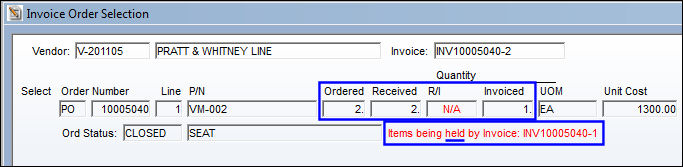
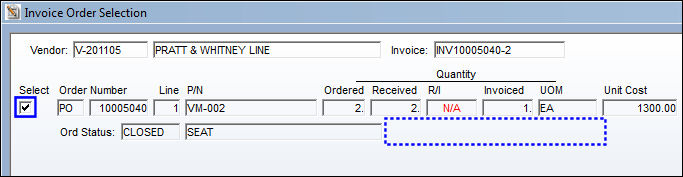
Notice that from the Invoice Order Selection window, the new invoice was created but is being held by the previous invoice. This new invoice cannot be closed and posted until the previous invoice is closed and posted.
From the Invoice Order Detail, the previous invoice cannot be accessed since it is for the same order line and remains open.
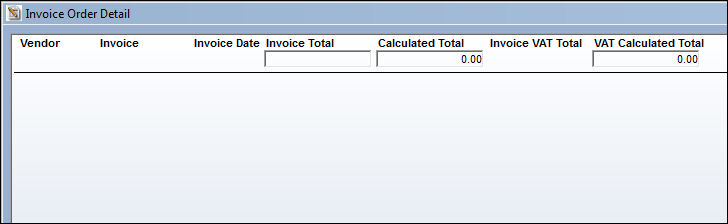
From the Order Invoice window, notice that the original invoice remains open and the new invoice is not even listed.
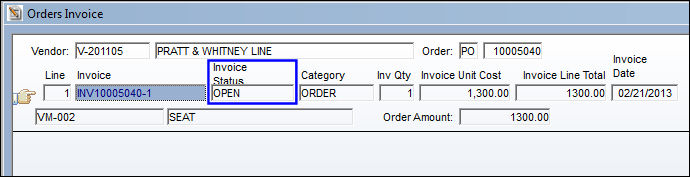
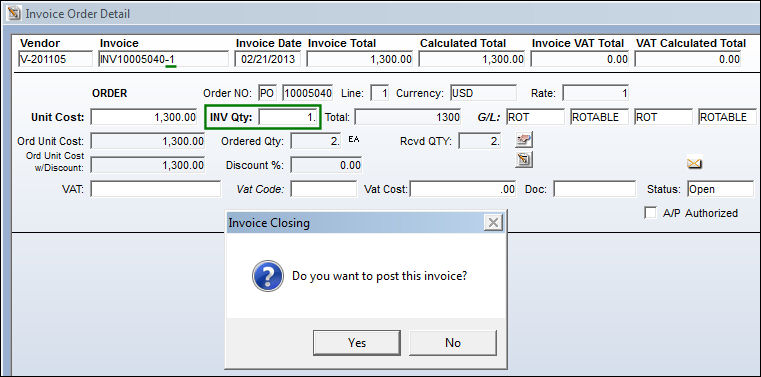
The original invoice is then closed and posted.
At this point, the newer invoice can be selected. It is no longer dependant on the original invoice.
The new invoice can now be closed and posted.
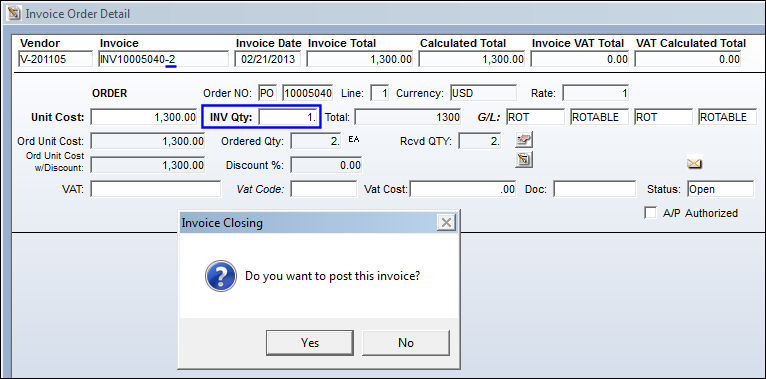
At this point, both invoices have been closed.
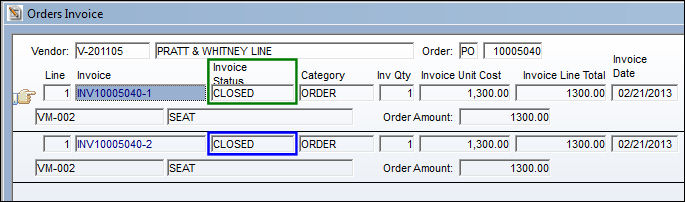
Both invoices have now been posted, but the second invoice could only be posted after the first invoice was posted.
Share
Print
|
©1997-2026 Trax USA Corp. All rights reserved. This manual may not be copied, photocopied, reproduced, translated, or converted to any electronic or machine-readable form, in whole or in part, without prior written approval from Trax USA Corp. |
 |