
 Share
Share
 Print
Print
|
|
|
|
|


Save As Excel Button, via Standard Buttons

The Save As Excel  button is a standard button found throughout the system. The following is just one example of the Save As Excel button.
The Save As Excel button allows users to save prints in an excel file with formatting and computed fields.
From the Picklist Print, select the Save As Excel button.
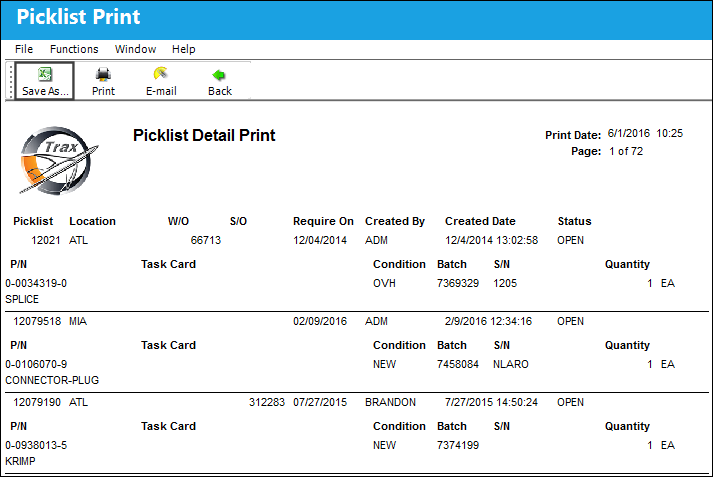
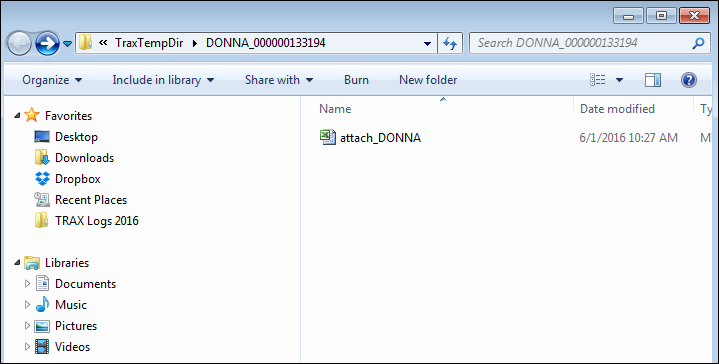
The user is taken to the following location, where the excel file has been sent. Open the excel file.
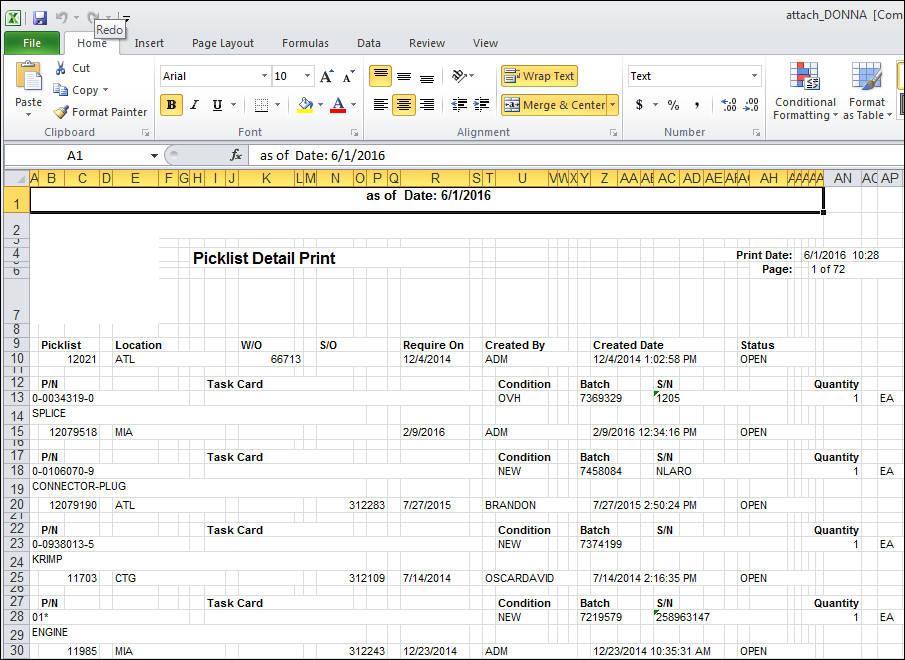
The Picklist Print has been saved in excel format as shown below.
Share
Print
|
©1997-2026 Trax USA Corp. All rights reserved. This manual may not be copied, photocopied, reproduced, translated, or converted to any electronic or machine-readable form, in whole or in part, without prior written approval from Trax USA Corp. |
 |