
 Share
Share
 Print
Print
|
|
|
|
|


Notes Button, via Standard Buttons
The Notes  button is a standard button found throughout the system.
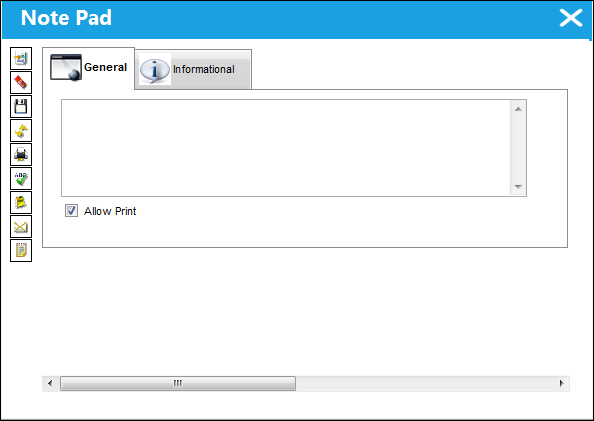
Select the Notes button to enter any notes that will be associated with the currently selected record. When selected, the Note Pad window pops up. Users have options such as deleting, spell checking, printing, and emailing a note that they created. For all options refer to the Note Pad via the System Standards manual.
If a record does not have a note linked to it, the following icon appears in the window: 
Once a note has been created and saved, the following icon will appear in the window: 
 The Delete
  button via the Note Pad window is security-controlled via Settings/ Explorer/ System Transaction Code/ Notes Supervisor Delete. For additional information, refer to the Security Explorer via the System Administration Training Manual.
Security to the Delete button also works in conjunction with switch  NOTEOVR. For additional information, refer to the System Administration Switches Manual.
Share
Print
|
©1997-2026 Trax USA Corp. All rights reserved. This manual may not be copied, photocopied, reproduced, translated, or converted to any electronic or machine-readable form, in whole or in part, without prior written approval from Trax USA Corp. |
 |