
 Share
Share
 Print
Print
|
|
|
|
|


Spelling Button, via Standard Buttons
The Spell Check  button is a standard button found throughout the system. The following is just one example of the Spell Check button.
Highlight information and select the Spell Check button to find any spelling errors.
For the following example, the Engineering Control window is used and appears as such upon highlighting information and selecting the Spell Check button:
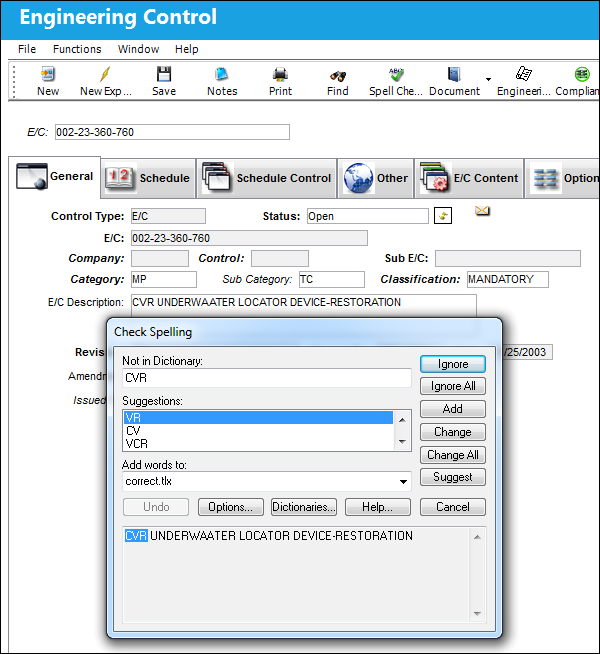
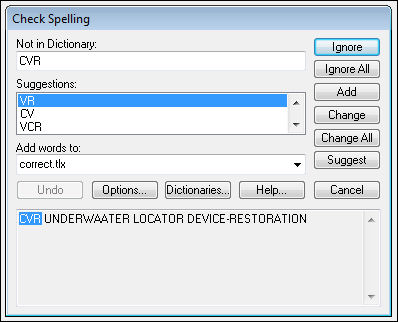
The Check Spelling window appears and checks all words that are spelled incorrectly or are not found in the dictionary. Select desired option.
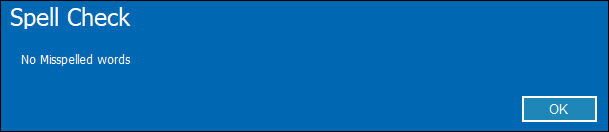
When the Check Spelling is complete, the following pop-up will appear. Select 'OK' to finish with this option.
Share
Print
|
©1997-2026 Trax USA Corp. All rights reserved. This manual may not be copied, photocopied, reproduced, translated, or converted to any electronic or machine-readable form, in whole or in part, without prior written approval from Trax USA Corp. |
 |