
 Share
Share
 Print
Print
|
|
|
|
|


Reset Button, via Standard Buttons
The Reset  button is a standard button found throughout the system. The following is just one example of the Reset button as displayed in TRAX.
Select the Reset button to reset the current screen (if the information was entered incorrectly and not saved). A message box will appear to allow confirmation of reset.
In the following example, the user will reset a Work Order.
Go to Production/Update/Work Order
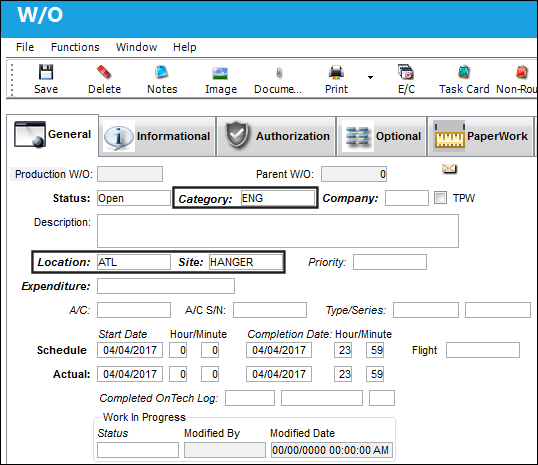
TRAX displays the Work Order window. Populate any mandatory or desired fields. Select the Reset button if any incorrect data was populated.
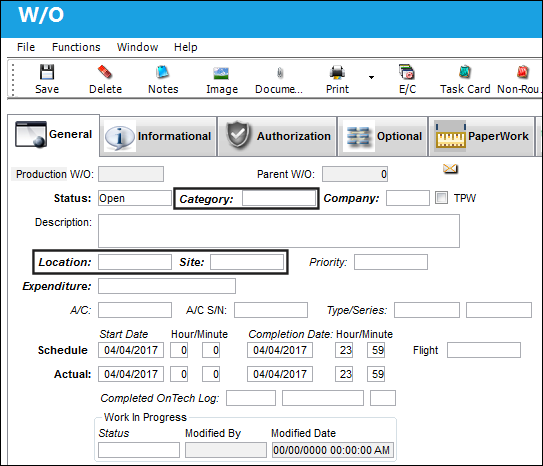
The populated fields have been reset.
If the Work Order is saved, the reset function will not work.
Share
Print
|
©1997-2026 Trax USA Corp. All rights reserved. This manual may not be copied, photocopied, reproduced, translated, or converted to any electronic or machine-readable form, in whole or in part, without prior written approval from Trax USA Corp. |
 |