
 Share
Share
 Print
Print
|
|
|
|
|


F/A - Fixed Asset Information
Fixed Asset Information
Affected windows: w_fixed_asset_depreciation, w_fixed_asset_depreciation_sel, w_fixed_assets_eu, w_inventory_detail_update, w_inventory_transaction_picklist_issue, w_inventory_transaction_return_to_vendor, w_inventory_transaction_scrap
The Config Date field is critical and should not be changed unless properly authorized to do so. The Config Date field is responsible for the date that appears in the Fixed Asset Depreciation. The date can be changed to run closing procedures for any month selected (even if closing procedures for the month have already been run).
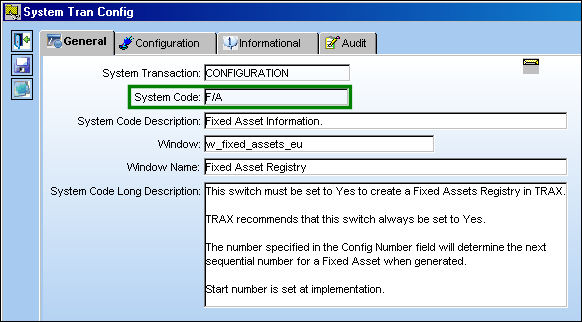
Switch Set to Yes:
This switch must be set to Yes to create a Fixed Assets Registry in TRAX.
TRAX recommends that this switch always be set to Yes.
The number specified in the Config Number field will determine the next sequential number for a Fixed Asset when generated.
Start number is set at implementation.
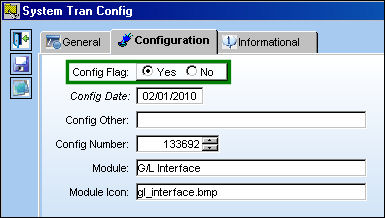
The Config Number is currently set to 133325:
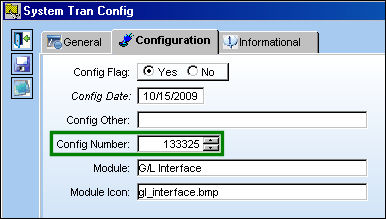
The next Fixed Asset Registry is sequentially generated as Fixed Asset 133325:
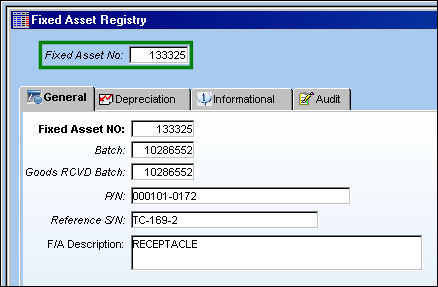
Switch Set to No:
When set to No, Fixed Assets will not be generated in TRAX.
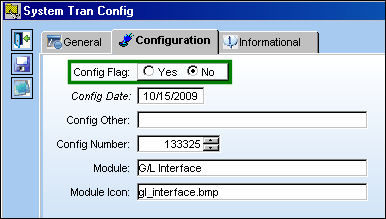
Fixed Assets will only be generated for those P/N Categories with P/N Transaction equal to Serialized or Repairable, when the part is brought into Inventory via a Purchase Order or P/N Initial Load with the Owner field null.
Additional Functionality:
When Switch  F/A is set to Yes, the Fixed Assets Registry will be handled in Periods instead of Months.
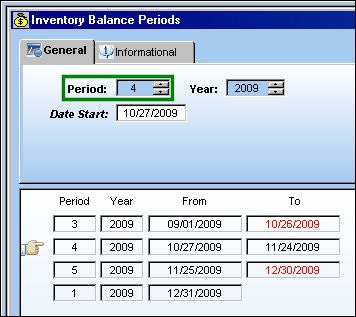
Switch INVBALPERIOD must be set to Yes for the Fixed Assets Registry to be handled in Periods.
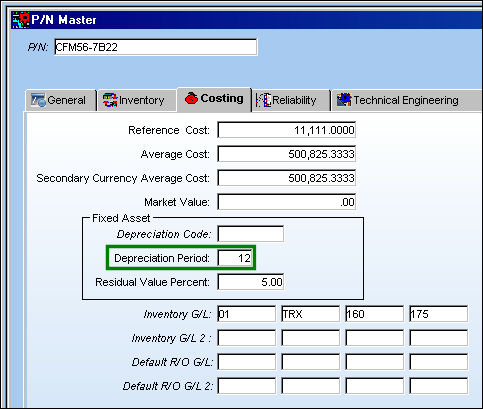
Go to the P/N Master, Costing tab.
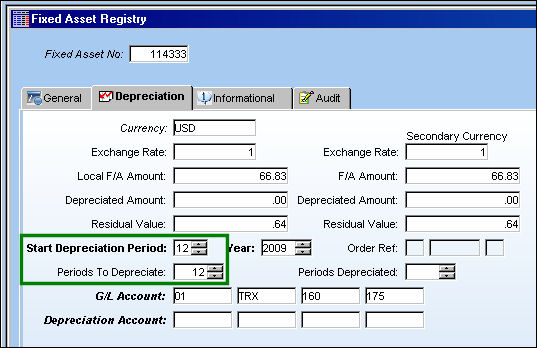
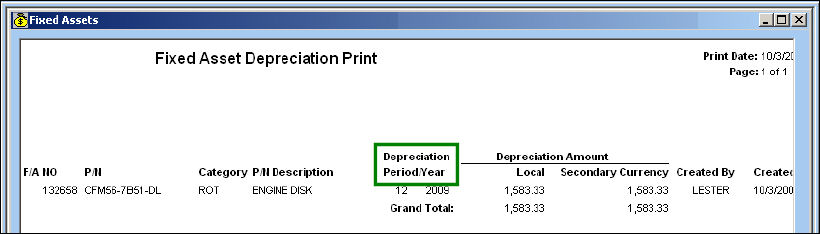
Depreciation is in Periods not Months:
Go to Fixed Asset Registry, Depreciation tab:
Go to Inventory Balance Periods:
Go to Fixed Asset Depreciation:
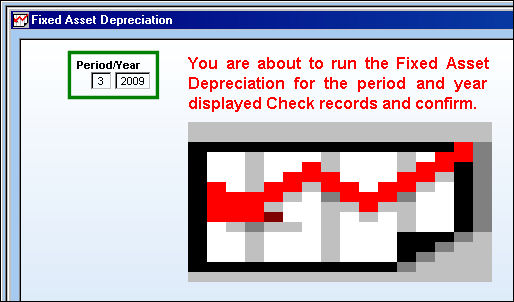
Go to Fixed Asset Depreciation Print:
For additional information regarding the set up of the Fixed Asset Registry, refer to the Fixed Asset Registry section via the G/L Interface Training Manual.
Share
Print
|
©1997-2026 Trax USA Corp. All rights reserved. This manual may not be copied, photocopied, reproduced, translated, or converted to any electronic or machine-readable form, in whole or in part, without prior written approval from Trax USA Corp. |
 |