
 Share
Share
 Print
Print
|
|
|
|
|


FAINVCOSTBALADJ - Automatically Run F/A Depreciation and Inventory Costing Balance Adjustment

Automatically Run F/A Depreciation and Inventory Costing Balance Adjustment
Affected Window: w_fixed_asset_depreciation_sel
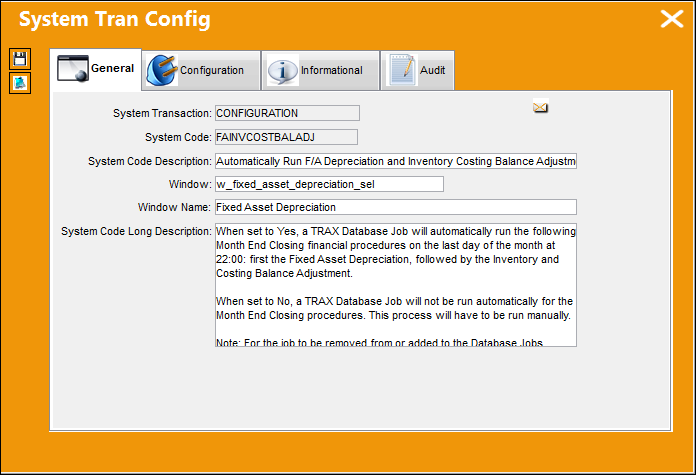
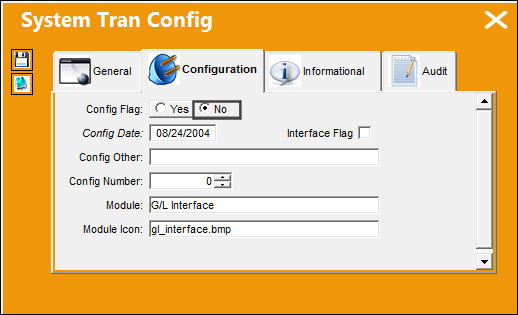
Switch Set to Yes:
When set to Yes, a TRAX Database Job will automatically run the following Month End Closing financial procedures on the last day of the month at 22:00: the Fixed Asset Depreciation is run first, followed by the Inventory and Costing Balance Adjustment.
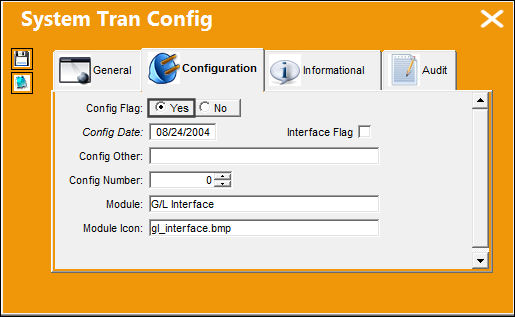
From the TRAX Database Jobs window, notice the monthly job called MONTH_END_CLOSING. It is set to run on the final day of the month at 22:00.
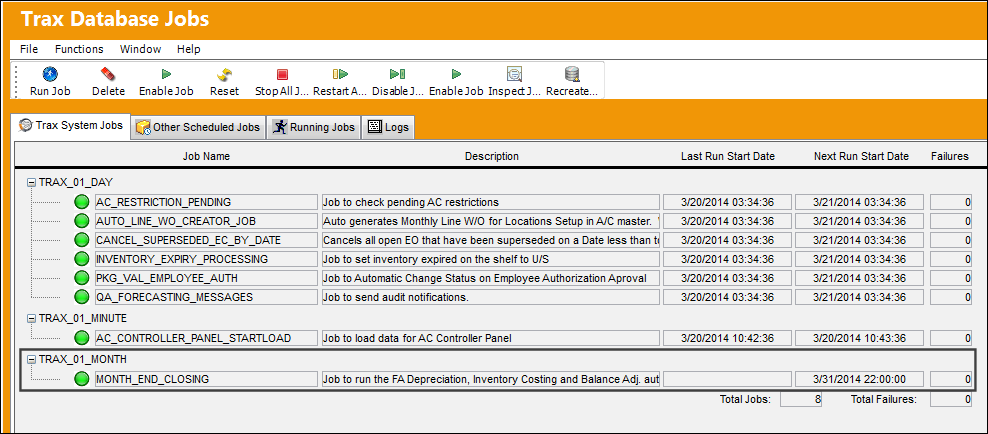
When this job is run, the Fixed Asset Depreciation will be run automatically. For more information refer to the Monthly Financial Procedure - Running Fixed Asset Depreciation via the G/L Interface Training Manual.
Once the Depreciation is run, the Inventory Costing and Balance Adjustments print is generated automatically. For more information refer to Inventory Costing (Reconciliation and Adjustment) via the G/L Interface Training Manual.
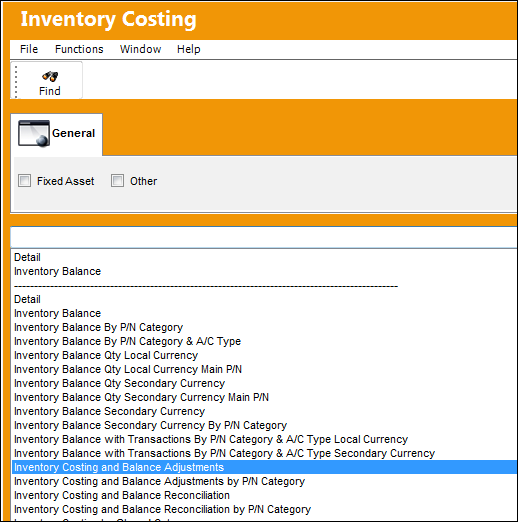
The financial closing of the month still needs to be triggered manually by running the 'Inventory Balance' print.
Switch Set to No:
When set to No, a TRAX Database Job will not be run automatically for the Month End Closing procedures. This process will have to be run manually.
From the TRAX Database Jobs window, notice the monthly job is not available.
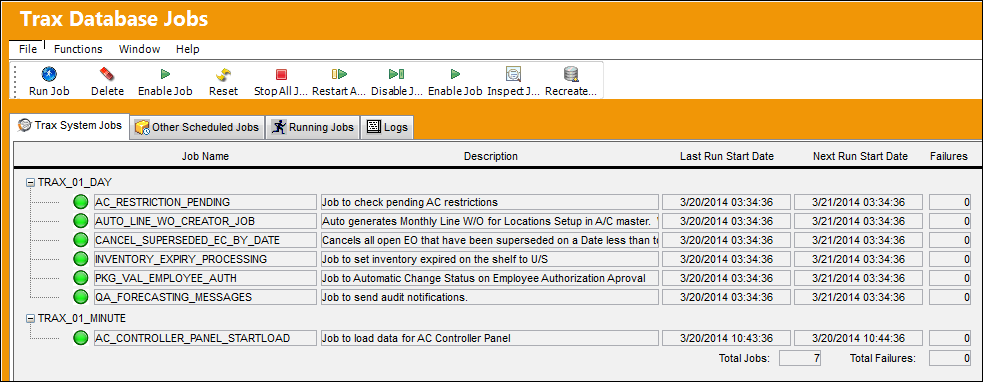
For the job to be removed from the list, all jobs must be stopped then restarted manually. To do so, select the Stop All Jobs  button then the Restart All Jobs
  button.
Share
Print
|
©1997-2026 Trax USA Corp. All rights reserved. This manual may not be copied, photocopied, reproduced, translated, or converted to any electronic or machine-readable form, in whole or in part, without prior written approval from Trax USA Corp. |
 |