
 Share
Share
 Print
Print
|
|
|
|
|


EOSINSTALLDETAIL - Show installation of P/N S/N that replaces the exchange sent P/N S/N or show original installation detail of the exchange sent P/N S/N

Show installation of P/N S/N that replaces the exchange sent P/N S/N or show original installation detail of the exchange sent P/N S/N
Affected Window: w_ex_order_detail_eu
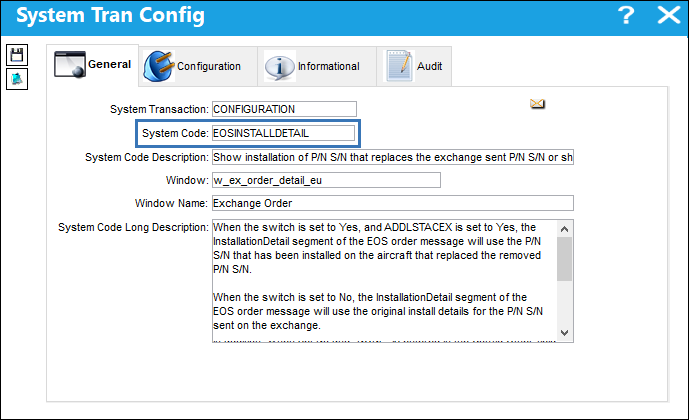
 This functionality is part of the AeroComponent Service interface. This feature is therefore not functional for most TRAX customers.
Note: The switch works in conjunction with switch  ADDLSTACEX (Add Last A/C P/N Transaction To The E/X order in AeroComponent Service).
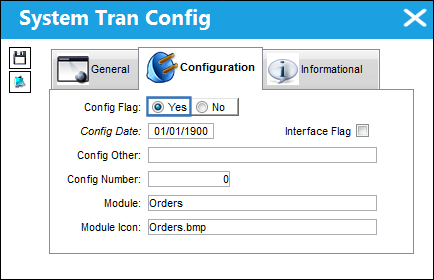
Switch Set to Yes:
When set to Yes, and ADDLSTACEX is set to Yes, the InstallationDetail segment of the EOS order message will use the P/N S/N that was installed on the aircraft to replaced the removed P/N S/N.
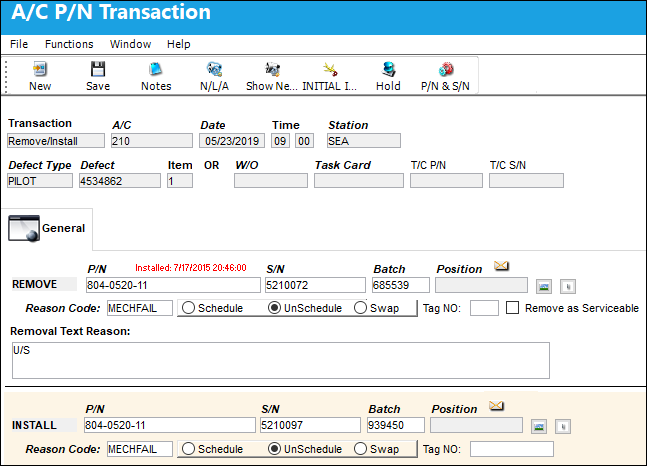
A Remove/Install A/C P/N Transaction takes place. Note the S/N being installed and removed.
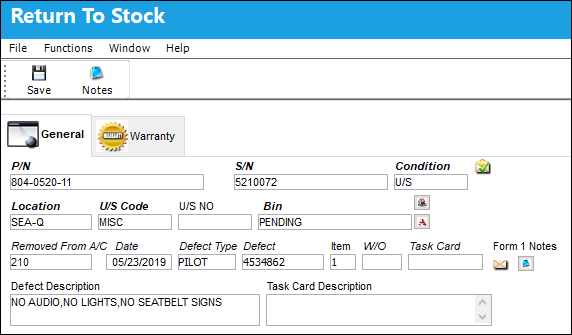
The U/S part is Returned to Stock.
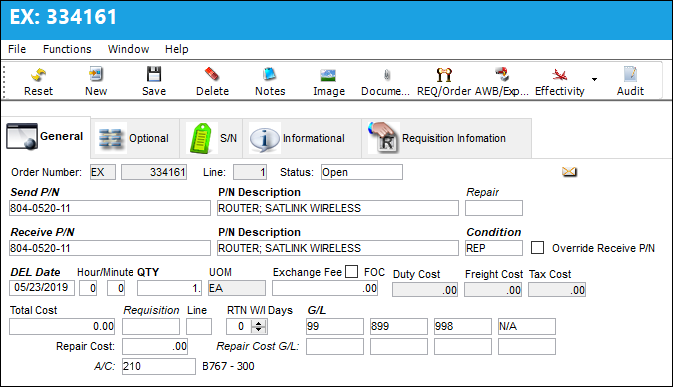
An Exchange Order is created.
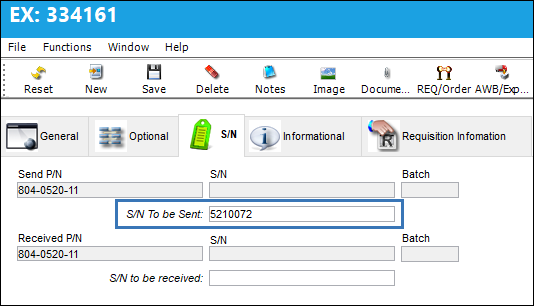
The part that was RTS is entered in the S/N To be Sent field.
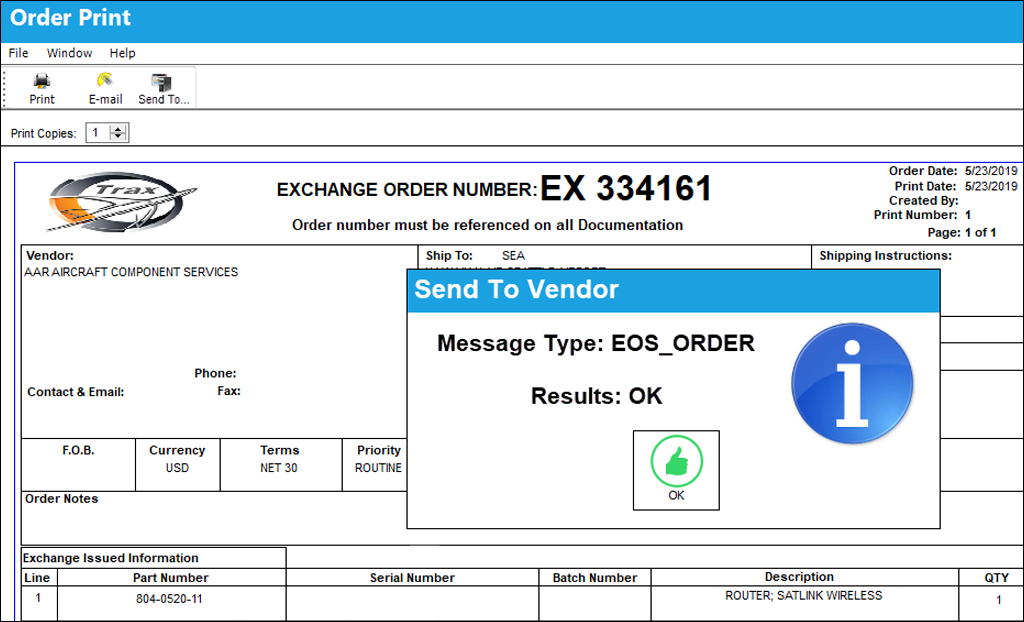
The Exchange Order is released for authorization, the EX print is generated and the the Send To Vendor  button is selected.
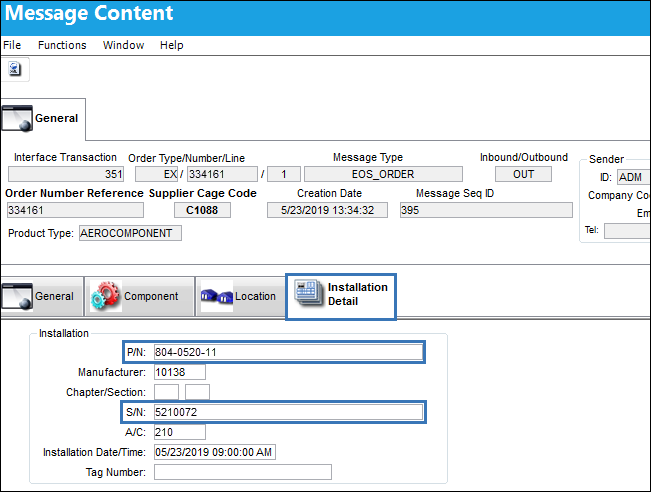
In the Message Content window, the Installation Detail tab shows the P/N S/N that was installed on the aircraft to replace the part removed.
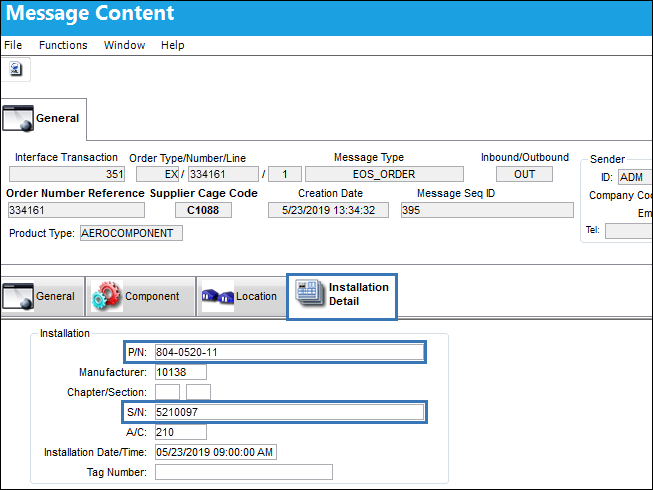
Switch Set to Yes:
When set to No, the InstallationDetail segment of the EOS order message will use the original install details for the P/N S/N sent on the exchange.
In addition, when set No and “NONE” is entered in the Config Other field, the InstallationDetail segment of the EOS order message will not include any P/N S/N information.
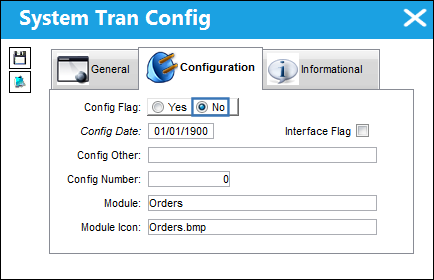
In the Message Content window, the Installation Detail tab shows the P/N S/N that was removed from the aircraft.
Share
Print
|
©1997-2026 Trax USA Corp. All rights reserved. This manual may not be copied, photocopied, reproduced, translated, or converted to any electronic or machine-readable form, in whole or in part, without prior written approval from Trax USA Corp. |
 |