
 Share
Share
 Print
Print
|
|
|
|
|


COMATDASHBOARD - Refresh Time of Comat Flight Dashboard

Refresh Time of Comat Flight Dashboard
Affected Window: w_comat_dashboard_eu
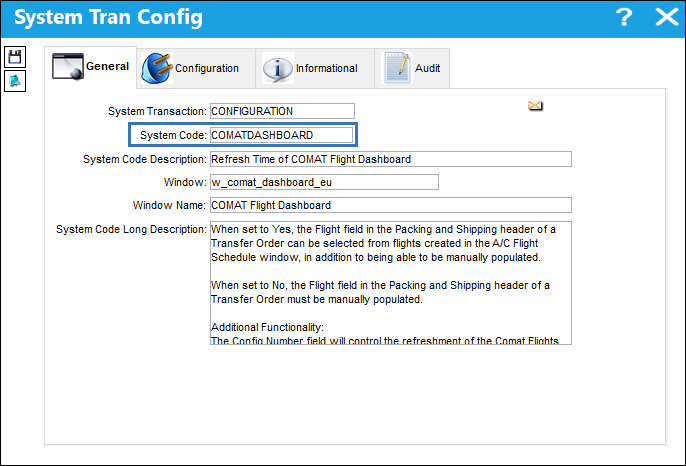
Switch Set to Yes:
When set to Yes, the Flight field in the Packing and Shipping header of a Transfer Order can be selected from flights created in the A/C Flight Schedule window.
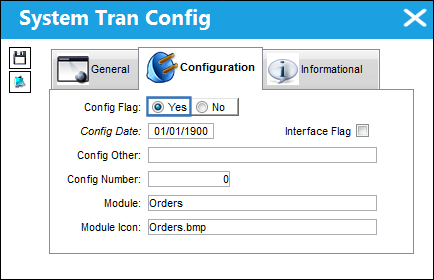
The following A/C Flight Schedule records have been created.
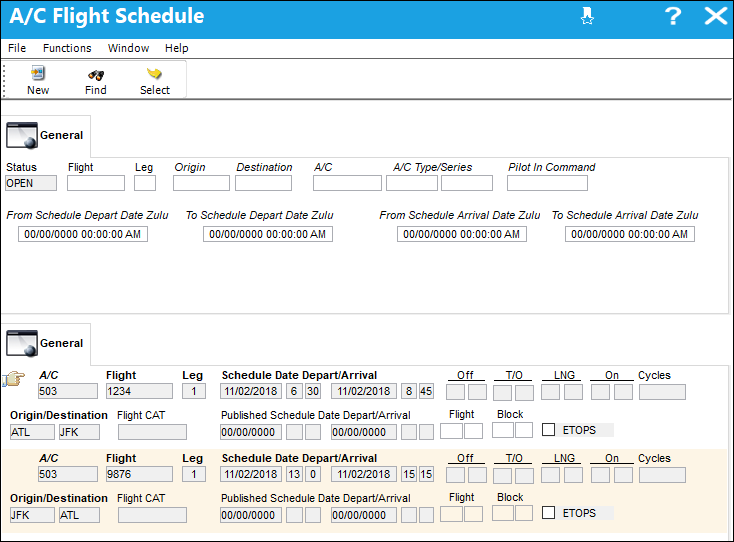
Notice in the Packing and Shipping header of a T/O, when the Flight Drop Down Selection menu is opened, the scheduled A/C Flight appears (based on the Packing and Shipping Ship From and Ship To locations).
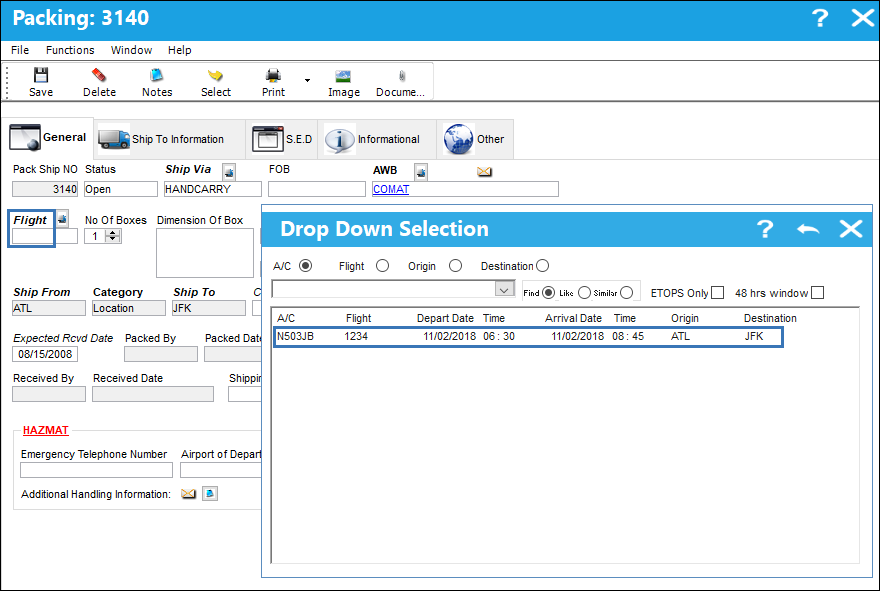
Switch Set to No:
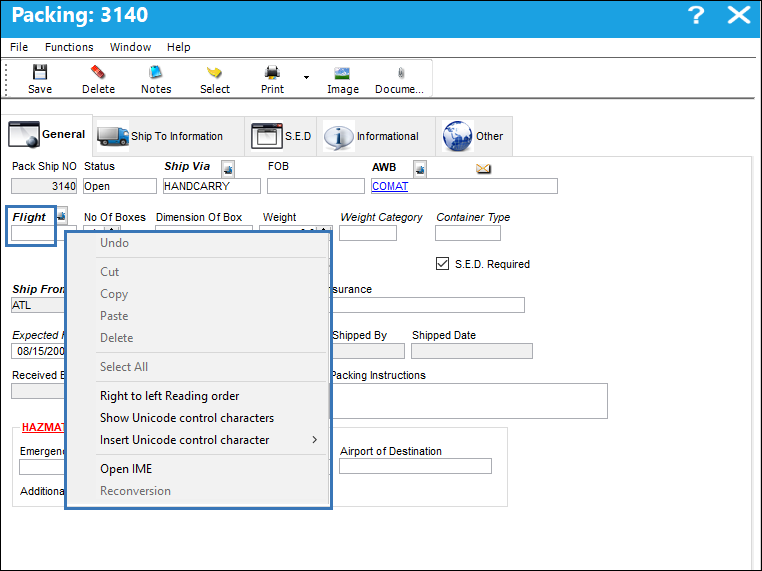
When set to No, the Flight field in the Packing and Shipping header of a Transfer Order must be manually populated.
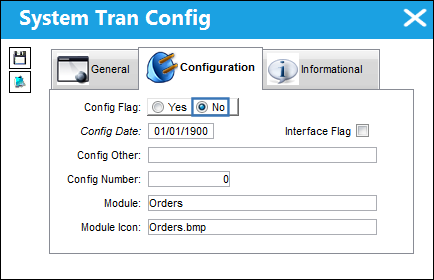
The following A/C Flight Schedule records have been created.
Notice in the Packing and Shipping header of a T/O, the Flight Drop Down Selection menu does not open, thus requiring the user to manually populate the field.
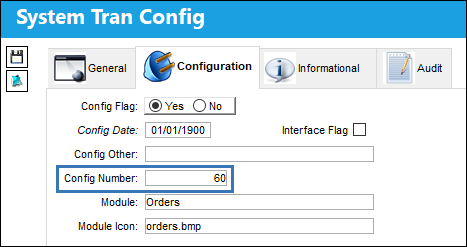
Additional Functionality:
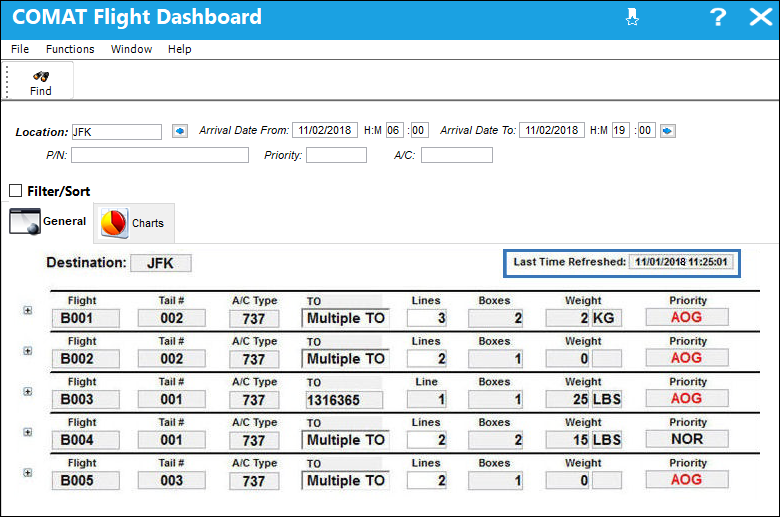
The Config Number field will control the refreshment of the Comat Flights Dashboard by minutes. If this field is not populated, the default refreshment time will be two minutes.
The following Comat Flights Dashboard has been utilized.
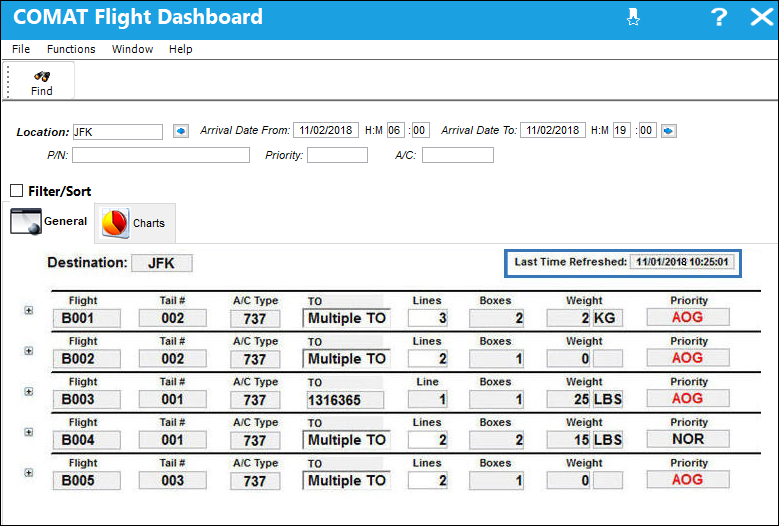
Notice after the time specified in the switch’s Config Number, the Comat Flights Dashboard is automatically refreshed.
This additional feature does not have Yes/No functionality.
Share
Print
|
©1997-2026 Trax USA Corp. All rights reserved. This manual may not be copied, photocopied, reproduced, translated, or converted to any electronic or machine-readable form, in whole or in part, without prior written approval from Trax USA Corp. |
 |