
 Share
Share
 Print
Print
|
|
|
|
|


MSGRCVORD - Show a message on the Receiving window if the order is PO, LO or EX order type
Show a message on the Receiving window if the order is PO, LO or EX order type
Affected Window: w_pn_control_receiving_eu
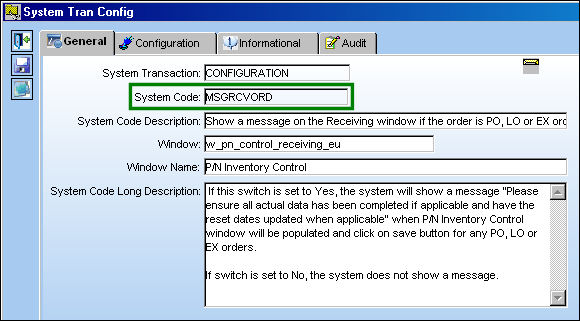
Switch Set to Yes:
When set to Yes, the system will show a message “Please ensure all actual data has been completed if applicable and have the reset dates updated when applicable” when P/N Inventory Control window will be populated and click on save button for any PO, LO or EX orders.
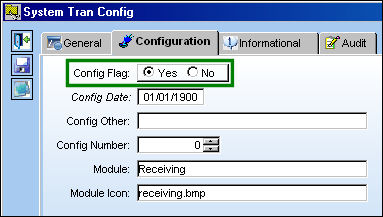
This part has time controlled parts against it.
After populating the Bin and S/N fields, select the Save  button. The Save prompt appears. Select 'OK.'
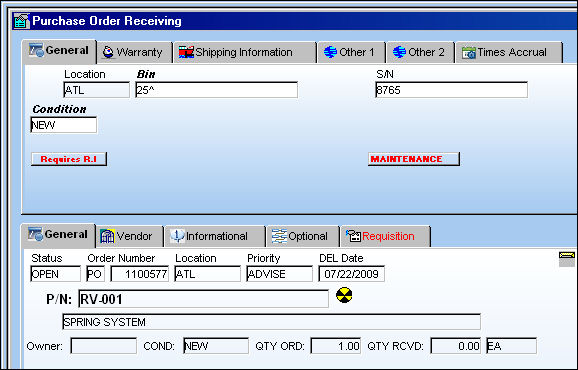
The P/N Inventory Next Lower Assembly window appears. Populate the S/N fields and select the Save button. The Save prompt appears. Select 'OK.'
The P/N E/C Selection window appears. Select the Save button.
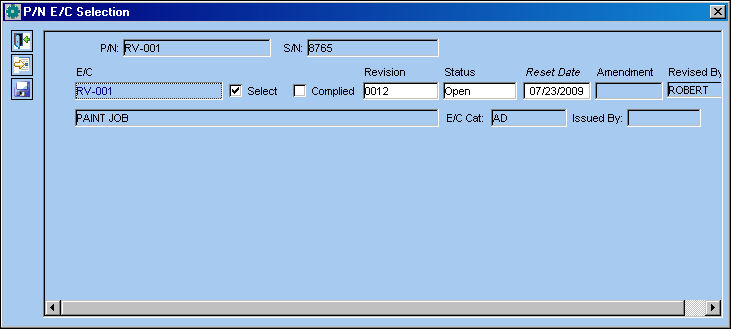
The following warning message appears.
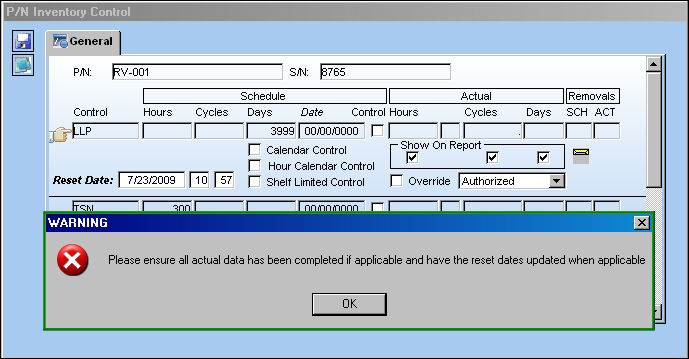
This switch works the same way for Exchange Orders and Loan Orders.
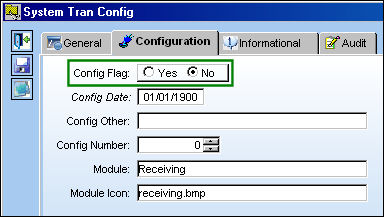
Switch Set to No:
When set to No, the system does not show a message.
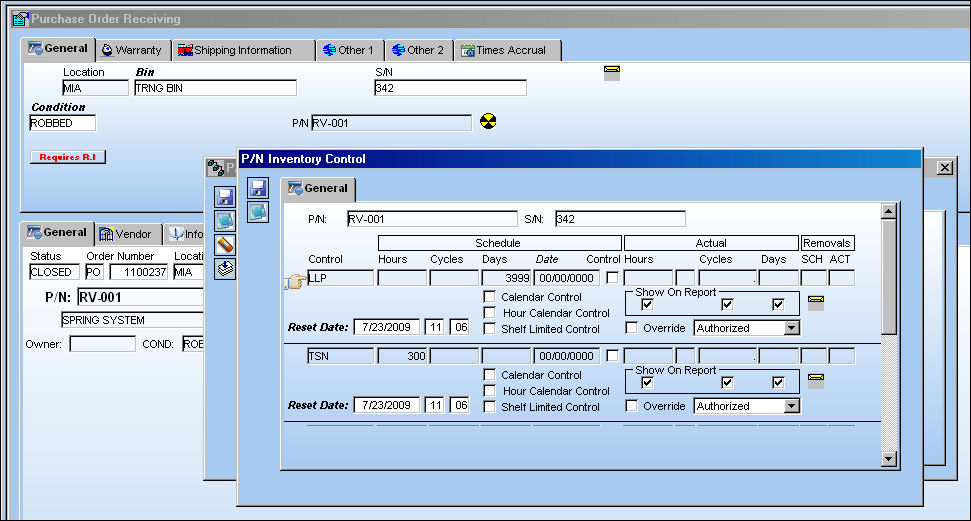
When receiving a Purchase Order for a part containing time controls, no error message appears.
Share
Print
|
©1997-2026 Trax USA Corp. All rights reserved. This manual may not be copied, photocopied, reproduced, translated, or converted to any electronic or machine-readable form, in whole or in part, without prior written approval from Trax USA Corp. |
 |