Publication Date: 8/17/2026 Share Print

Previous Topic

Next Topic

Book Contents

Book Index

TEARREPORTESIGN - Create Tear Down Report Electronic Signature Certificates

Create Tear Down Report Electronic Signature Certificates

Affected Window: w_blob_control_eu
 

Switch Set to Yes:

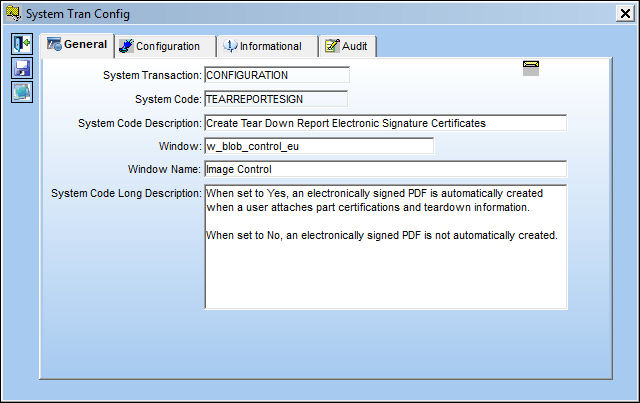
When set to Yes, an electronically signed PDF is automatically created when a user attaches part certifications and teardown information.
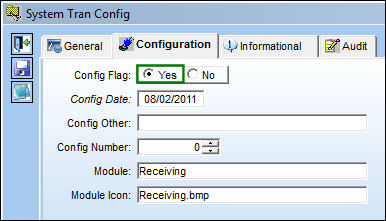
RECV_TEARREPORTESIGN yes1

For example, the following Receiving Inspection is Accepted and saved.
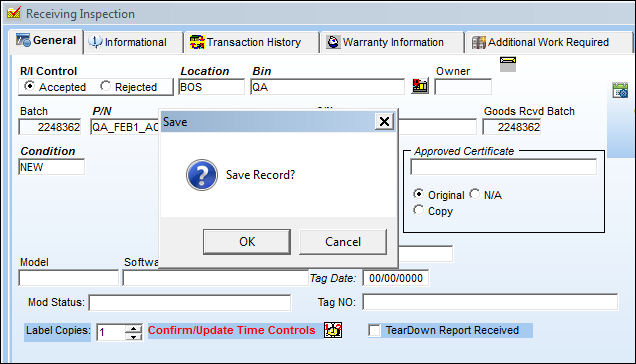
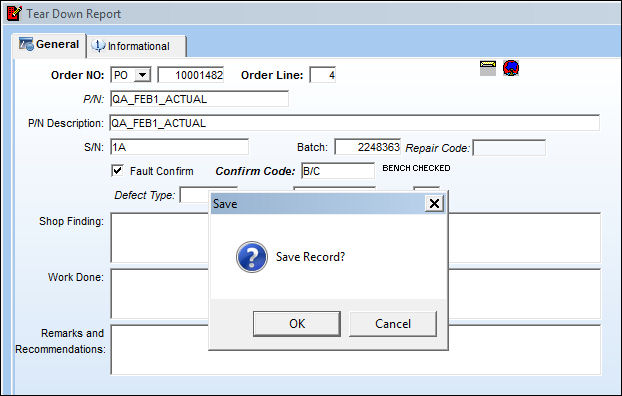
The Tear Down Report then comes up. Save the Tear Down Report then select the Image but_image_small button.

Add an image then save.

Enter the Wall Password.
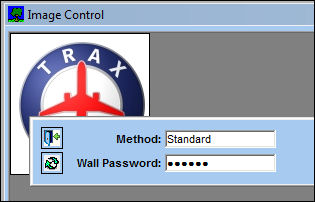
RECV_TEARREPORTESIGN no8

Note: The Wall Password functionality will need to be set up for the user. For more information refer to the Employee Wall Password Button via the Security Explorer of the System Administration Training Module.

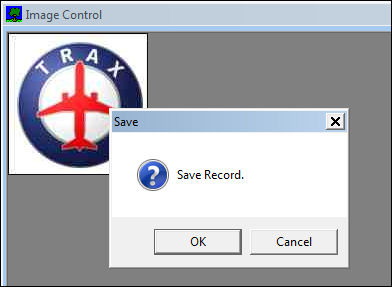
Save the image via the Image Control window.
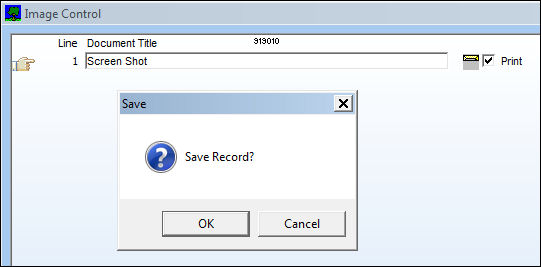
Save the Tear Down Report.
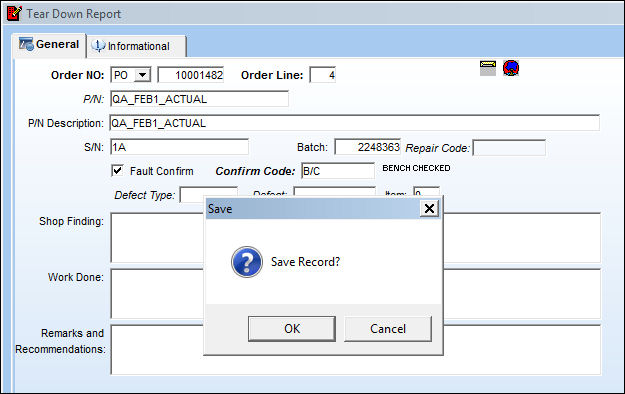
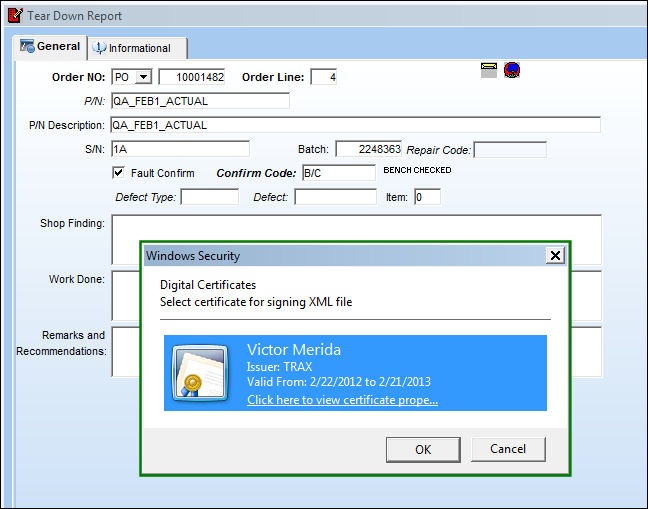
Once the Tear Down Report is saved with an image, an electronic signature certificate is created. Select OK at the prompt.
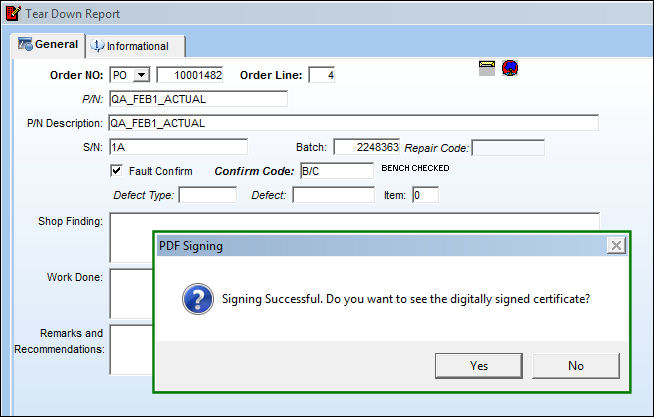
Select Yes to view the digitally signed certificate.
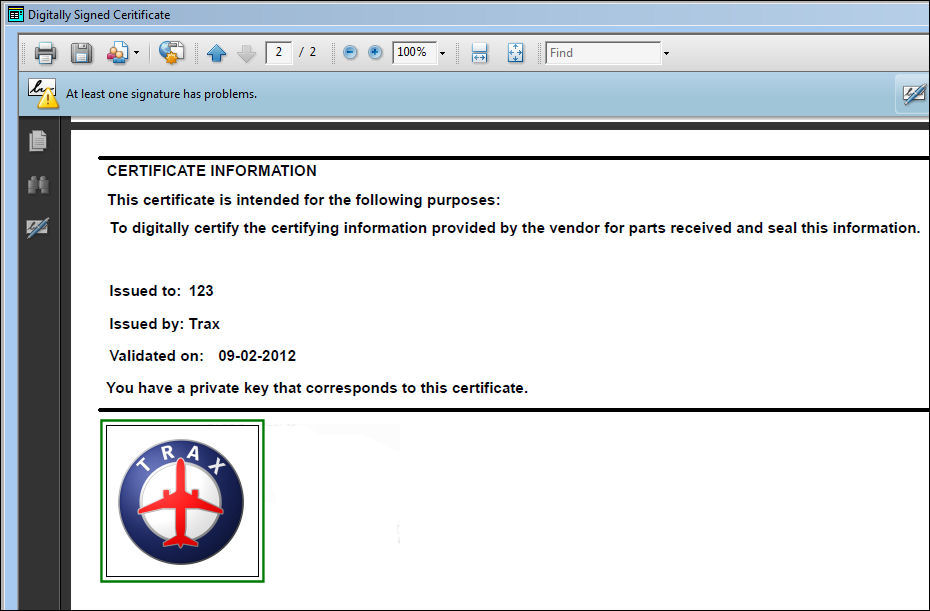
The PDF of the electronically signed certificate appears.
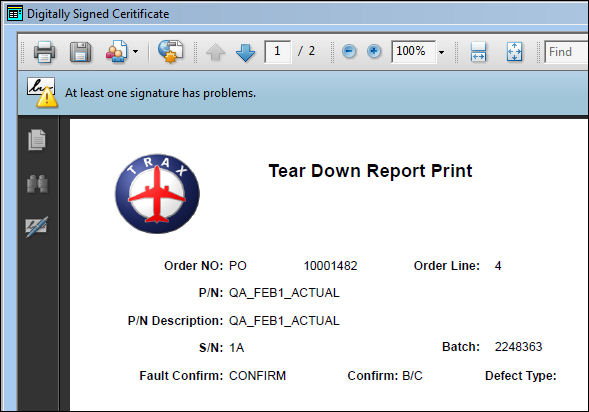
Notice that the image added is included in the certificate.
 

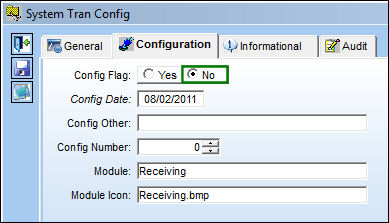
Switch Set to No:

When set to No, an electronically signed PDF is not automatically created.
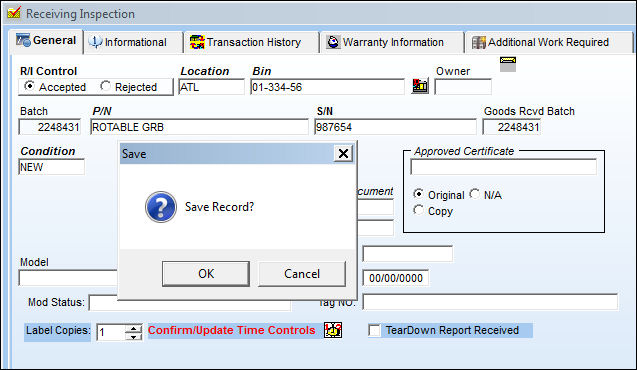
For example, the following Receiving Inspection is Accepted and saved.
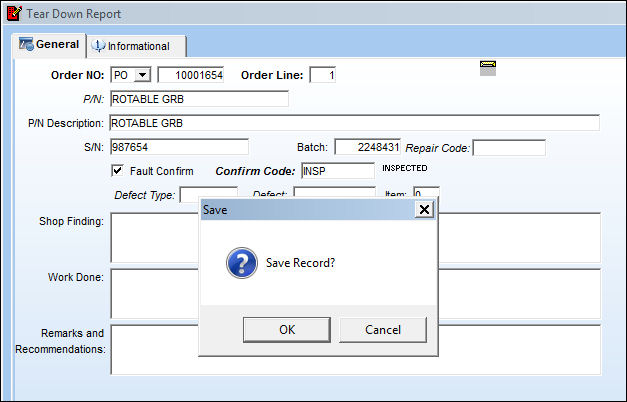
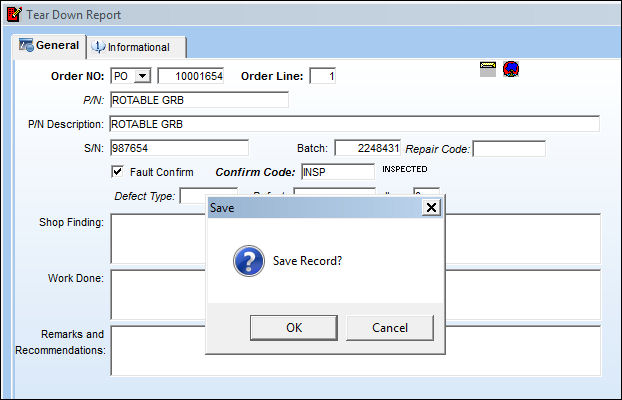
The Tear Down Report then comes up. Save the Tear Down Report then select the Image but_image_small button.

Add an image then save.

Note: Notice that the Wall Password prompt does not appear.

Save the image via the Image Control window.

Once the Tear Down Report is saved again, notice that the electronic signature certificate is not automatically created.
See Also

Receiving Switches

ACCDOCMAND - Make Accounting Document and Date Mandatory in Order Receiving

APCERTVAL - Approved Certification Validation at Order Receiving

BARLABEL - Barcode Labels Printed via Order Receiving and Inventory Tag RePrint

CLRPREREC - Do Not Allow Closed Orders to be Saved in Pre-Receiving Window

DNTALWBOG - Do not allow bogus parts to be received

DONTASKCREATETRANORD - No Transfer Order Prompt for Orders Received at Overridden Locations

DRONIP - Deny Receiving of Non-Inventory Parts

ENGCOMP - Upload Engineering Component at Order Receiving or Receiving Inspection

EXCTLRI - E/X or X/O Reset Control at R/I

KEEPCONDIT - N/L/As Keep Condition after R/O Receiving

MSGRCVORD - Show a message on the Receiving window if the order is PO, LO or EX order type

NLATBDSN - NLA Receiving To Be Determined By S/N

NOPNCGRI - No P/N Changed Allowed On R/I for P/O Items

ORDDICRAWB - Order Receiving Discrepancy Make AWB Mandatory

ORDERSURVEY - Create Survey Instead of Checklist

ORDEREQCLOSE - Close All Requisitions When Order Required QTY Has Been Received

PNBIRTHDAY - Activate Birth Date for P/N Calendar Days Calculation

PNCHINTER - Allow P/N to be Changed with Interchangeability in Receiving Inspection or Repair Order Receiving

PNDISABL - Make P/N (field) Disabled at Receiving Inspection

PNECPOSCONT - Allow P/N E/Cs with Position Control to be Available in Receiving

PRERECDAY - Define the Number of Days to Stay on Pre Receiving Status

PRERECSEQ - Pre-Receiving Sequence

RCVAOGMS - Receiving AOG Notification Message

RCVSHTFT - Goods Receiving Check-List Footer

RE/AU/PR - Automatic Print Report At Receiving

RECCDD - Custom Duty Document

RECQTYMD - Populate the Receiving QTY

RECSCRAP - Scrapped P/N Serial Numbers cannot be Received

REMARKSFIELD - Enable/Disable Remarks field in Receiving Inspection

RIAPCRMN - Approved Certificate Field Mandatory

RIAPCRMNNO - Approved Certificate Number Mandatory

RIBIN - Reload Bin At Entrance

RICTLRD - Make Reset Date field of R/O Control Mandatory in Receiving Inspection

RINOQTY - Gray Out Quantity field in Receiving Inspection

RIPNCNTLEXCEED - Allow RI Of A Component Which Has Exceeded A Scheduled Time Control

RIRCVIMAGE - R/I Image Scan Notification

RIRJTEML - Receiving Inspection Rejection E-mail Notification to Creator

RNACCUPRRI - Enter the Rental Accumulated Time in Order Receiving on Receiving or Receiving Inspection

RNRCVPROTECT - Protect Fields for Tool P/Ns During Rental Order Receiving

RNUPDACC - Enter the Rental Accumulated Time on Receiving

ROCTLRI - R/O Control Tab at Receiving Inspection

RODMFS - Auto Populate Compliance (Reset) Date for R/O Receiving Inspection

RORCVIMAGE - R/O Receiving Image Scan Notification

SVODRCP - Print Service Order Receipt Note at Order Receiving Close

TAGCHECK - Allow Tag Print at Receiving

TAGMSG - Tag Print Message Box

TAGRECV - Allow Tag Print at Receiving

TAGUS - Print Different Tag for Unserviceable Parts

TEARDWNL - Automatic Load of Tear Down at L/O Receiving Inspection

TEARDWNP - Automatic Load of Tear Down at P/O Receiving Inspection

TEARDWNR - Automatic Load of Tear Down at R/O Receiving Inspection

TEARDWNX - Automatic Load of Tear Down at E/X Receiving Inspection

TEARDWNXO - Automatic Load of Tear Down at X/O Receiving Inspection

TOOLIFR - Default Tool Life at Receiving

TRDWNROR - Automatic Load of Tear Down at R/O Receiving

WRNPRHLD - Prevent Warranty Claim Authorization Below Set Percent

Top of Page Publication Date: 8/17/2026 Share Print