
 Share
Share
 Print
Print
|
|
|
|
|


REMARKSFIELD - Enable/Disable Remarks field in Receiving Inspection

Enable/Disable Remarks field in Receiving Inspection
Affected Window: w_pn_inventory_ri_eu
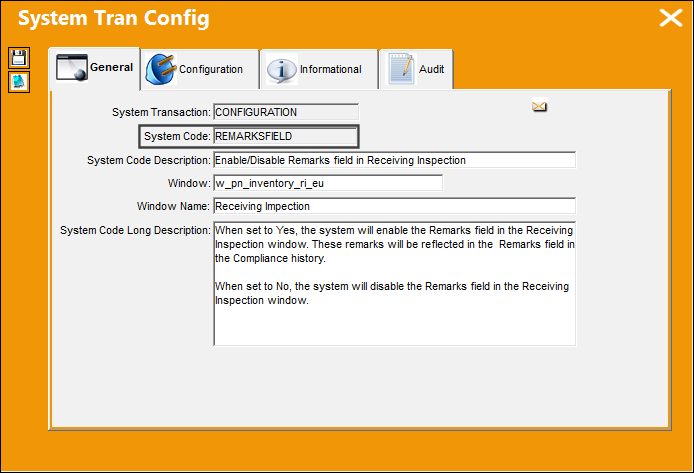
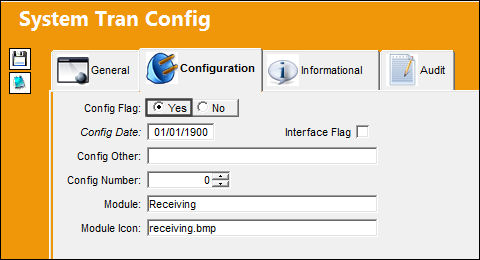
Switch Set to Yes:
When set to Yes, the system will enable the Remarks field in the Receiving Inspection window. These remarks will be reflected in the Remarks field in the Compliance history.
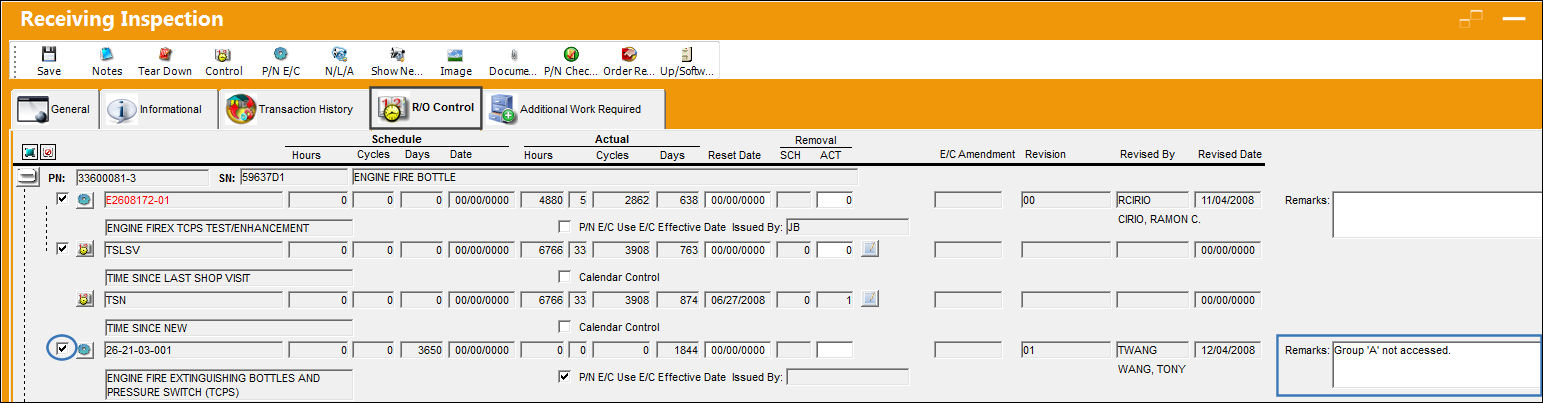
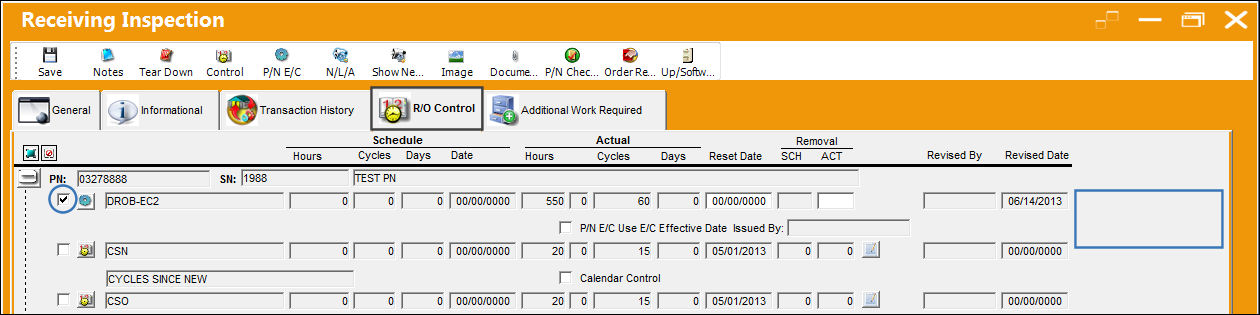
From the Receiving Inspection, R/O Control tab, select an E/C. The Remarks field becomes accessible. Populate the Remarks field and save the record. The will write compliance against the E/C.
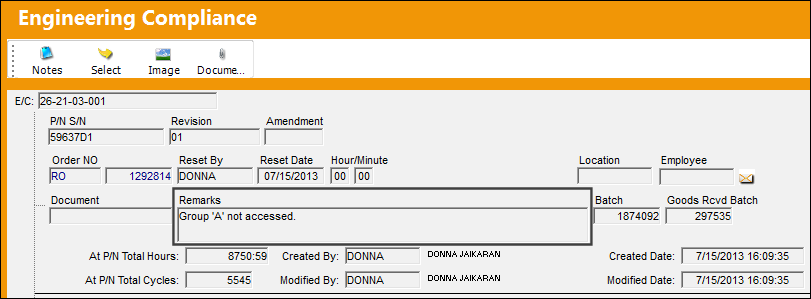
Compliance was written and the Remarks were carried over to the Engineering Compliance window.
Switch Set to No:
When set to No, the system will disable the Remarks field in the Receiving Inspection window.
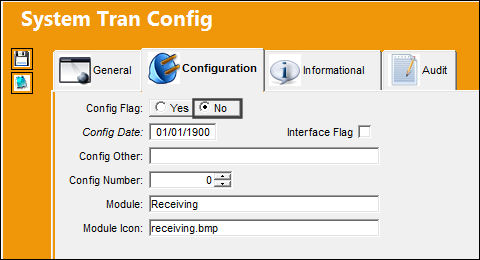
The Remarks field is disabled.
Share
Print
|
©1997-2026 Trax USA Corp. All rights reserved. This manual may not be copied, photocopied, reproduced, translated, or converted to any electronic or machine-readable form, in whole or in part, without prior written approval from Trax USA Corp. |
 |