
 Share
Share
 Print
Print
|
|
|
|
|


Physical Count Schedule Generation

The Physical Count Schedule Generation is used to generate bin counts to be scheduled within a particular frequency. These counts can be for single or multiple bins of a particular Location to be started on a desired date and to last for a specified amount of weeks. The frequency of the counts is set through the Bin Count Frequency field of the Bin Master. Additionally, existing bin counts can be queried in this window and edited or canceled, as needed.
The Physical Count Schedule Generation is utilized based on Location, along with several other specifications.
When the window is opened, users have two options:
- by entering parameters (Location, Start Date. etc.) then selecting the Find
 button, or
 - by entering the schedule parameters (Location, Start Date, etc.) then selecting the Generate
 button.

 This window is security controlled via Inventory/ Update/ Physical Count Schedule Generation. For more information, refer to the Security Explorer via the System Administration Training Manual.
The following information/options are available in this window:
_____________________________________________________________________________________
Location
The location where the count was generated.
Bin
Specific Bin for the count to be generated and scheduled.
Select Multiple Bins  button
Multiple Bins of the Location can be selected to have generated and scheduled. After specifying the Location, all of its Bins are shown to choose from, along with their Count Frequency Code. For more information, refer to the Bin Count Frequency, via Settings Transaction Codes.
Select All  button - Utilize to select all of the Location's Bins for counts to be generated.
Deselect All  button - Utilize to deselect and of the previously selected Bins.
Select  button - Upon selecting the desired Bins, utilize this button to include them in the count generation.
Bin checkbox - Select the checkbox of each Bin for a count to be generated.
Start Date
The date for the bin counts to begin after being generated.
Number of Weeks
The amount of weeks for the bin counts to be conducted. The frequency of the bin counts during this time-frame are set through the Bin Count Frequency Transaction Code.
Override Schedule checkbox
Select this checkbox to override an existing generated schedule with new values, generally utilized after altering the Count Frequency of a bin.
_____________________________________________________________________________________
Existing bin counts that have been previously generated can be reviewed by populating the specifications then selecting the Find button. If there are no counts that meet the specifications, a 'No records found' prompt appears.
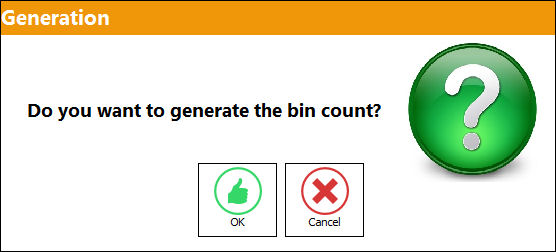
To create a new schedule, populate the parameters above then select the Generate button to create the bin count(s). The following prompt will appear confirming this selection:
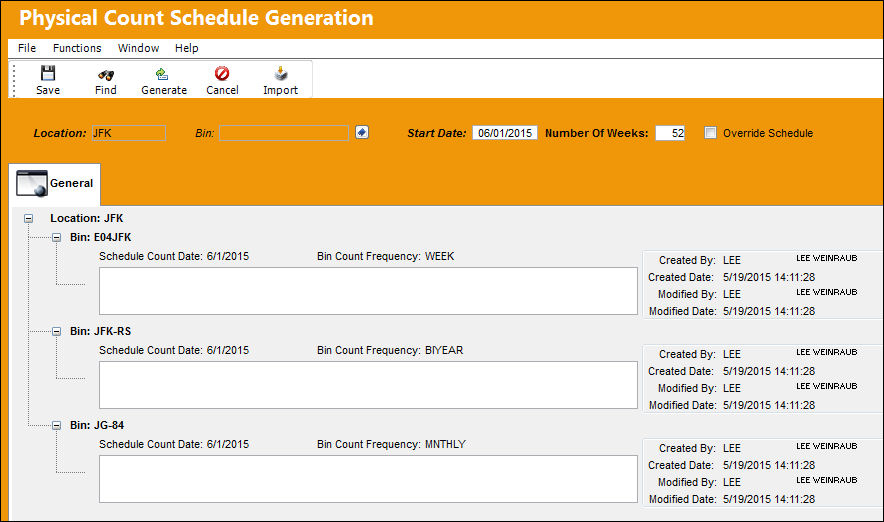
Upon generating the bin count(s), the counts appear that can be scheduled, and have an open field to enter a description.
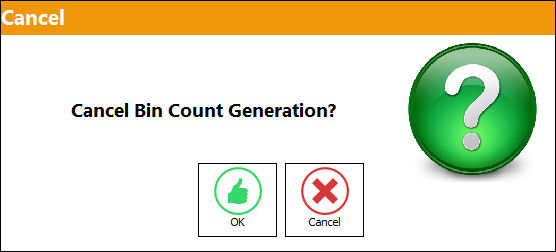
The Cancel  button can be utilized to cancel the generated counts. A prompt will appear confirming this cancellation, as seen below:
Select the Save  button to schedule the bin count(s).
Upon being scheduled, the Bin Count(s) can be managed in the Physical Inventory Count Dashboard.
Additional Functionality:
Utilize the Import  button to generate bin counts that have been created out of the system.
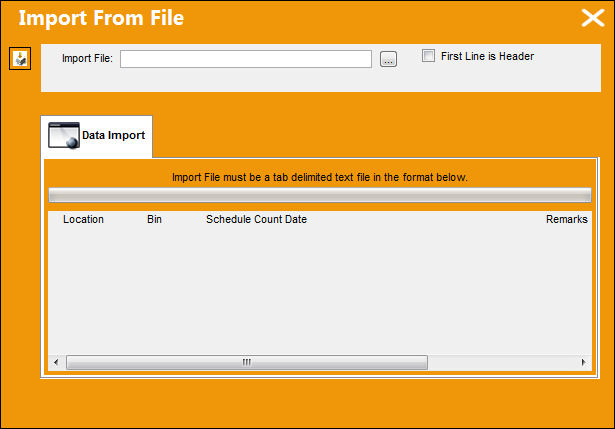
Select the Browse  button to choose the necessary files, and the Import button to generate the bin counts.

Share
Print
|
©1997-2026 Trax USA Corp. All rights reserved. This manual may not be copied, photocopied, reproduced, translated, or converted to any electronic or machine-readable form, in whole or in part, without prior written approval from Trax USA Corp. |
 |