
 Share
Share
 Print
Print
|
|
|
|
|


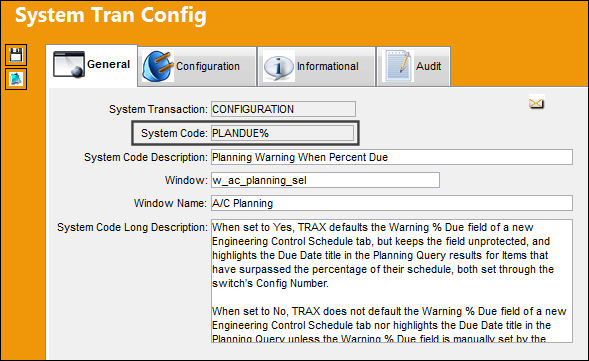
PLANDUE% - Planning Warning When Percent Due
Planning Warning When Percent Due
Affected Window: w_ac_planning_sel
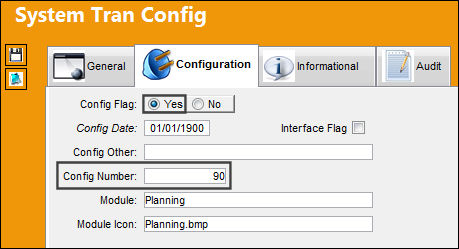
Switch Set to Yes:
When set to Yes, TRAX defaults the Warning % Due field of a new Engineering Control Schedule tab, but keeps the field unprotected, and highlights the Due Date title in the Planning Query results for Items that have surpassed the percentage of their schedule, both set through the switch’s Config Number.
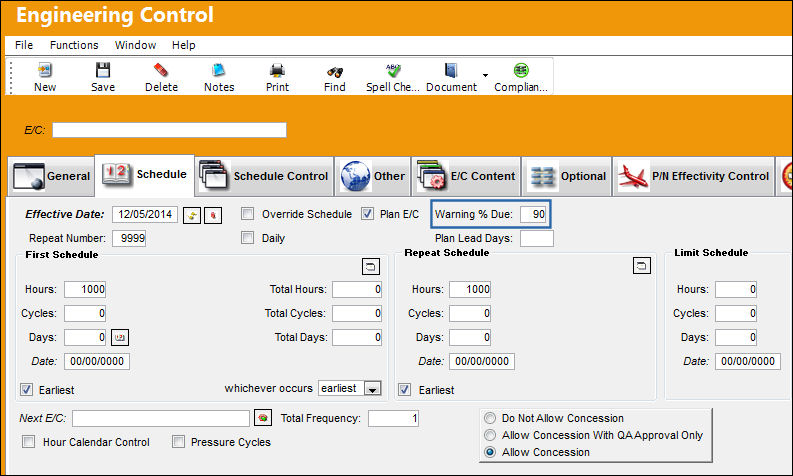
The following Engineering Control is being created. Notice the Warning % Due field of the Schedule tab is defaulted to that of the switch’s Config Number.
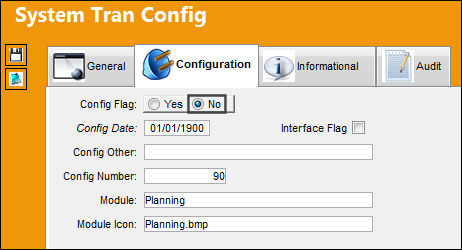
Switch Set to No:
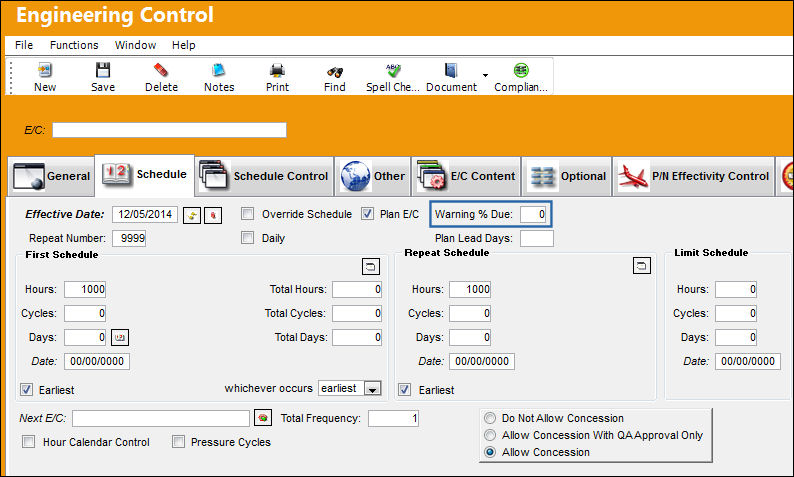
When set to No, TRAX does not default the Warning % Due field of a new Engineering Control Schedule tab nor highlights the Due Date title in the Planning Query unless the Warning % Due field is manually set by the user.
The following Engineering Control is being created. Notice the Warning % Due field of the Schedule tab is not defaulted.
Share
Print
|
©1997-2026 Trax USA Corp. All rights reserved. This manual may not be copied, photocopied, reproduced, translated, or converted to any electronic or machine-readable form, in whole or in part, without prior written approval from Trax USA Corp. |
 |