
 Share
Share
 Print
Print
|
|
|
|
|


SHOPCAPNOT - Do Not Validate Against Shop Capability in the Shop Resource/Tasks Planner
Do Not Validate Against Shop Capability in the Shop Resource/Tasks Planner
Affected Window: w_shop_task_resource_planner
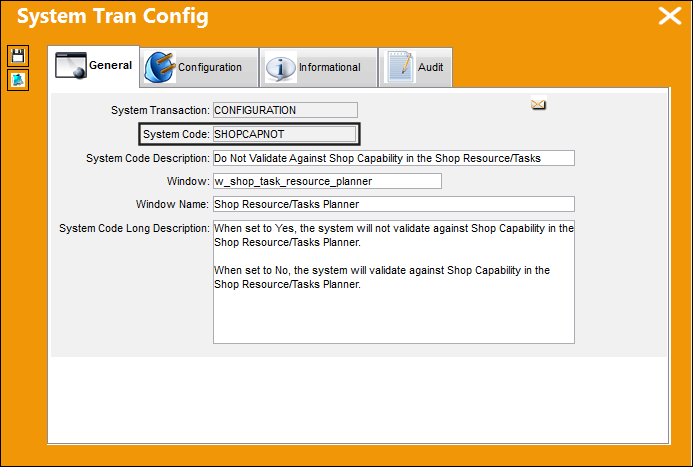
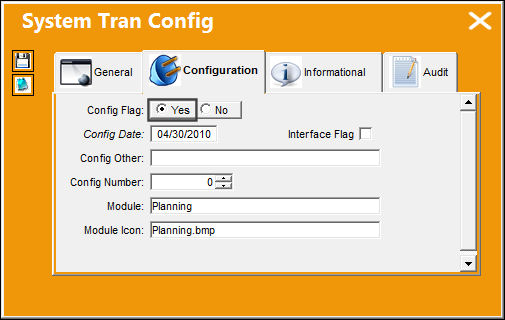
Switch Set to Yes:
When set to Yes, the system will not validate against Shop Capability in the Shop Resource/Tasks Planner.
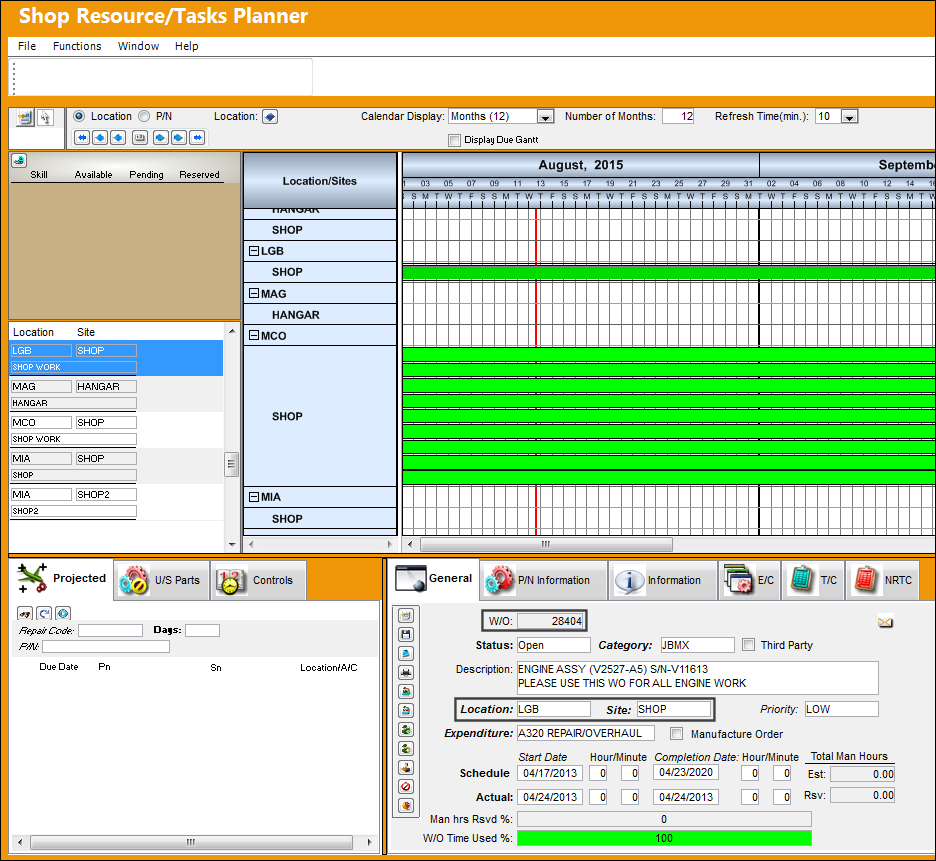
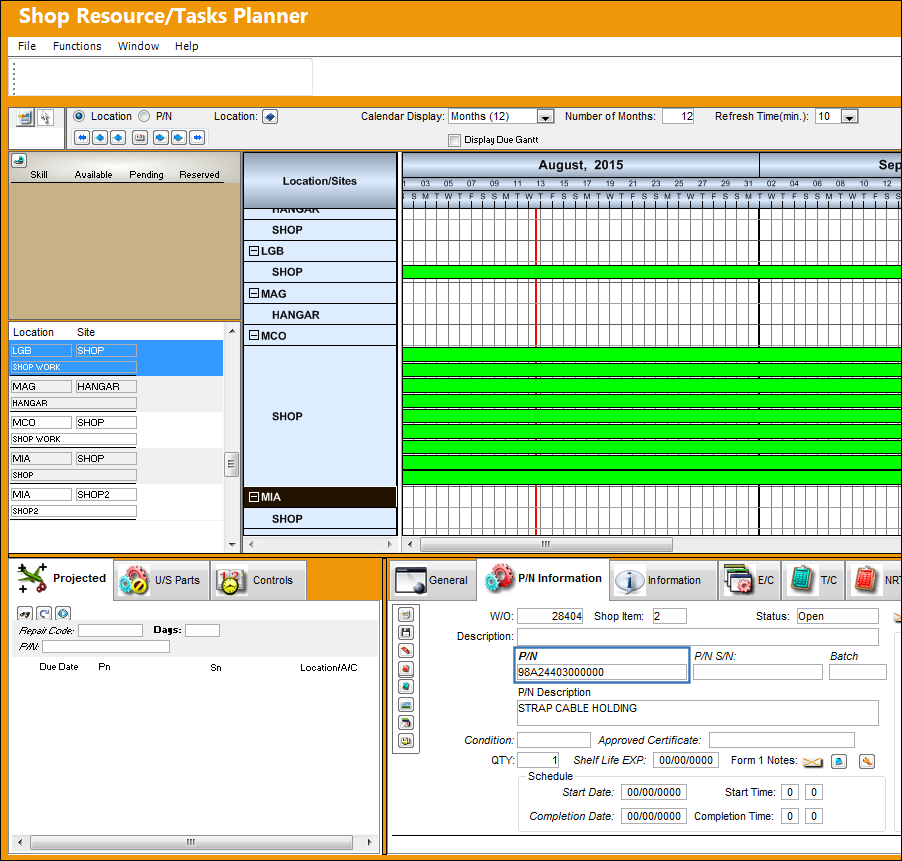
The following Shop Work Order 28404 is displayed in the Shop Resource/Task Planner window. The Location is LGB and the Site is SHOP.
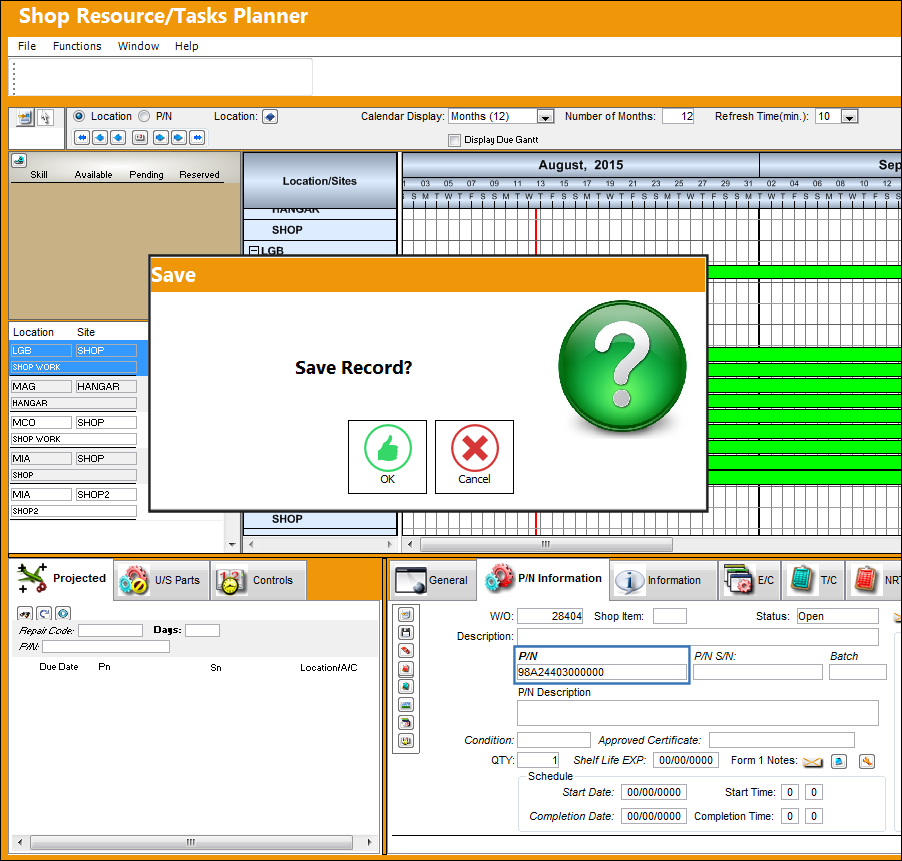
When the user attempts to add a P/N to the Shop W/O, the system does not validate the capability at the Shop W/O, Location and Site for the selected part. The Save prompt appears. Select 'Yes' to save the P/N to the Shop Work Order.
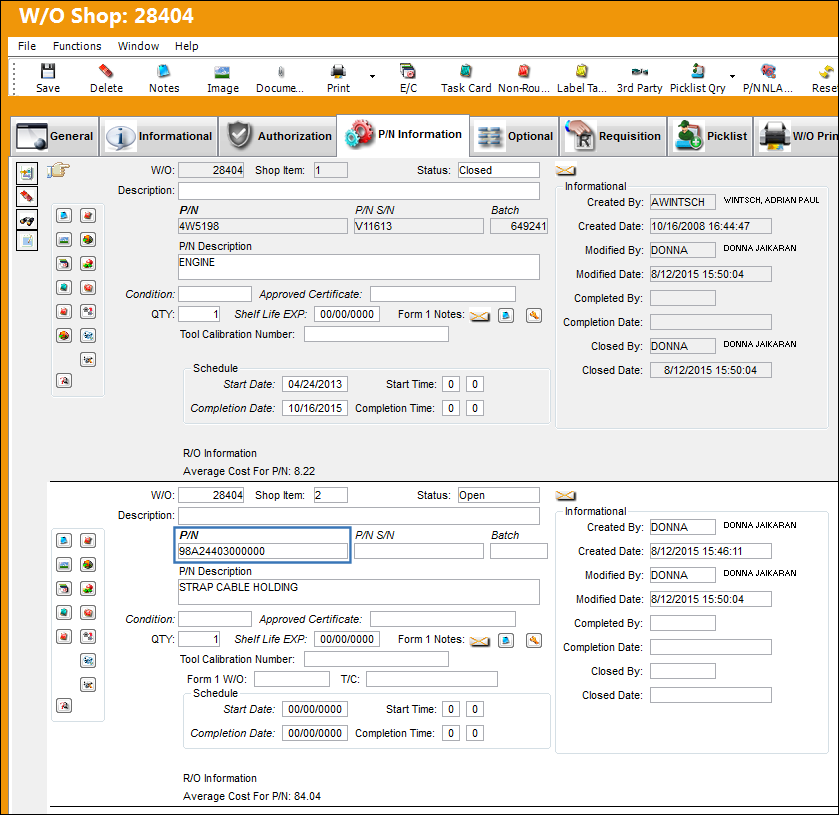
The part has been successfully added to the Shop Work Order.
The P/N is saved correctly when viewing the P/N from the W/O Shop, P/N Information tab.
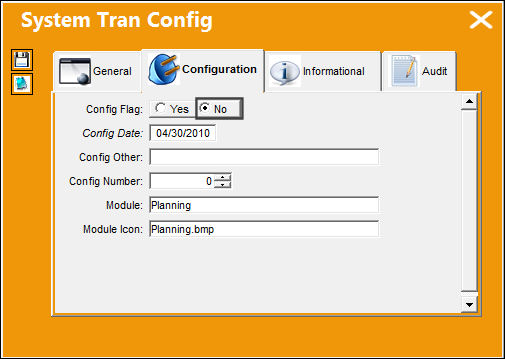
Switch Set to No:
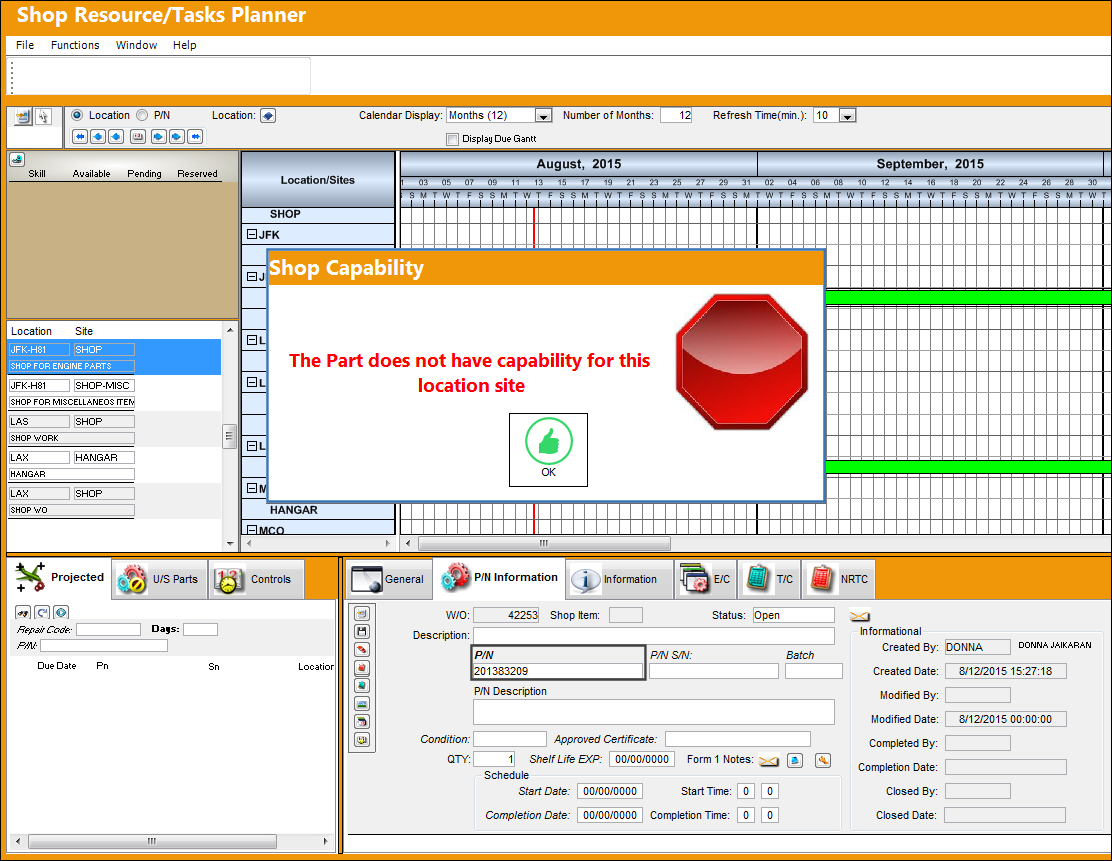
When set to No, the system will validate against Shop Capability in the Shop Resource/Tasks Planner.
The following Shop Work Order 42253 is displayed in the Shop Resource/Task Planner window. The Location is JFK-H81 and the Site is SHOP.
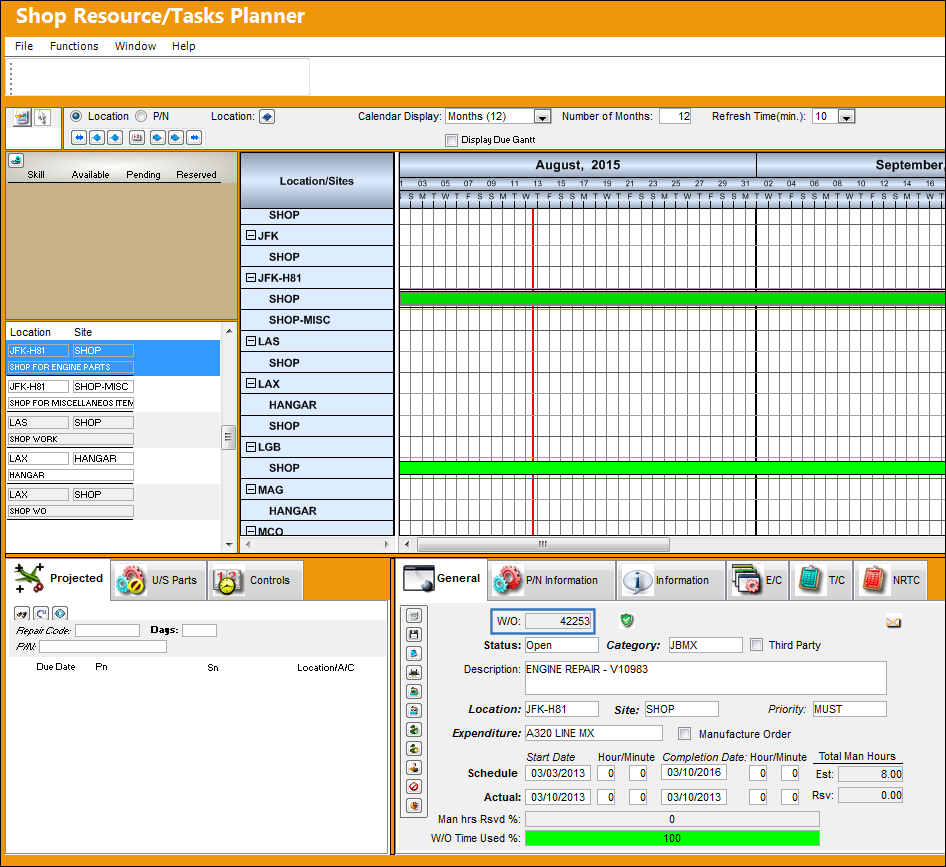
When the user attempts to add a P/N to the Shop W/O, the system correctly validates that there is now capability at the Shop W/O, Location and Site for the selected part.
Share
Print
|
©1997-2026 Trax USA Corp. All rights reserved. This manual may not be copied, photocopied, reproduced, translated, or converted to any electronic or machine-readable form, in whole or in part, without prior written approval from Trax USA Corp. |
 |