
 Share
Share
 Print
Print
|
|
|
|
|


AUTOMANHOURSCHEDULE - Allow AUTO_MANHOUR_SCHEDULE_JOB to Appear in Trax Database Jobs

Allow AUTO_MANHOUR_SCHEDULE_JOB to Appear in Trax Database Jobs.
Affected Window: w_manhours_schedule_eu
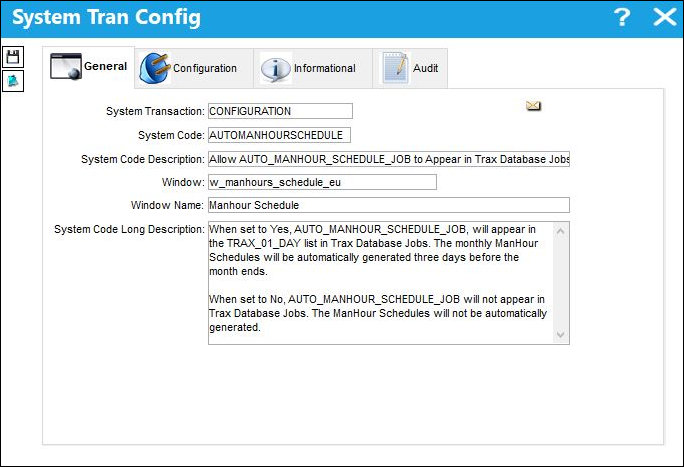
Switch Set to Yes
When set to Yes, AUTO_MANHOUR_SCHEDULE_JOB, will appear in the TRAX_01_DAY list in Trax Database Jobs. The monthly ManHour Schedules will be automatically generated three days before the month ends.
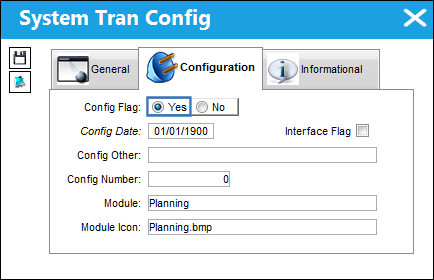
The job is visible in Trax Database Jobs and will run. ManHour Schedules will be automatically generated three days before the month ends.
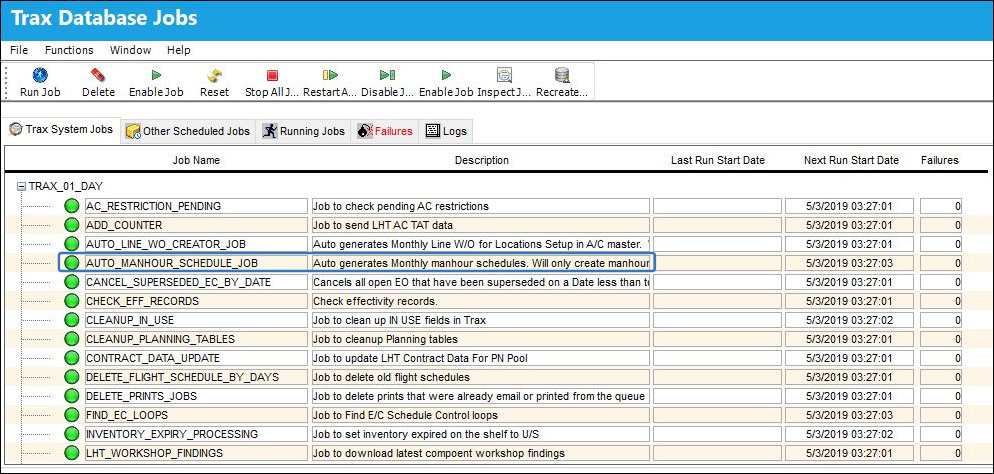
Note: If the job does not appear in the list, you will need to restart all jobs for it to be re-engaged.
Switch Set to No
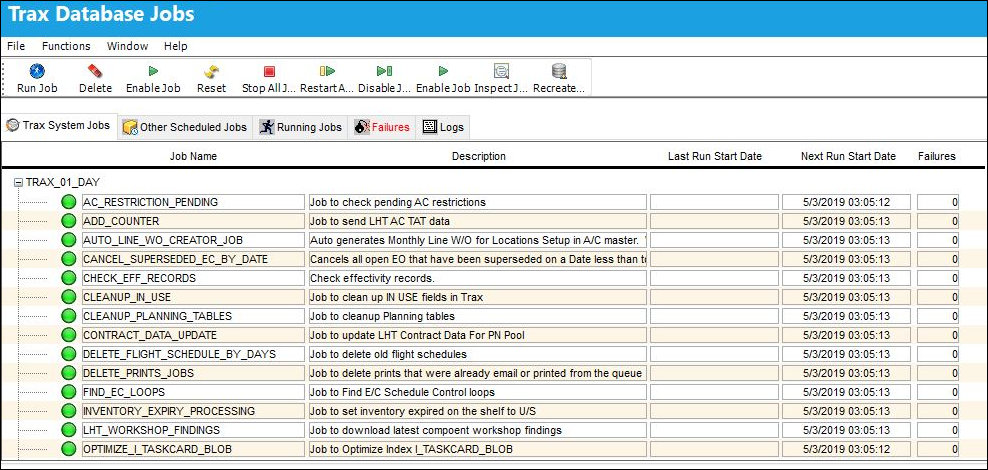
When set to No, AUTO_MANHOUR_SCHEDULE_JOB will not appear in Trax Database Jobs. The ManHour Schedules will not be automatically generated.
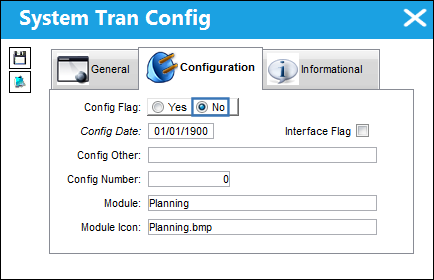
Click the Stop All Jobs button after setting the switch to No.
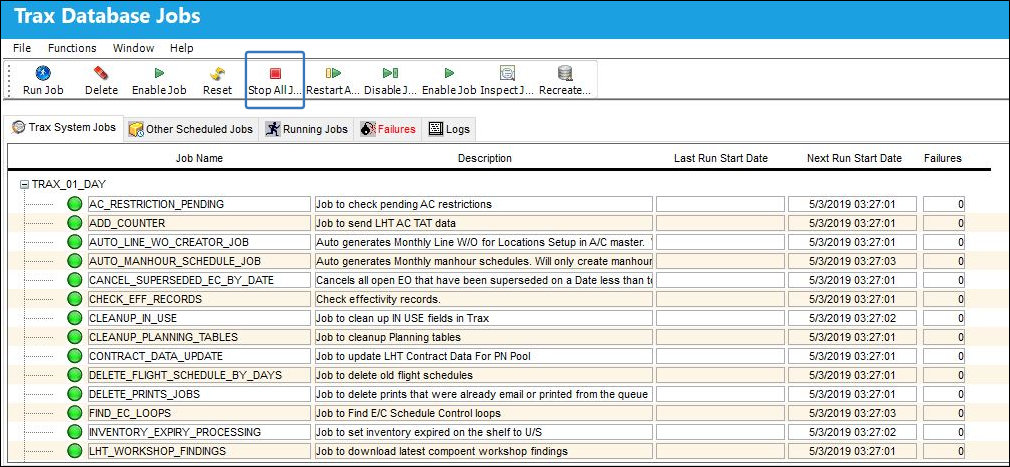
Click the Restart All Jobs button, AUTO_MANHOUR_SCHEDULE_JOB will not be started or appear in Trax Database Jobs.
Share
Print
|
©1997-2026 Trax USA Corp. All rights reserved. This manual may not be copied, photocopied, reproduced, translated, or converted to any electronic or machine-readable form, in whole or in part, without prior written approval from Trax USA Corp. |
 |