
 Share
Share
 Print
Print
|
|
|
|
|


ALWMULTTSK - Prevent Element from being Added to a Work Order
Prevent Element From Being Added To A Work Order
Affected Window: w_ac_planning_qry
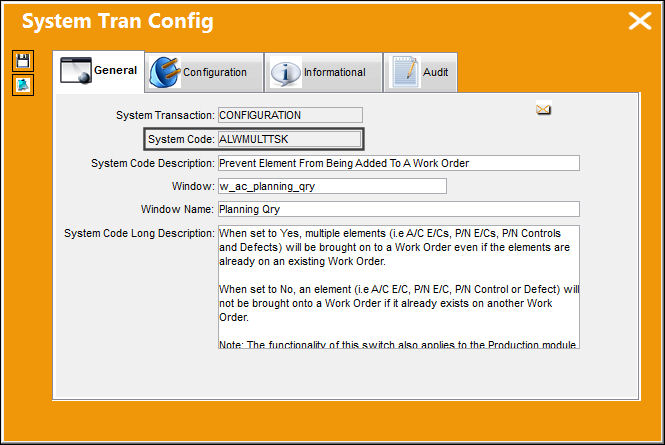
The functionality of this Switch also applies to the Production Module.
Switch Set to Yes:
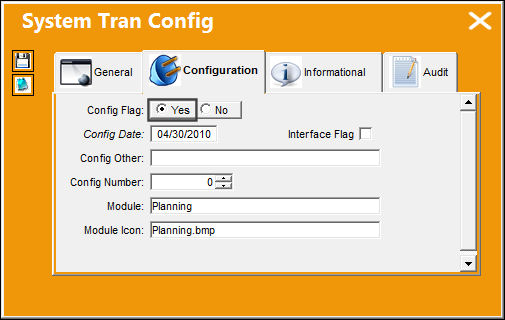
When set to Yes, all A/C E/Cs, P/N E/Cs, P/N Controls and Defects will be brought on to a Work Order even if the elements are already on an existing Work Order duplicate elements (A/C E/Cs, P/N Controls and Defects).
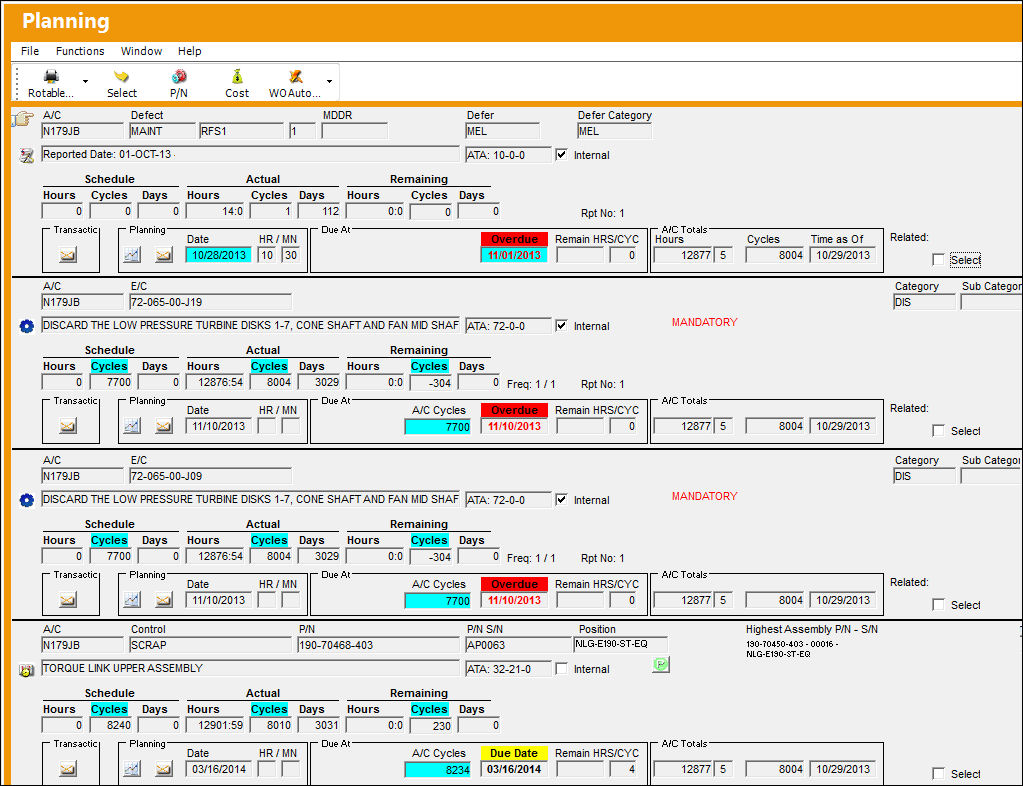
Go to Planning/ Query/ A/C Planning Query.
Query for Defect, A/C E/C, P/N E/C, and P/N Control:
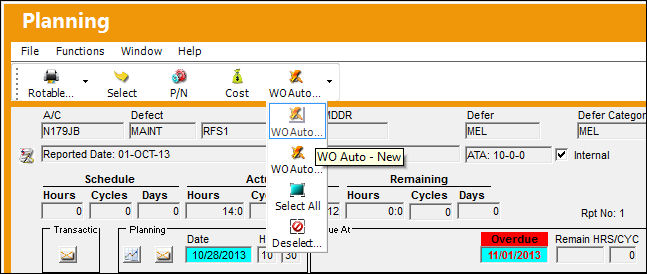
Create a new Work Order for one of the elements:
Work Order is created:
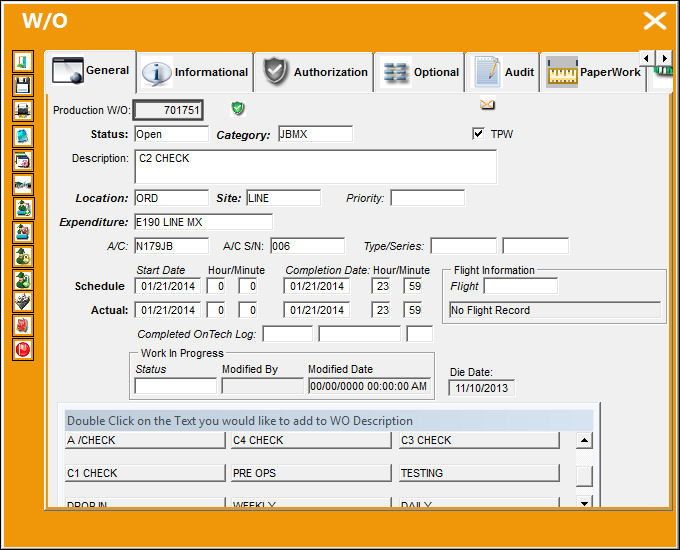
Add the same Work Order to all of the other elements:
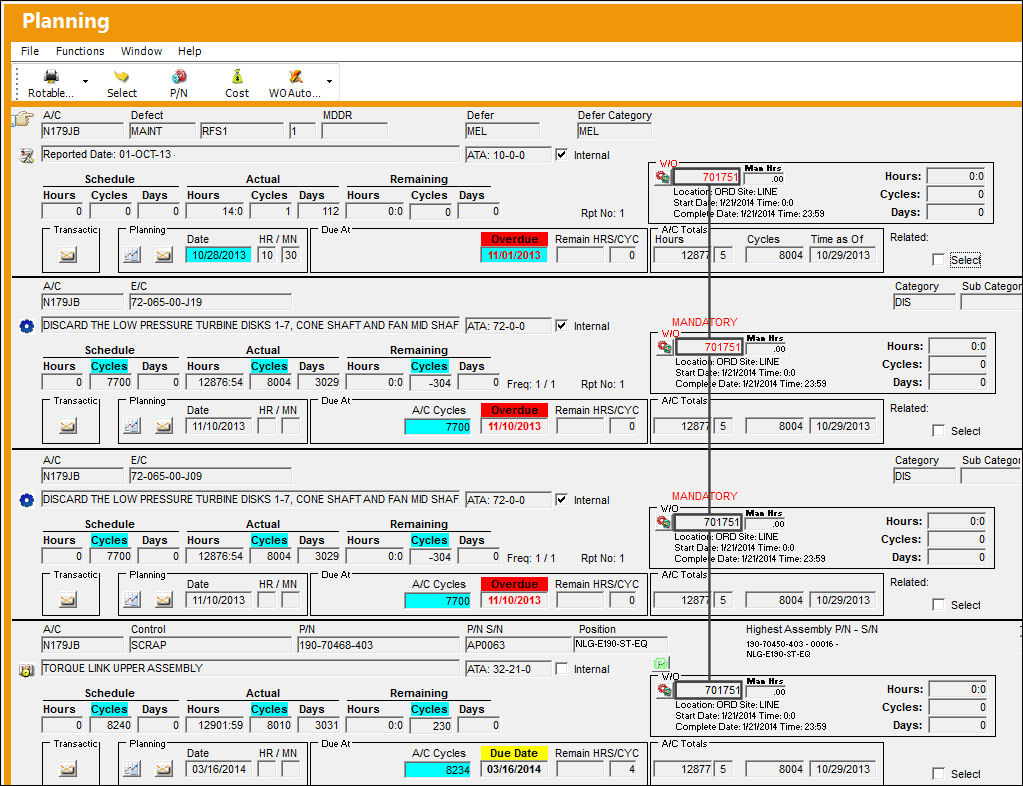
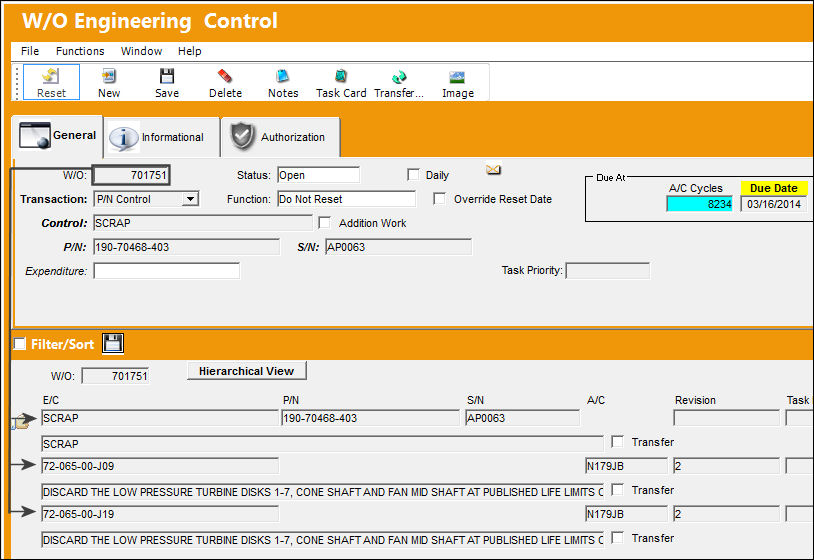
All elements are added to the Work Order:
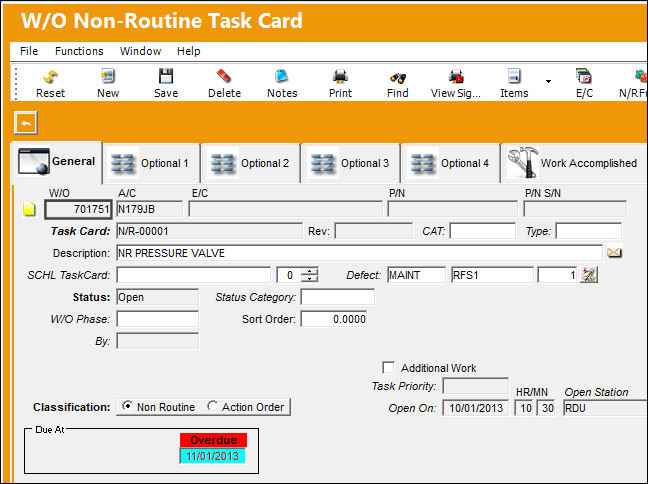
The Non-Routine Task Card for the Defect is added as well:
The same E/C that was added to W/O '701751', is a added to an existing Work Order.
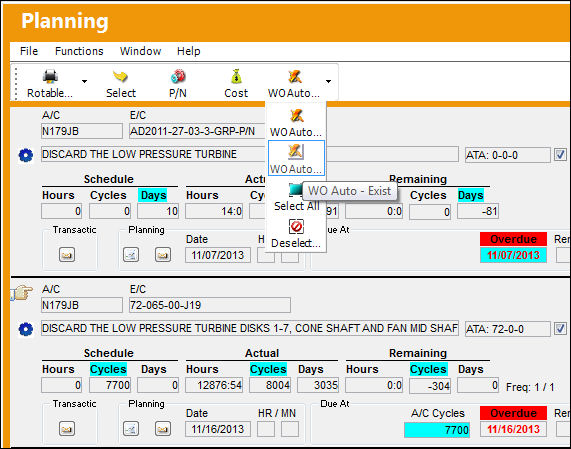
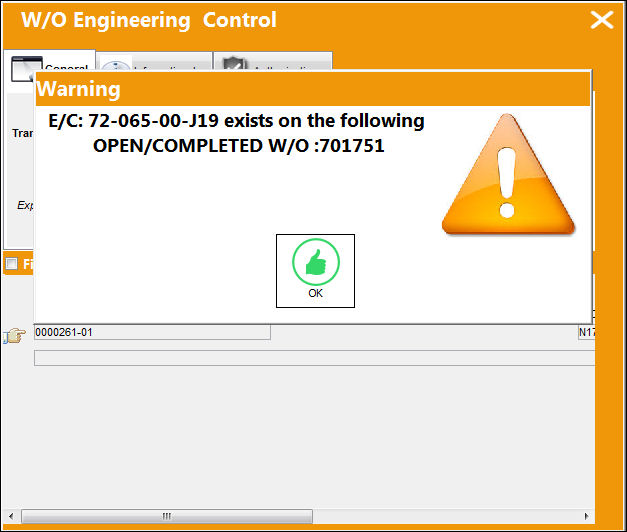
The system issues a soft warning stating that the following E/C is already associated to an existing Work Order:
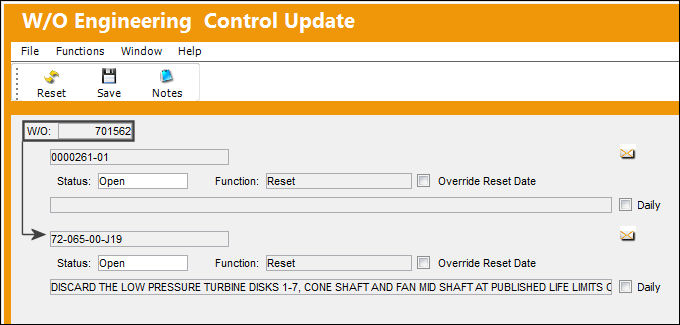
The system allows the user to save the E/C to a separate Work Order:
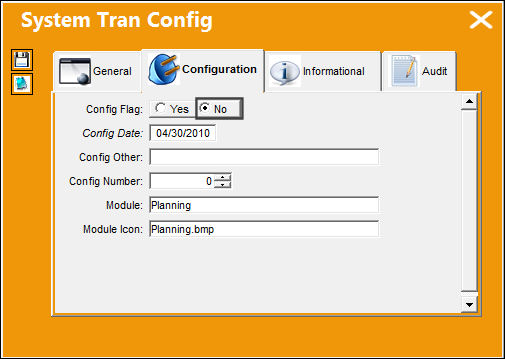
Switch Set to No:
When set to No, an element (i.e A/C E/C, P/N E/C, P/N Control or Defect) will not be brought onto a Work Order if it already exists on another Work Order.
A new Work Order is created for the same elements used in the above example:
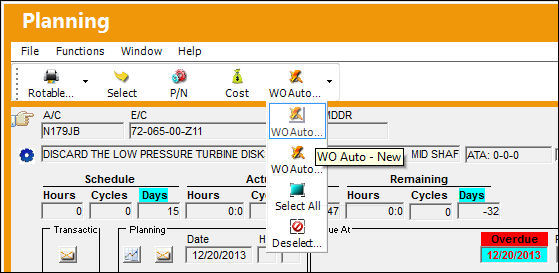
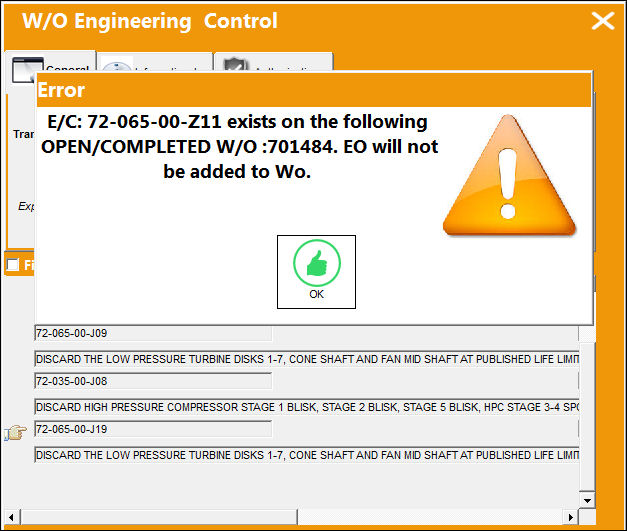
When the user attempts to add element to a Work Order via Production (in this example an A/C E/C) that already exists on an Work Order that is in Open or Completed status, the system will generate the following error:
Share
Print
|
©1997-2026 Trax USA Corp. All rights reserved. This manual may not be copied, photocopied, reproduced, translated, or converted to any electronic or machine-readable form, in whole or in part, without prior written approval from Trax USA Corp. |
 |