|
TRAX MANUALS > Inventory > Inventory Module > Inventory, Update Menu > Inventory Transaction > Inventory Transaction Buttons > Request Tray Button, via Inventory Transaction
Request Tray Button, via Inventory Transaction

Select the Request Tray  button to send a message to the Murata interface requesting the robotic crane to retrieve the tray containing the selected Batch. button to send a message to the Murata interface requesting the robotic crane to retrieve the tray containing the selected Batch.
 Note: This button is part of the customized MURATA interface and is therefore not applicable to most TRAX customers. Note: This button is part of the customized MURATA interface and is therefore not applicable to most TRAX customers.
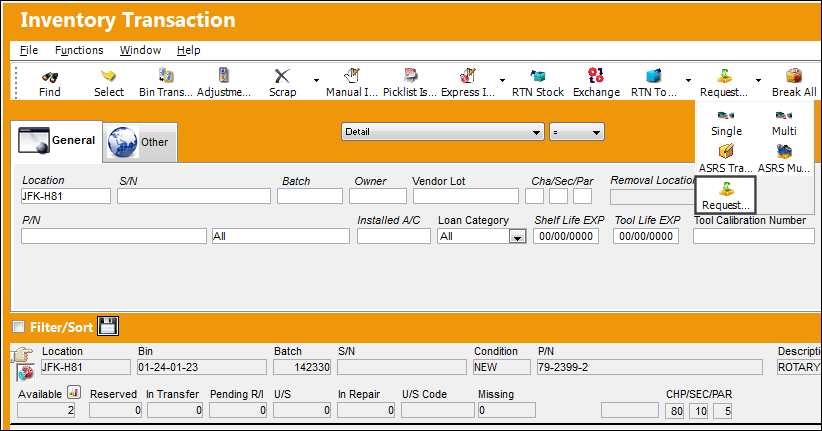
Once selected, the required Work Station must be selected. This selection determines where the Murata crane will deliver the tray.
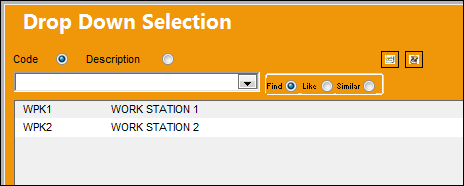
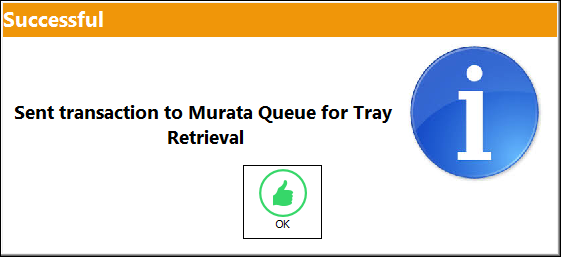
Once selected, the following message appears.
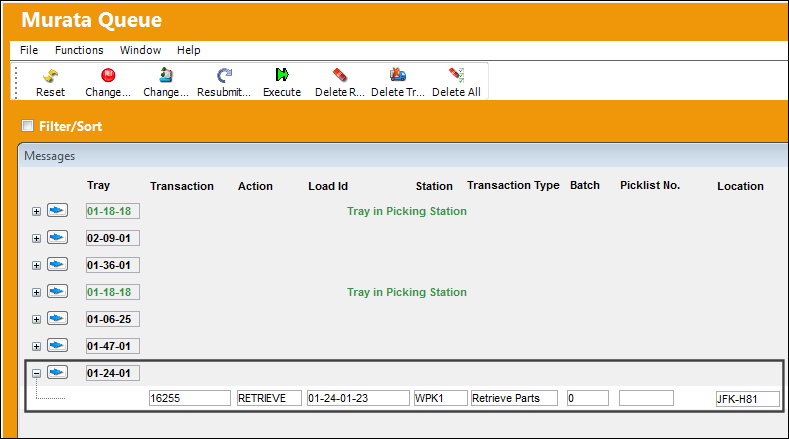
From the Murata Queue, notice that a new 'Retrieve Parts' transaction message is listed.
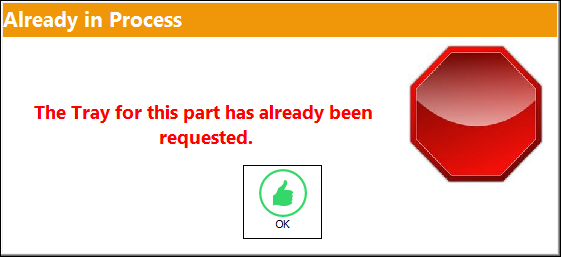
Note: If the Request Tray button is selected again for a part that has already been requested, the following error message will appear. This message prevents multiple requests for the same tray for the same batch.
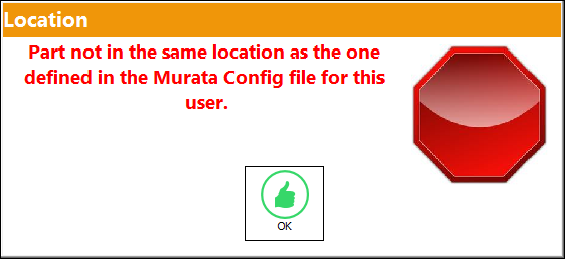
Note: If Switch  MURATAMST is set to No, indicating that the tray cannot be requested for multiple work stations, a warning message will prevent users configured in one work station to request the tray at a different work station. The following message appears. MURATAMST is set to No, indicating that the tray cannot be requested for multiple work stations, a warning message will prevent users configured in one work station to request the tray at a different work station. The following message appears.
For more information refer to Switch MURATAMST via the Interface Switches Training Manual.
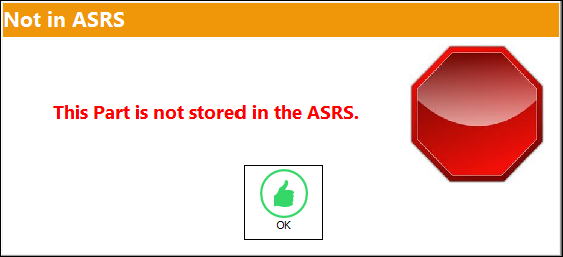
Note: Only Bins registered as ASRS can be retrieved through this button. Otherwise, the following error will appear.
|
See Also Inventory Transaction Buttons Bin Transfer Button, via Inventory Transaction Adjustment Button, via Inventory Transaction Scrap Button, via Inventory Transaction P/N Missing Button, via Inventory Transaction Lost Button, via Inventory Transaction Manual Issue Button, via Inventory Transaction Picklist Issue Button [V15], via Inventory Transaction Picklist Issue Button, via Inventory Transaction Express Issue Button, via Inventory Transaction Express Issue Auto Button, via Inventory Transaction Return To Stock Button, via Inventory Transaction Exchange Button, via Inventory Transaction Return To Vendor Button, via Inventory Transaction Loan Return Button, via Inventory Transaction Return To Owner Button, via Inventory Transaction Owner Change Button, via Inventory Transaction Return From Customer Button, via Inventory Transaction Company Change Button, via Inventory Transaction Return to LHT Button, via Inventory Transaction Return From Quarantine Button, via Inventory Transaction Single Button, via Inventory Transaction Multi Button, via Inventory Transaction ASRS Transfer Order Button, via Inventory Transaction ASRS Multi Store Button, via Inventory Transaction Break All Button, via Inventory Transaction Break P/N Button, via Inventory Transaction Re-Build Kit Button, via Inventory Transaction Build Multi Kit Button, via Inventory Transaction Rental Button, via Inventory Transaction Requisition Button, via Inventory Transaction Custom Duty Change Button, via Inventory Transaction P/N Master Button, via Inventory Transaction Interchangeable Button, via Inventory Transaction Order Button, via Inventory Transaction Bin Control Button, via Inventory Transaction Image Button, via Inventory Transaction P/N S/N Change Button, via Inventory Transaction Document Control Button Manual Button, via Inventory Transaction P/N-S/N Position Change Button, via Inventory Transaction Document Change Button, via Inventory Transaction P/N Detail Print Button, via Inventory Transaction P/N Initial Times Accrual Button, via Inventory Transaction Release From RO Button, via Inventory Transaction Import Software Button, via Inventory Transaction Bin Replace Import Button Notes Button, via Inventory Transaction Import P/N Birth Date Button, via Inventory Transaction Update Reserved Quantity Button, via Inventory Transaction Update Transfer Quantity Button, via Inventory Transaction Cycle Count Button, via Inventory Transaction Box Button, via Inventory Transaction Hold Button, via Inventory Transaction NLA Position Swap Button, via Inventory Transaction Tool Check-In Button, via Inventory Transaction (Tools Locator) Tool Check-Out Button, via Inventory Transaction (Tools Locator) Tool Concession Button, via Inventory Transaction (Tools Locator) Tool Calibration Change Button, via Inventory Transaction (Tools Locator) |
|

 Share
Share
 Print
Print


