
 Share
Share
 Print
Print
|
|
|
|
|


BOCRT - Create Requisition For Parts Below Re-Order Level When P/N Reserved on Picklist
Create Requisition For Parts Below Re-Order Level When P/N Reserved on Picklist
Affected Windows: w_customer_orders_reservation_eu, w_wo_reservation_eu, w_customer_orders_reservation_eu
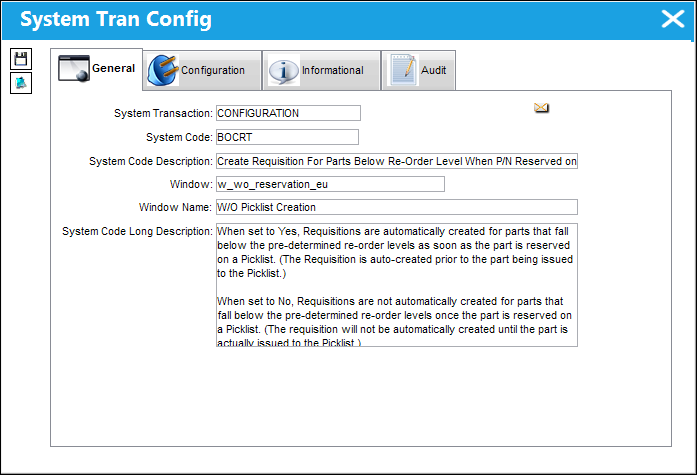
In order for Switch  BOCRT to function correctly, Inventory Switch REOEAUTO must be set to Yes. If Switch REOEAUTO is set to No, Requisitions will not be automatically created regardless of switch BOCRT's setting.
Switch Set to Yes:
When set to Yes, Requisitions are automatically created for parts that fall below the pre-determined re-order levels as soon as the part is reserved on a Picklist. (The Requisition is auto-created prior to the part being issued to the Picklist.)
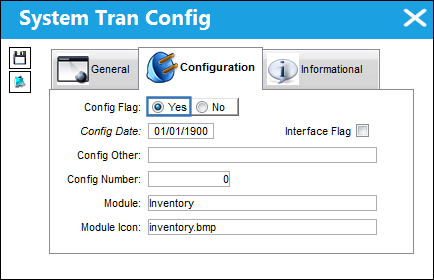
This Switch is functional only when the Picklist is created from the Customer Orders window, W/O Reservation Control window, and the Repair Following button.
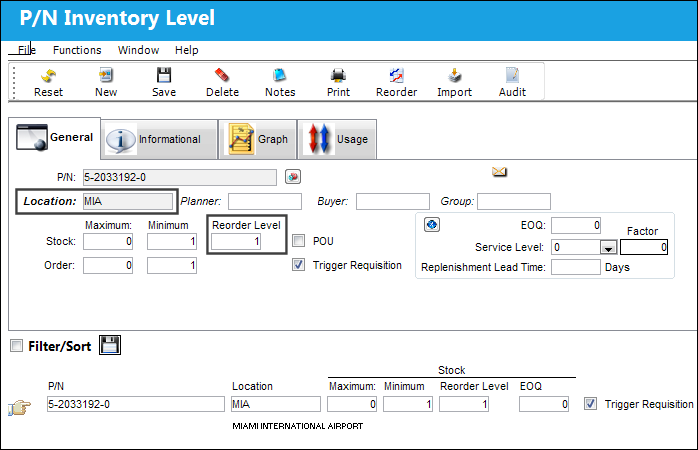
From the P/N Master, select the Inventory Levels  button to define the part's re-order levels for individual Locations. Once a Re-order Level is met, a Requisition may be created automatically (refer to Switch REOEAUTO).
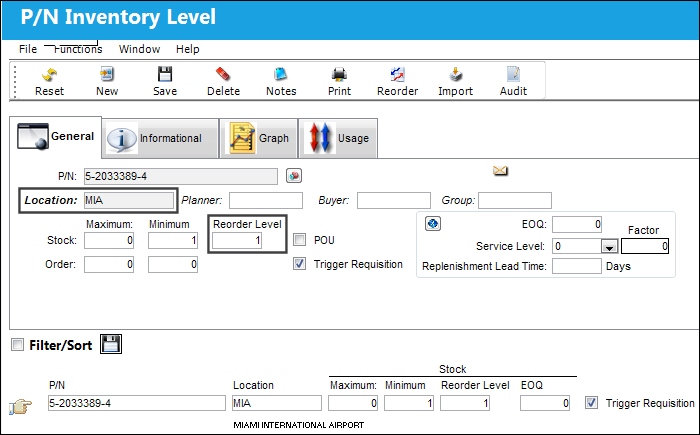
Notice the example part's Reorder Level for a Location.
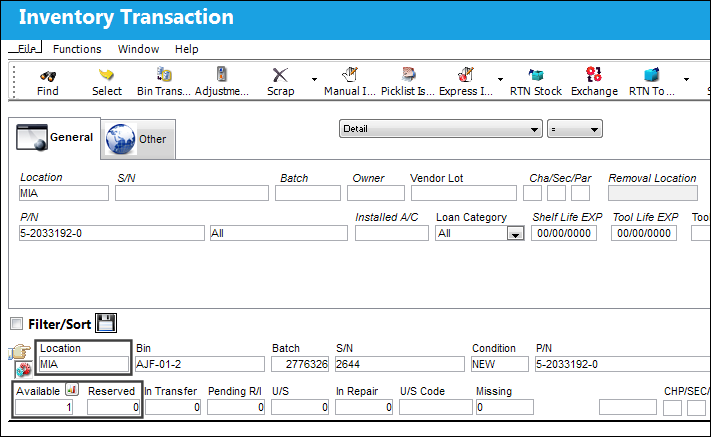
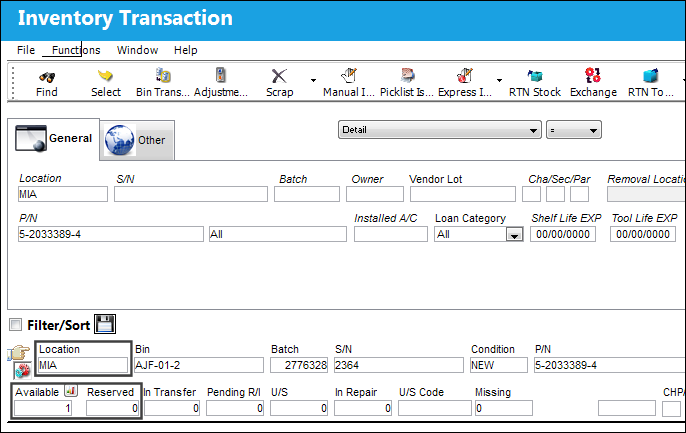
Notice the Location contains 1 available part.
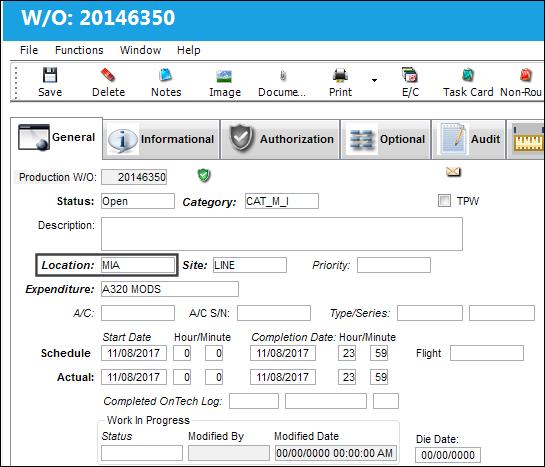
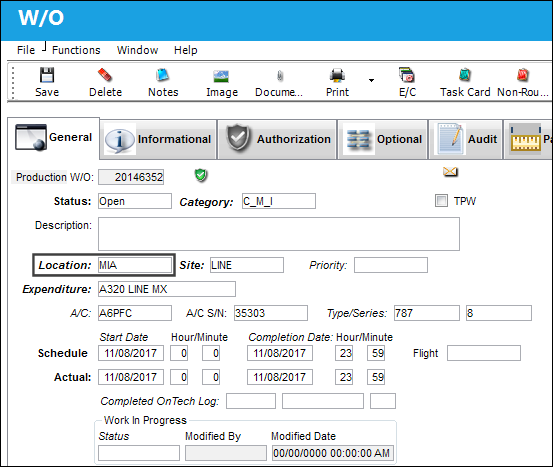
The following Work Order is created for the Location.
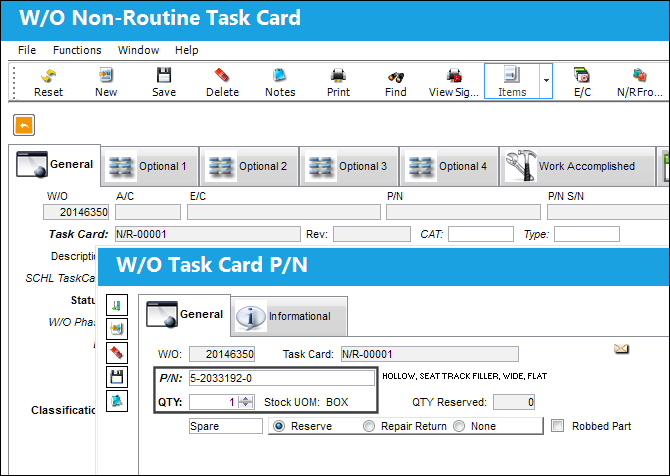
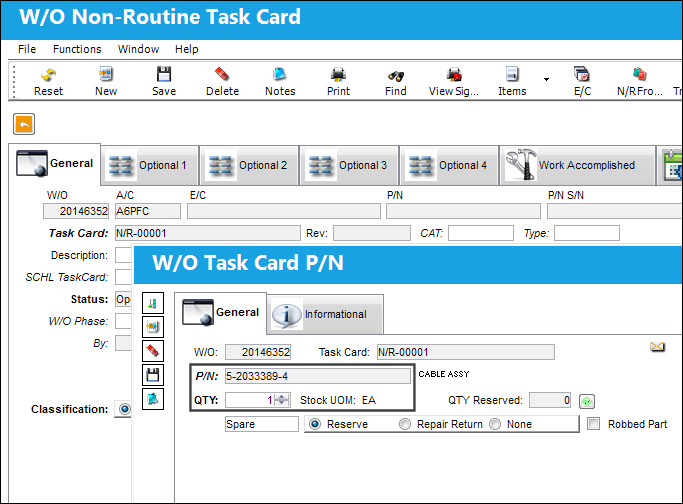
The part is then linked to the W/O's Non-Routine Task Card.
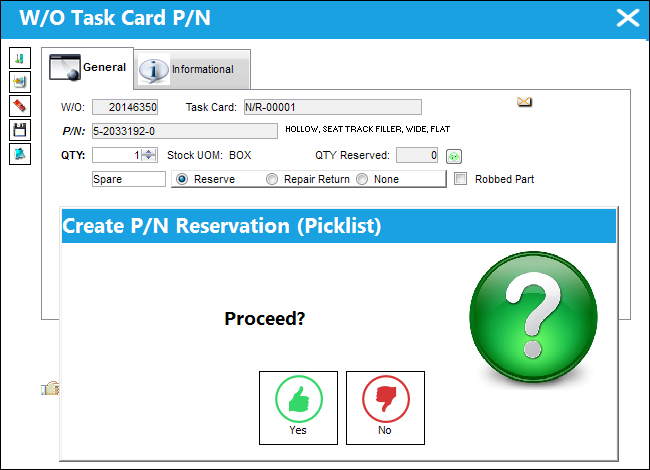
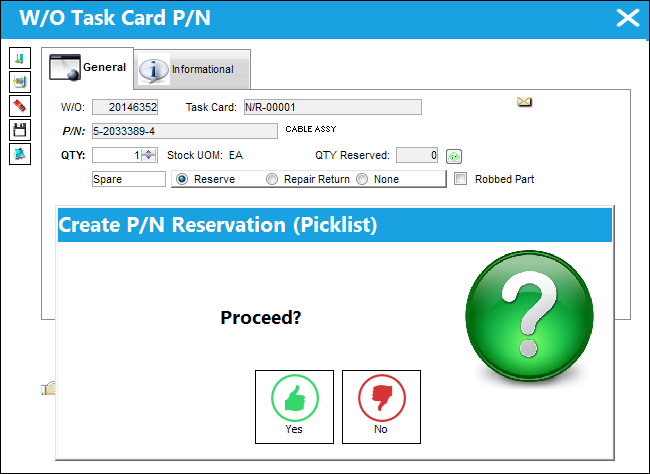
A Picklist is then prompted for the part requirement.
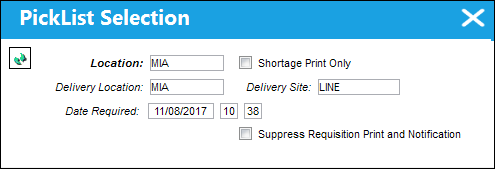
Once saved, the part is reserved via a Picklist for the Location.
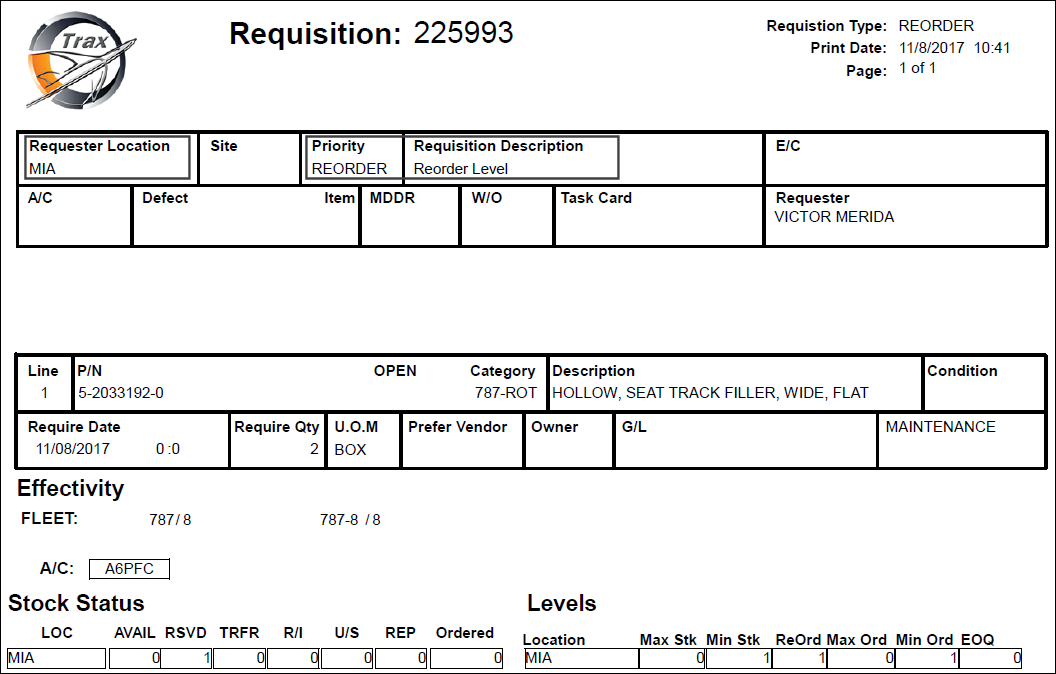
As soon as the part is reserved, a Requisition is automatically created because the part's re-order level is reached.
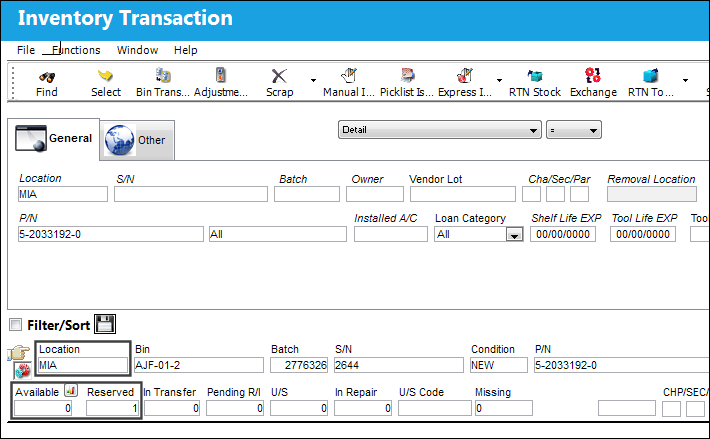
From the Inventory Transaction window, notice that part has been reserved, not yet issued. The Requisition is created before the part is issued.
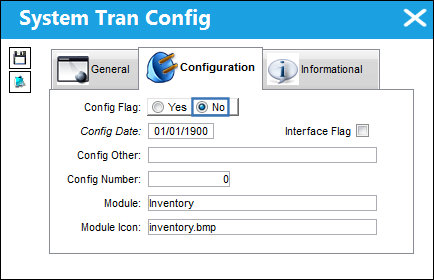
Switch Set to No:
When set to No, Requisitions are not automatically created for parts that fall below the pre-determined re-order levels once the part is reserved on a Picklist. (The requisition will not be automatically created until the part is actually issued to the Picklist.)
Notice the example part's Reorder Level for Location JFK.
Notice location JFK contains 1 available part.
The following Work Order is created for Location JFK.
The part is then linked to the W/O's Non-Routine Task Card.
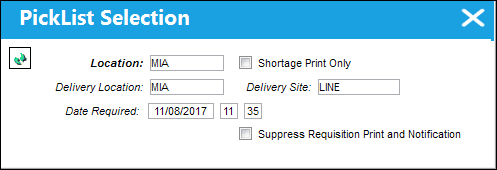
A Picklist is then prompted for the part requirement.
Once saved, the part is reserved via a Picklist for Location JFK.
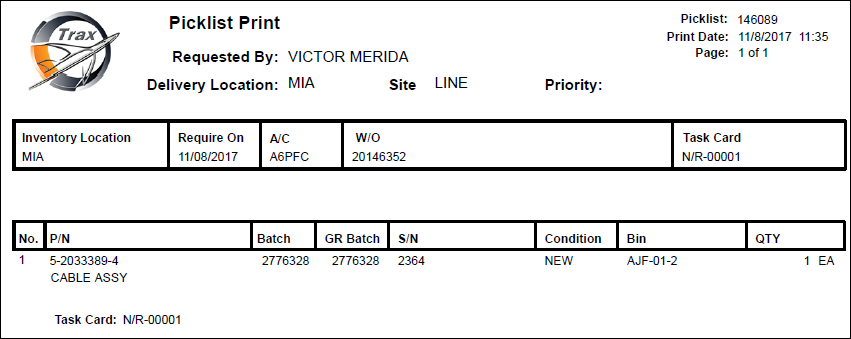
The Picklist print appears. A Requisition has not yet been created.
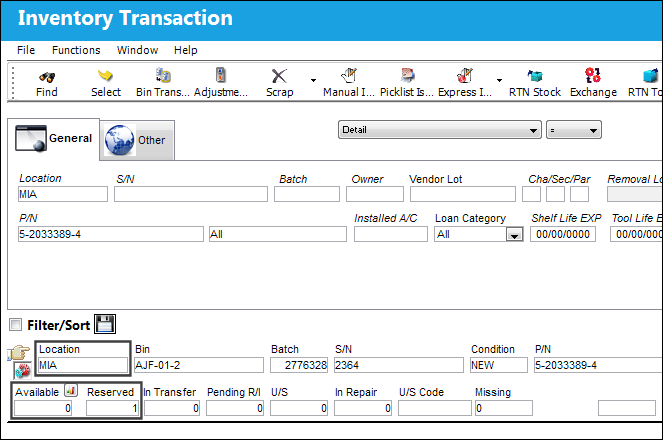
From the Inventory Transaction window, notice that the part has been reserved, but not yet issued.
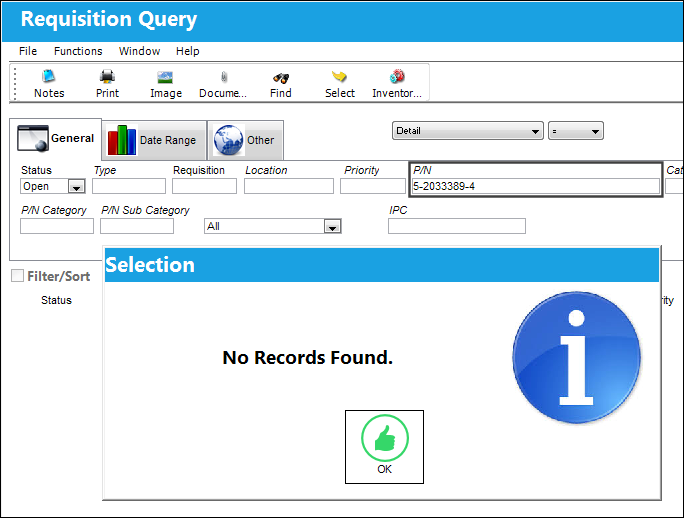
Because the part has not yet been issued, a Requisition has not yet been created.
The part is then issued to the Picklist.
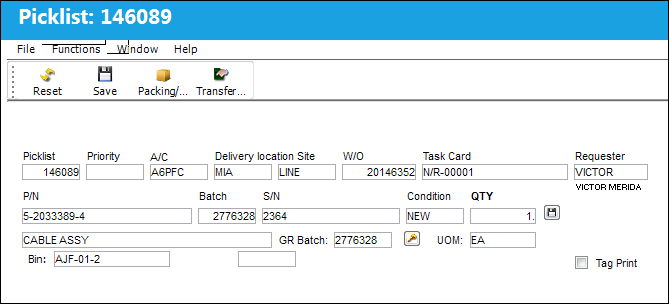
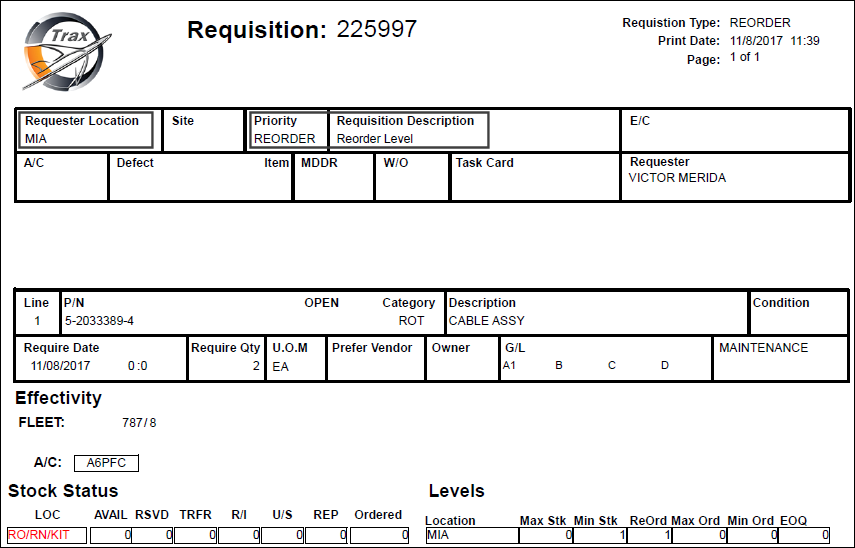
Once the part is issued, a Requisition is automatically created.
Additional Functionality:
When Switch BOCRT is set to No, the Requisition All  button via [Production/ Update/ W/O/ Picklist Query Multi Button/ Requisition All Button] cannot be used to create a Requisition.
Share
Print
|
©1997-2026 Trax USA Corp. All rights reserved. This manual may not be copied, photocopied, reproduced, translated, or converted to any electronic or machine-readable form, in whole or in part, without prior written approval from Trax USA Corp. |
 |