
 Share
Share
 Print
Print
|
|
|
|
|


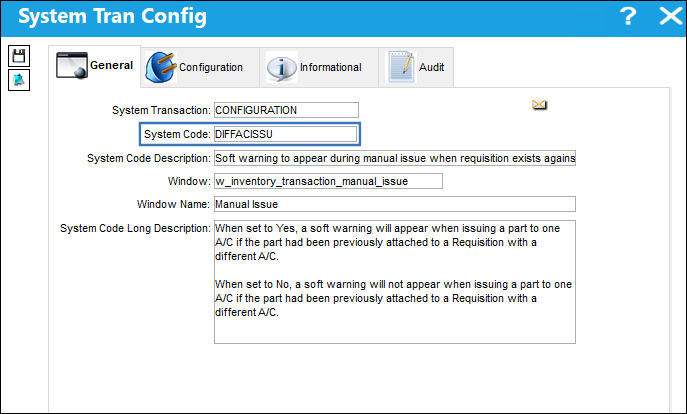
DIFFACISSU - Soft warning to appear during manual issue when requisition exists against the issued P/N
Soft warning to appear during manual issue when requisition exists against the issued P/N
Affected Window: w_inventory_transaction_manual_issue
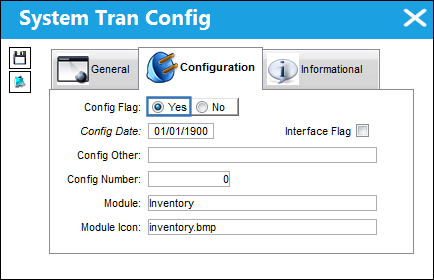
Switch Set to Yes:
When set to Yes, a soft warning will appear when issuing a part to one A/C if the part had been previously attached to a Requisition with a different A/C.
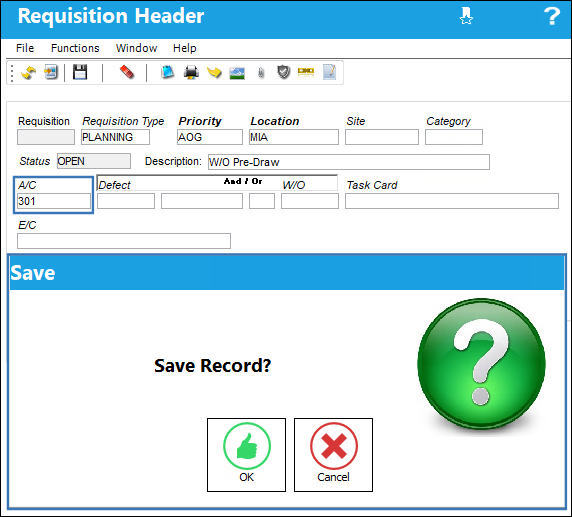
For example, create a Requisition against an A/C (301) then save.
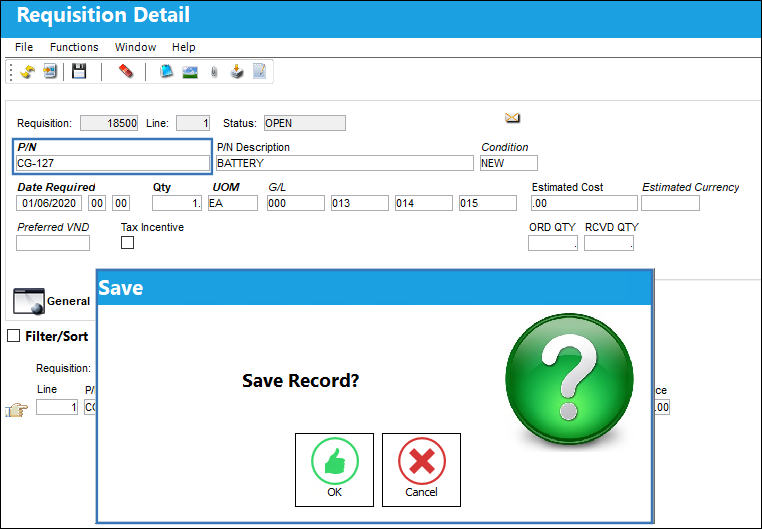
Attach a P/N to the Requisition then save.
Create a Purchase Order for the same P/N that was entered into the Requisition above. Also include the Requisition and Line number in the Purchase Order window.
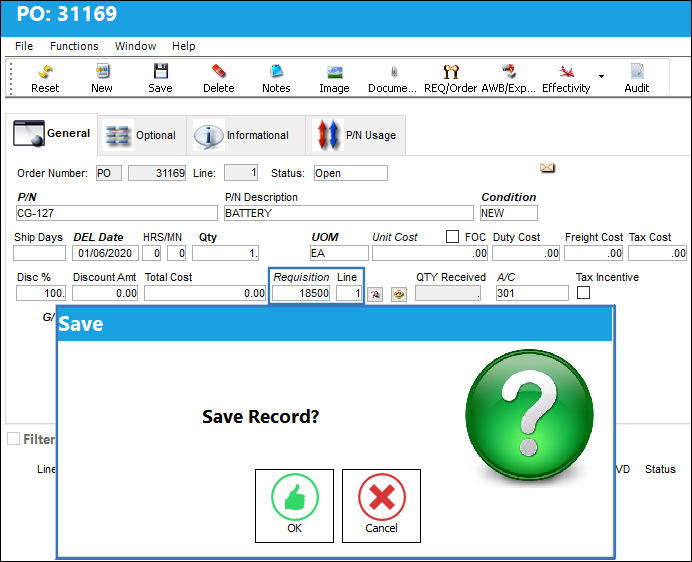
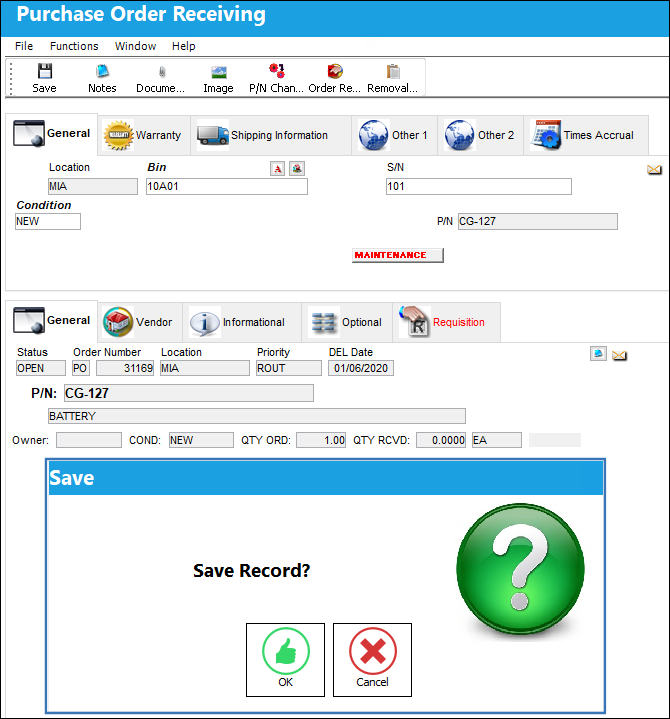
Receive the P/N via Receiving/Update/Purchase Order Receiving.
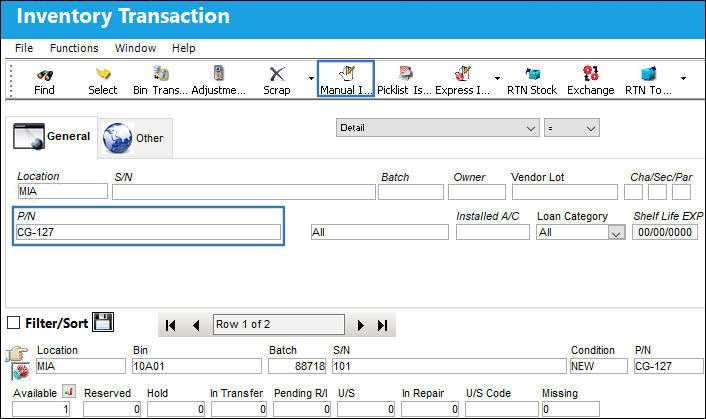
From the Inventory Transaction window, find the Purchased P/N then select the Manual Issue  button.
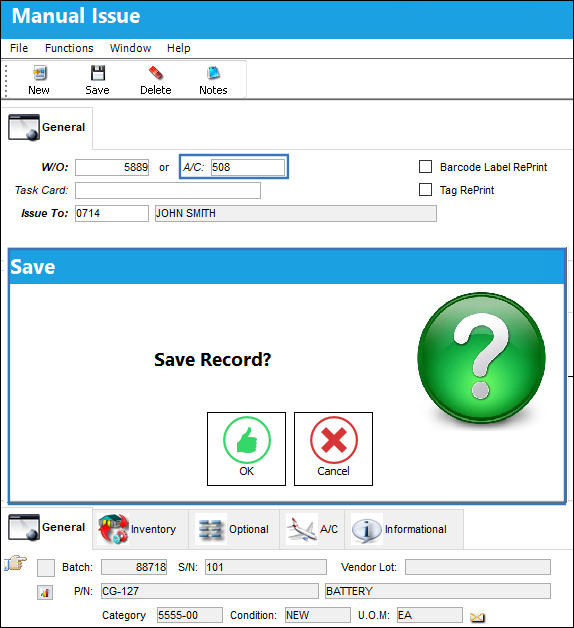
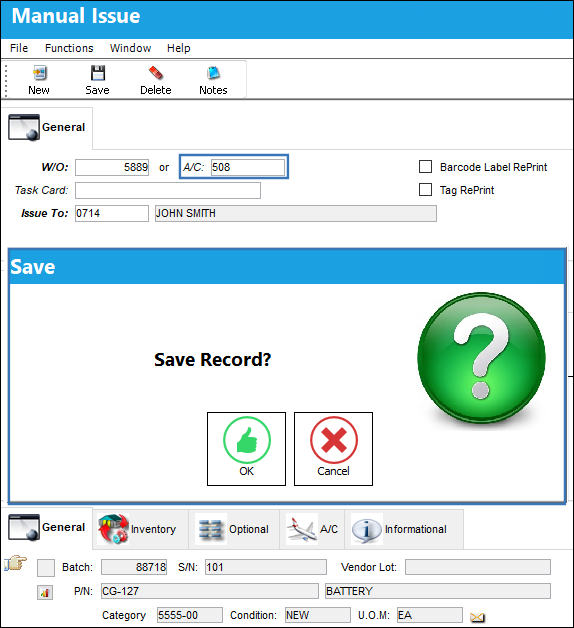
From the Manual Issue window, select a different A/C than the one saved in the Requisition (301). After selecting the Save  button the save prompt will appear.
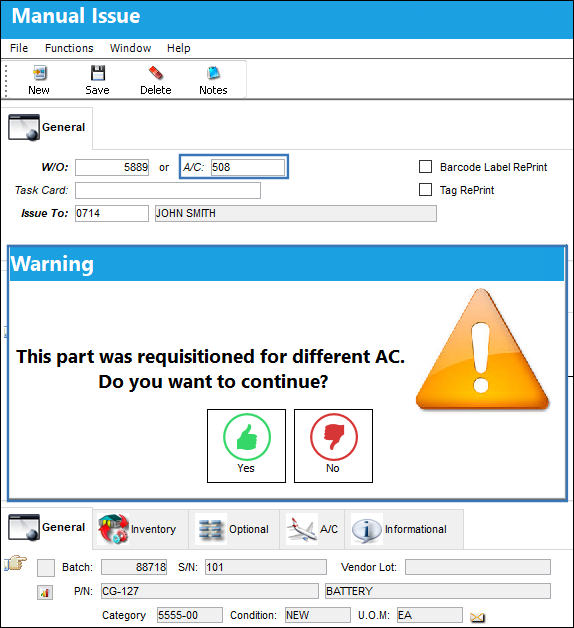
After saving, a soft warning will appear stating that the part was requisitioned for a different A/C. It then asks if the user wants to continue. Users can select 'Yes' to complete the Manual Issue or 'No' to cancel.
Switch Set to No:
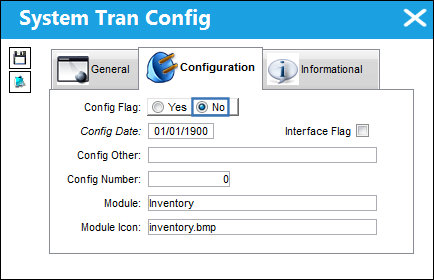
When set to No, a soft warning will not appear when issuing a part to one A/C if the part had been previously attached to a Requisition for a different A/C.
For example, create a Manual Issue for a different A/C than the A/C attached to the Requisition (301). Select the Save button.
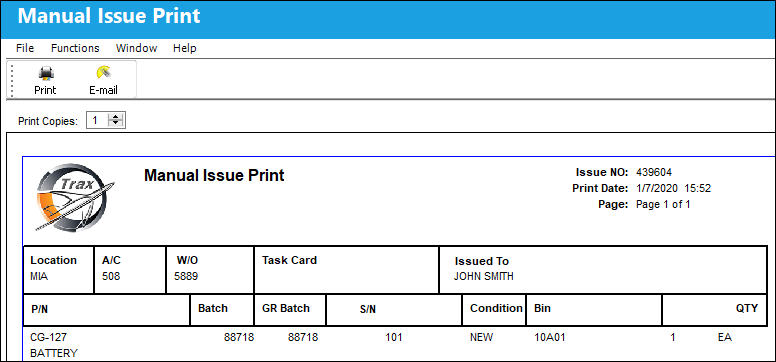
After saving, the Manual Issue will be completed without prompting the user with the above soft warning.
Share
Print
|
©1997-2026 Trax USA Corp. All rights reserved. This manual may not be copied, photocopied, reproduced, translated, or converted to any electronic or machine-readable form, in whole or in part, without prior written approval from Trax USA Corp. |
 |