
 Share
Share
 Print
Print
|
|
|
|
|


PNAVADEST - Get a Warning When the Part is Available in the Destination Location

Get a Warning When the Part is Available in the Destination Location
Affected Window: oux_picklist_detail_eu
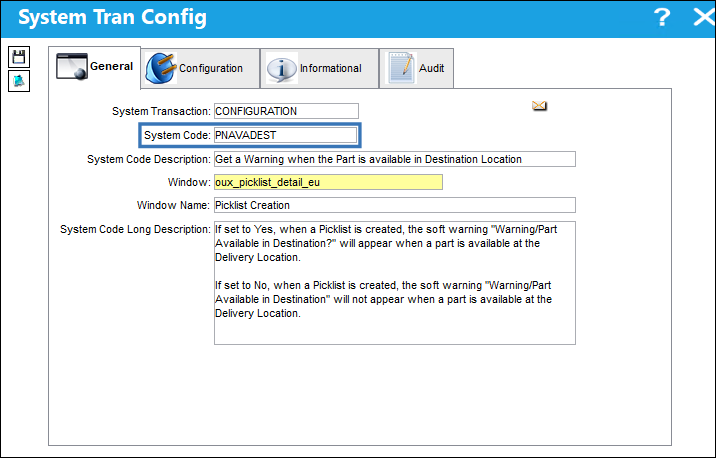
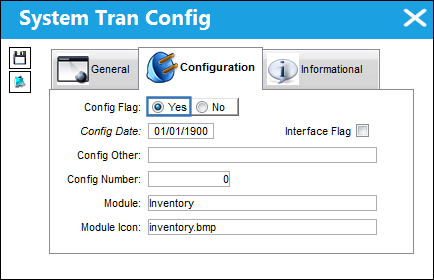
Switch Set to Yes:
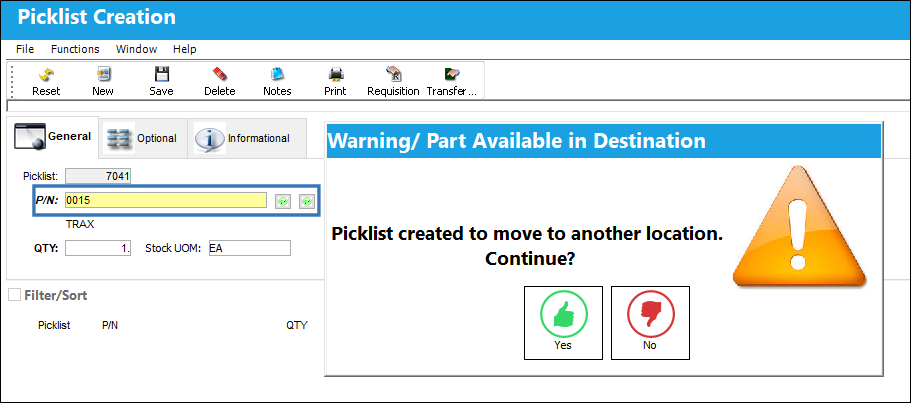
If set to Yes, when a Picklist is created, the soft warning "Warning/Part Available in Destination?" will appear when a part is available at the Delivery Location.
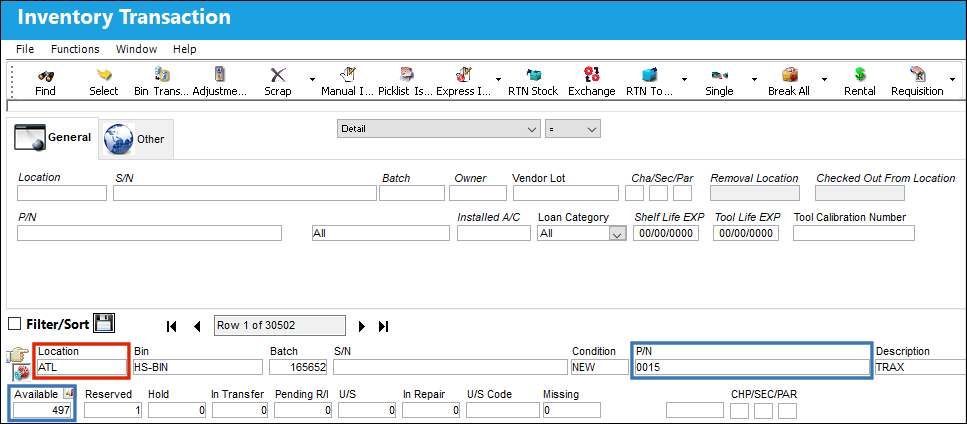
Notice that the following P/N is available at the indicated Location.
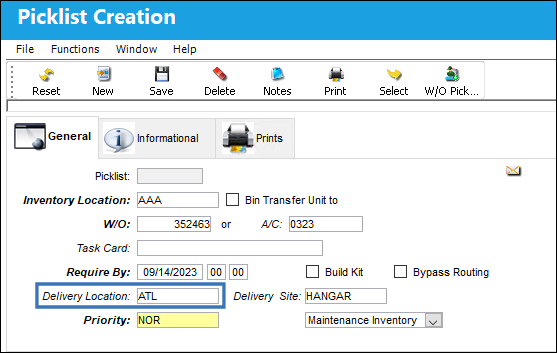
A Picklist Header is created with the same Delivery Location as the P/N above.
In the Picklist Detail, the P/N that is available at the Delivery Location is selected. Upon selecting the Save button, the system will prompt the following soft warning.
Switch Set to No:
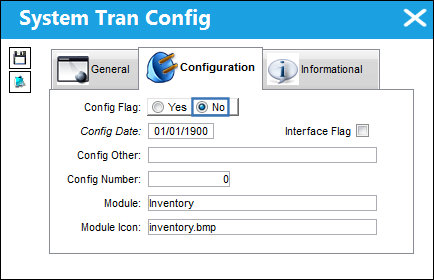
If set to No, when a Picklist is created, the soft warning "Warning/Part Available in Destination" will not appear when a part is available at the Delivery Location.
Notice that the following P/N is available at the indicated Location.
A Picklist Header is created with the same Delivery Location as the P/N above.
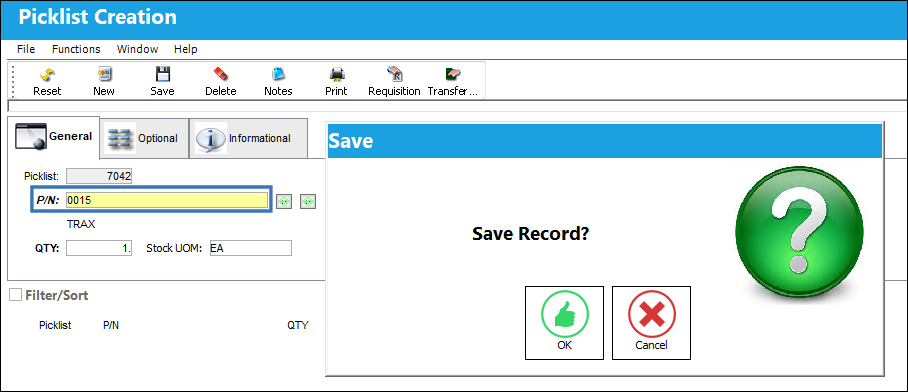
In the Picklist Detail, the P/N that is available at the Delivery Location is selected. Upon selecting the Save button, the system will go directly to the Save prompt.
Share
Print
|
©1997-2026 Trax USA Corp. All rights reserved. This manual may not be copied, photocopied, reproduced, translated, or converted to any electronic or machine-readable form, in whole or in part, without prior written approval from Trax USA Corp. |
 |