
 Share
Share
 Print
Print
|
|
|
|
|


TOOLCHKINLOCPROTECT - Protect Location in Tool Check-In Window for Unprotected Users

Protect Location in Tool Check-In Window for Unprotected Users
Affected Window: w_inventory_transaction_tool_check_in
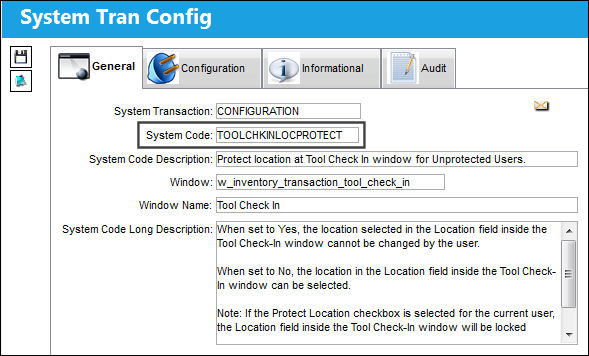
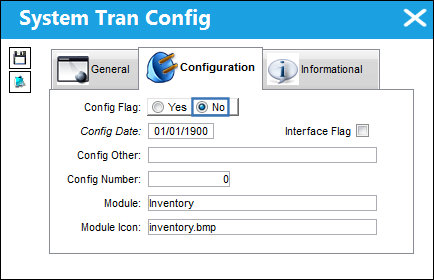
Switch Set to Yes:
When set to Yes, the location selected in the Location field inside the Tool Check-In window cannot be changed by the user.
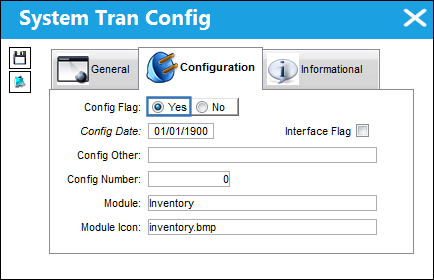
If the Protect Location checkbox is selected for the current user, the Location field inside the Tool Check-In window will be locked regardless of the Switch setting. For more information, refer to the Security, General Tab.
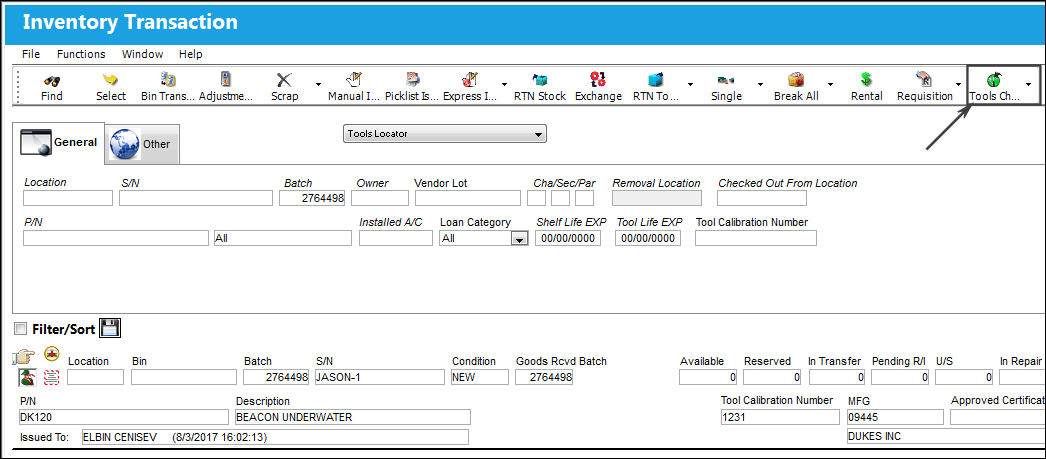
The following Tool has been checked out. The Check-In button is selected to check it in.
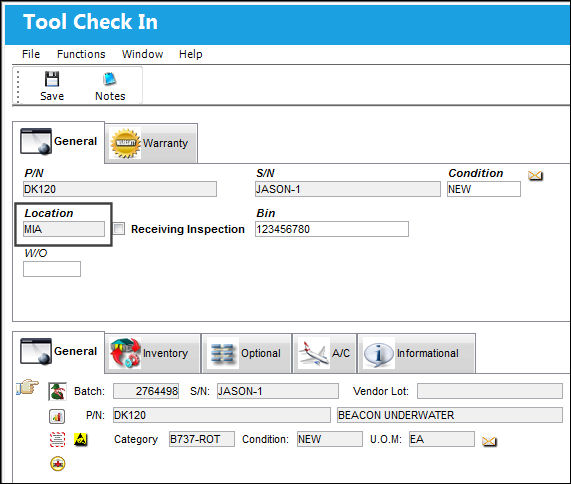
Notice that the Location field cannot be edited inside the Tool Check-In window.
Switch Set to No:
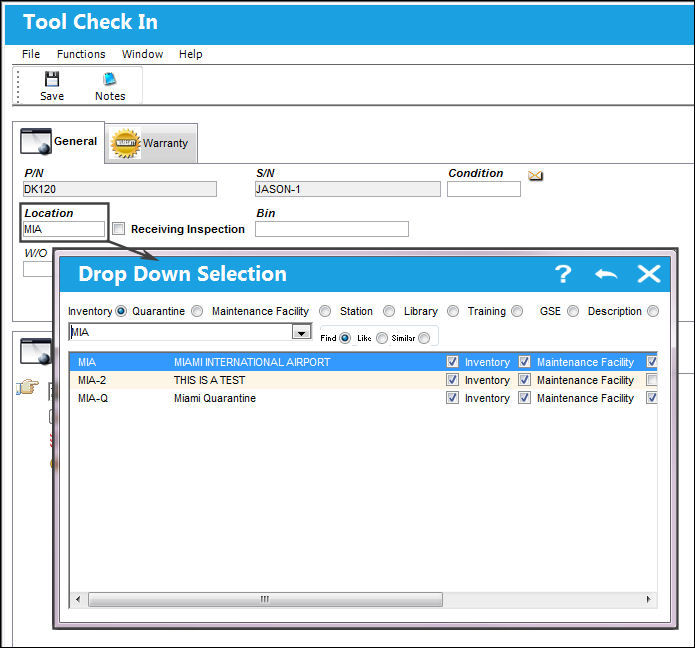
When set to No, the location in the Location field inside the Tool Check-In window can be selected.
The following Tool has been checked out. The Check-In button is selected to check it in.
Notice that the Location field can be edited inside the Tool Check-In window.
Share
Print
|
©1997-2026 Trax USA Corp. All rights reserved. This manual may not be copied, photocopied, reproduced, translated, or converted to any electronic or machine-readable form, in whole or in part, without prior written approval from Trax USA Corp. |
 |