
 Share
Share
 Print
Print
|
|
|
|
|


AVOIDRPPICA - Avoid Requisition Print Window When A Physical Inventory Count Adjustment Runs
Avoid Requisition Print Window When A Physical Inventory Count Adjustment Runs
Affected Windows: w_physical_count_adjustment_sel
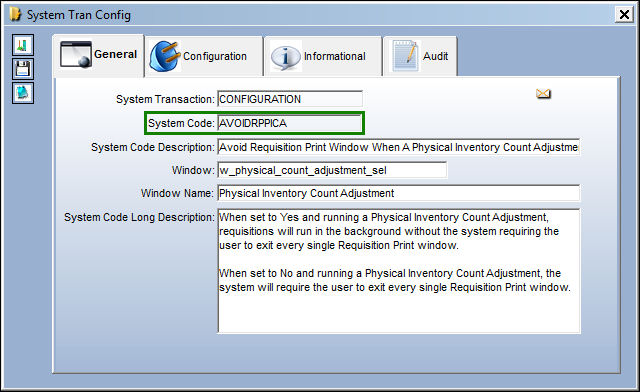
Switch Set to Yes:
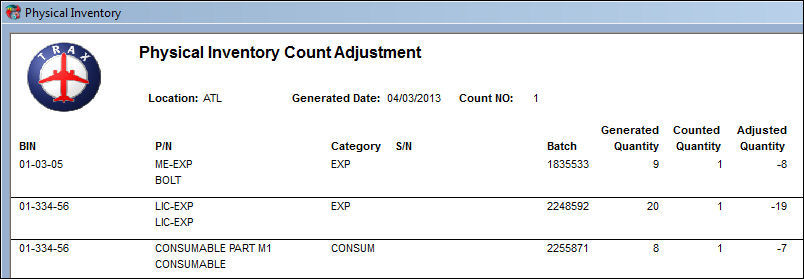
When set to Yes and running a Physical Inventory Count Adjustment, requisitions will run in the background without the system requiring the user to exit every single Requisition Print window.
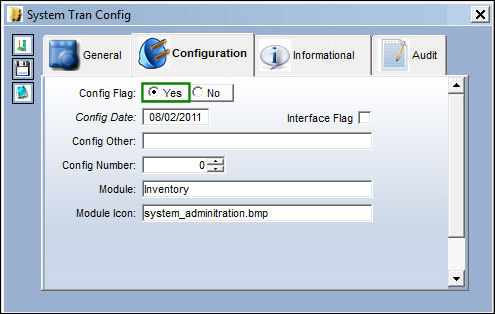
Perform a physical count of parts at the required inventory location, input the quantities in the Count Qty field.
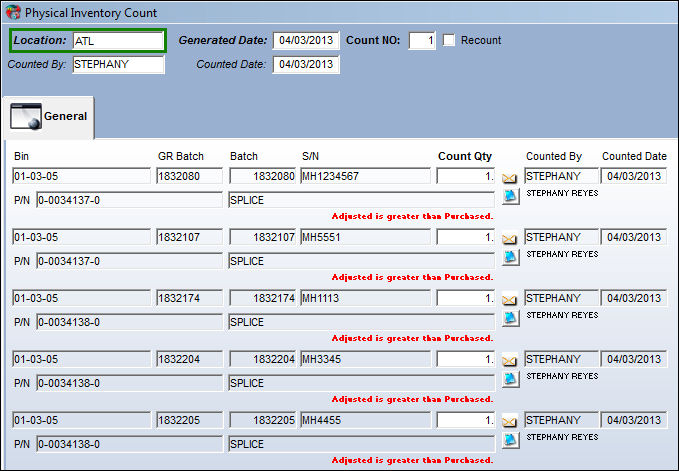
Perform a physical count of parts at the required inventory location, input the quantities in the Count Qty field.
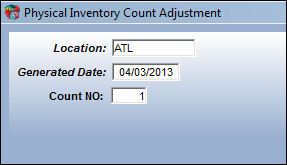
The requisition will run in the background and no requisition pop-up is displayed.
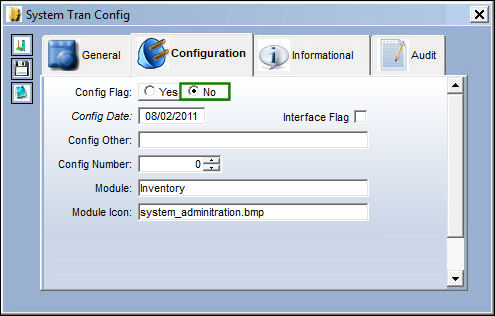
Switch Set to No:
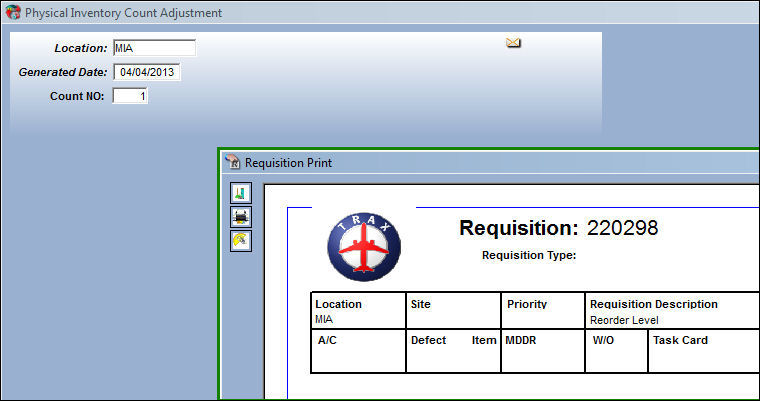
When set to No and running a Physical Inventory Count Adjustment, the system will require the user to exit every single Requisition Print window.
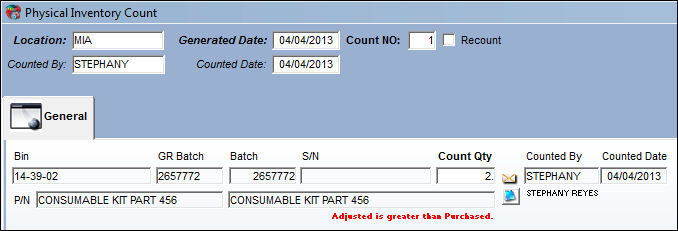
Perform a physical count of parts at the required inventory location, input the quantities in the Count Qty field.
Perform a physical count of parts at the required inventory location, input the quantities in the Count Qty field. If quantities are low, a Requisition Print will display and the user will have to exit the Requisition Print screen.
Share
Print
|
©1997-2026 Trax USA Corp. All rights reserved. This manual may not be copied, photocopied, reproduced, translated, or converted to any electronic or machine-readable form, in whole or in part, without prior written approval from Trax USA Corp. |
 |