
 Share
Share
 Print
Print
TRAX MANUALS > Inventory > Inventory Switches > MANUALIP - Show Manual Issue Print
|
|
|
|
|


MANUALIP - Show Manual Issue Print
Show Manual Issue Print
Affected Window: w_inventory_transaction_manual_issue
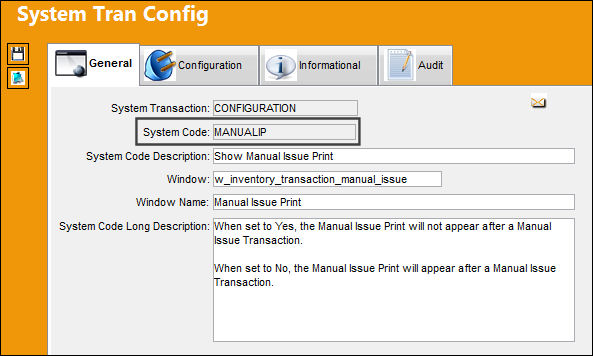
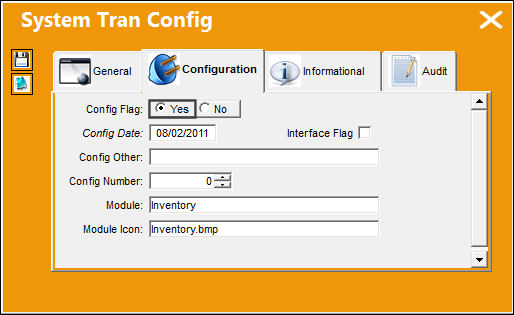
Switch Set to Yes:
When set to Yes, the Manual Issue Print will not appear after a Manual Issue Transaction.
The following Manual Issue has been created.
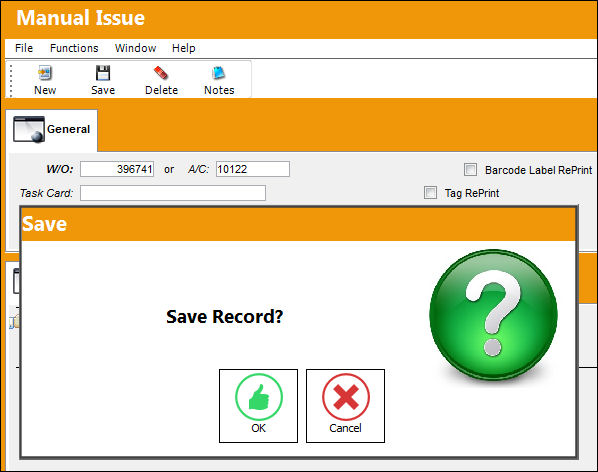
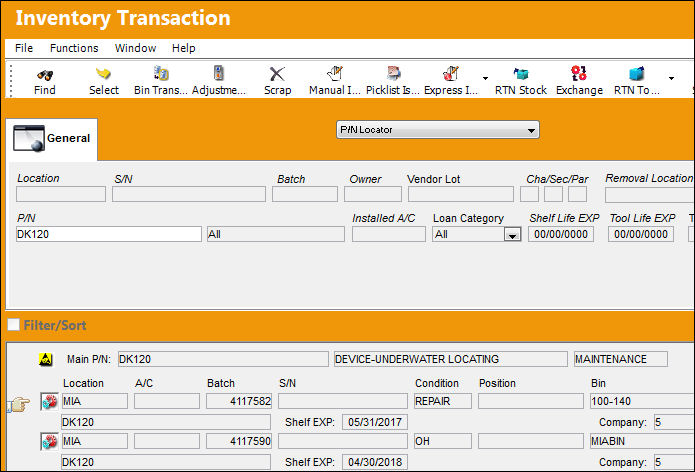
After selecting the Save  button, notice the user is brought back to the Inventory Transaction window instead of a Manual Issue Print being produced.
Switch Set to No:
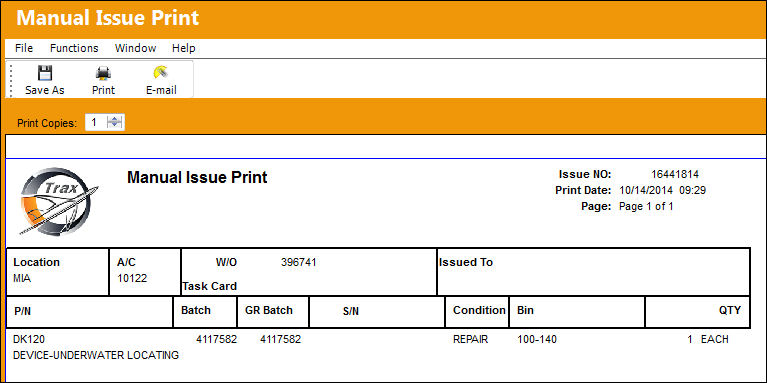
When set to No, the Manual Issue Print will appear after a Manual Issue Transaction.
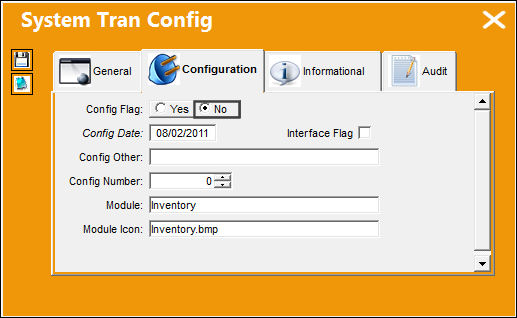
The following Manual Issue has been created.
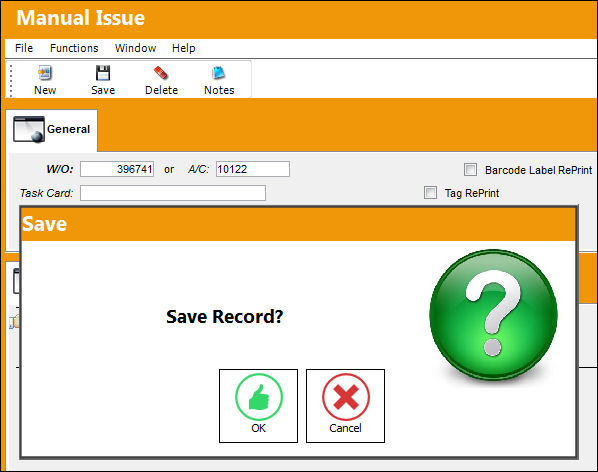
After selecting the Save button, notice the Manual Issue Print is automatically produced.
Share
Print
|
©1997-2026 Trax USA Corp. All rights reserved. This manual may not be copied, photocopied, reproduced, translated, or converted to any electronic or machine-readable form, in whole or in part, without prior written approval from Trax USA Corp. |
 |