
 Share
Share
 Print
Print
|
|
|
|
|


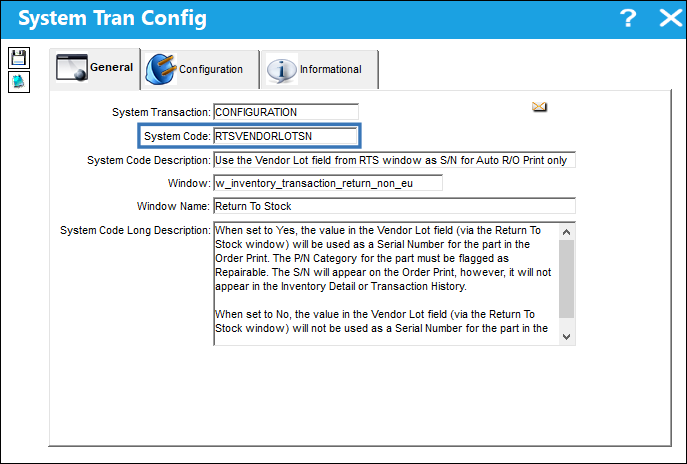
RTSVENDORLOTSN - Use the Vendor Lot Field in RTS Window as S/N for Auto R/O Only

Use the Vendor Lot field from RTS window as S/N for Auto R/O Print only
Affected Window: w_inventory_transaction_return_non_eu
Note: This functionality is customer specific and may not be available to all users. For more information, refer to Trax Customer Support.
Switch Set to Yes:
When set to Yes, the value in the Vendor Lot field (via the Return To Stock window) will be used as a Serial Number for the part in the Order Print. The P/N Category for the part must be flagged as Repairable. The S/N will appear on the Order Print, however, it will not appear in the Inventory Detail or Transaction History.
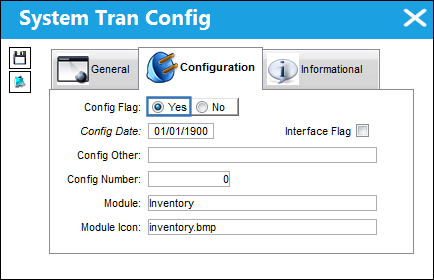
: If set to Yes and the S/N is null/blank, the S/N field in the R/O Print will appear blank.
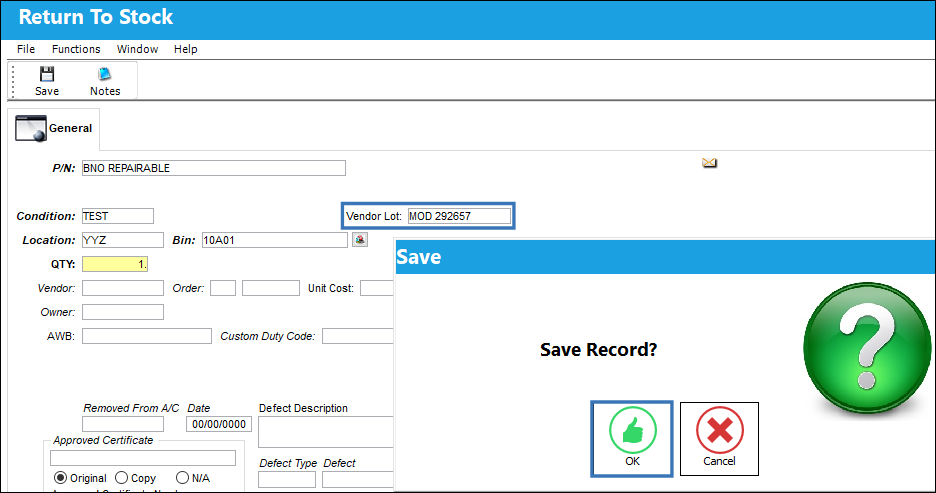
From the Return To Stock window, populate the Vendor Lot field as needed.
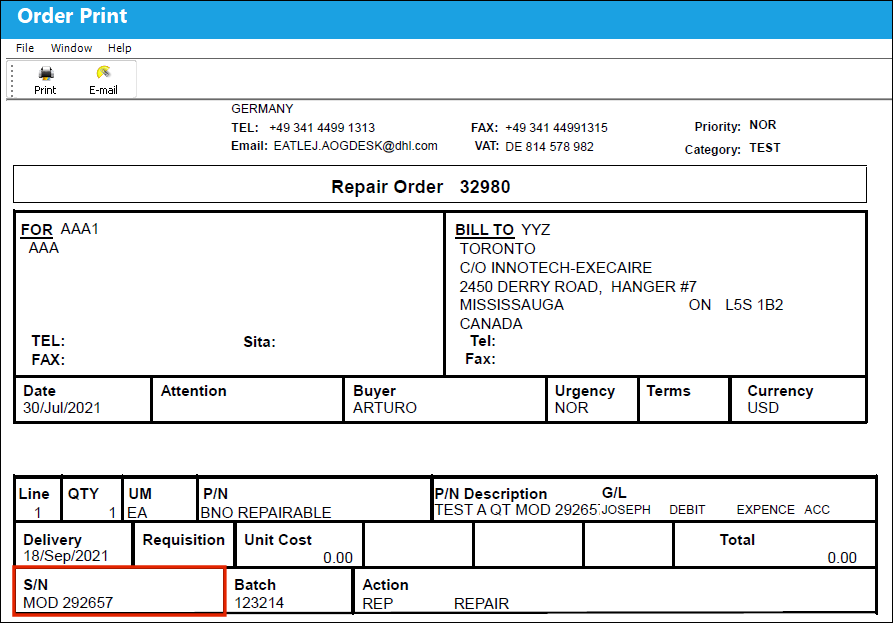
Once the Repair Order Print has been generated, the S/N field in the Print will display value entered in the Vendor Lot field during the Return To Stock transaction for the part.
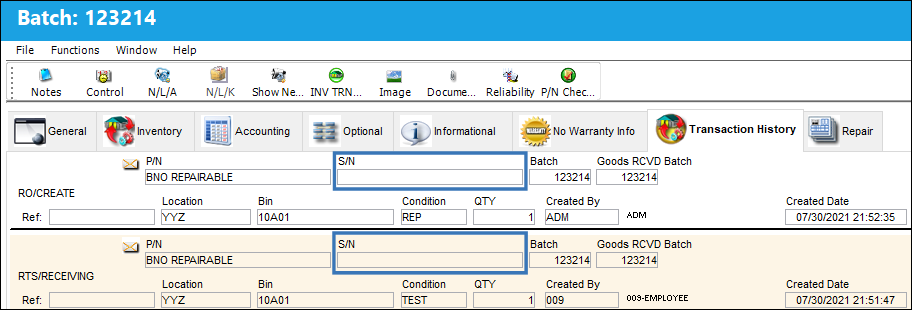
From the Transaction History tab for the part, notice that the S/N field is blank.
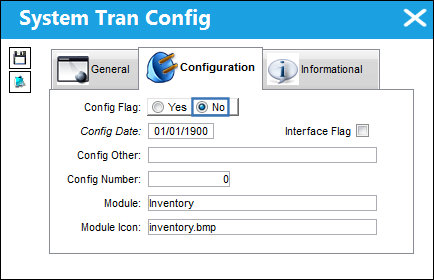
Switch Set to No:
When set to No, the value in the Vendor Lot field (via the Return To Stock window) will not be used as a Serial Number for the part in the Order Print.
Share
Print
|
©1997-2026 Trax USA Corp. All rights reserved. This manual may not be copied, photocopied, reproduced, translated, or converted to any electronic or machine-readable form, in whole or in part, without prior written approval from Trax USA Corp. |
 |