
 Share
Share
 Print
Print
|
|
|
|
|


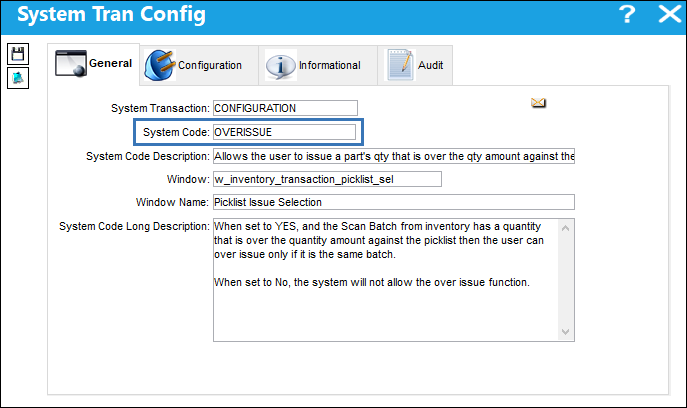
OVERISSUE - Allows the user to issue a part's quantity that is over the quantity amount against the picklist

Allows User to Issue QTY that Surpasses the QTY Against the Picklist
Affected Window: w_inventory_transaction_picklist_sel
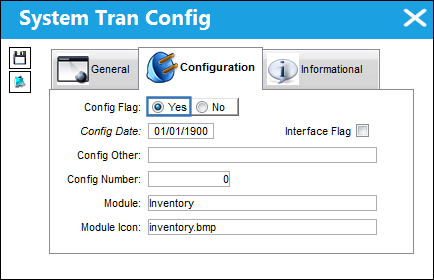
Switch Set to Yes:
When set to Yes, the user is able to issue a quantity more than the picklist requested. The batch must be the same and the revised quantity cannot exceed the total quantity of the batch in inventory.
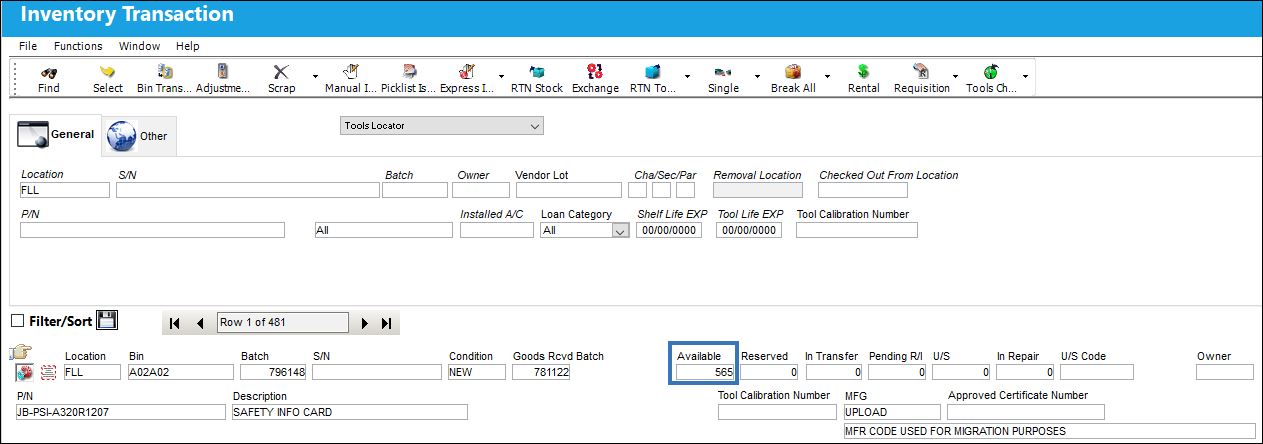
Notice the quantity of available inventory for this part.
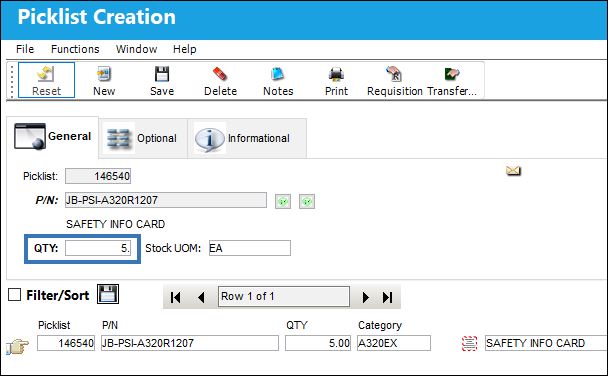
The following Picklist for the above part has a required quantity that's less than the available quantity.
From the Inventory Transaction window, select the Picklist Issue button.
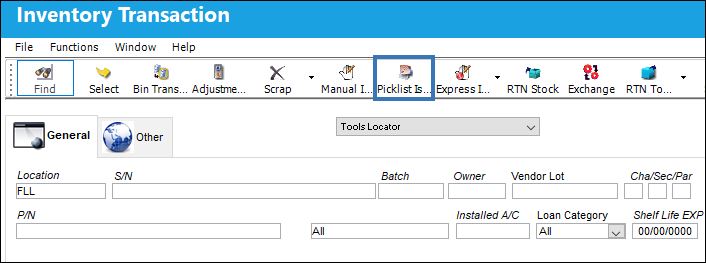
Select the expand button to display the Picklist Issue functions.
The quantity to issue was increased (but does not surpass the available quantity).

Click the Save  button.
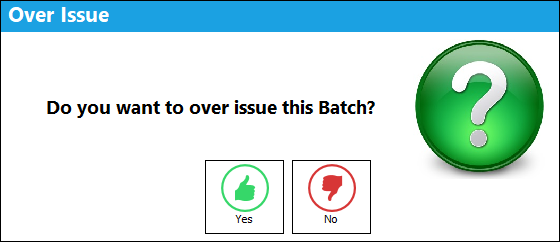
A soft warning appears explaining that the batch is being over-issued for the Picklist. The quantity can be issued by clicking the Yes button.
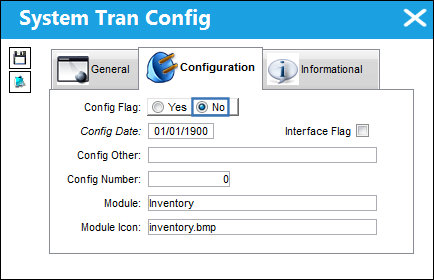
Switch set to No:
If the the switch is set to No the system will not allow the Over Issue function.
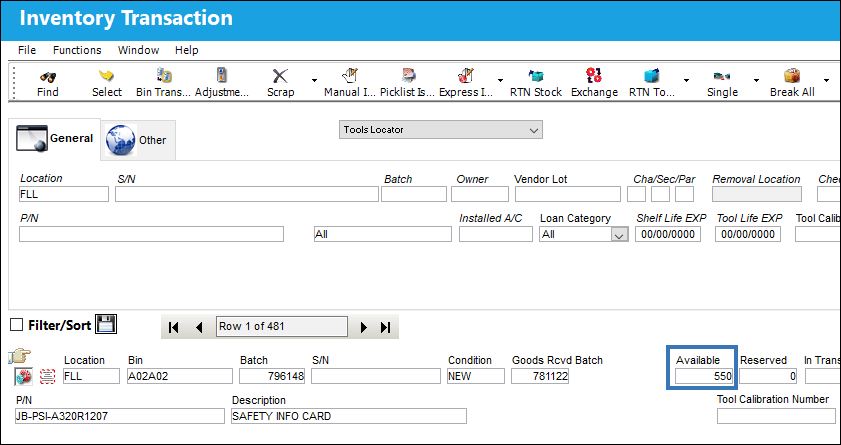
Notice the quantity of available inventory for this part.
The following Picklist for the above part has a required quantity that's less than the available quantity.
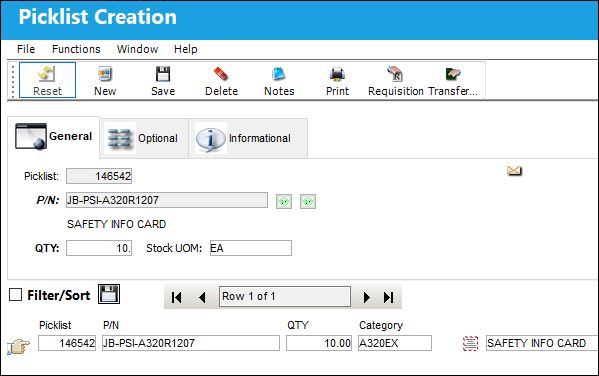
In the Inventory Transaction window, select the Picklist Issue button.
Select the expand button to display the Picklist issue functions.
The quantity to issue was increased (but does not surpass the available quantity).

When the user selects into another field, or selects the Save button while the cursor is still in the Qty field, the system will automatically revert the quantity back to the Picklists original quantity.

If the Picklists quantity needs to be updated the existing Picklist will need to be edited or a new Picklist can be created.
Share
Print
|
©1997-2026 Trax USA Corp. All rights reserved. This manual may not be copied, photocopied, reproduced, translated, or converted to any electronic or machine-readable form, in whole or in part, without prior written approval from Trax USA Corp. |
 |