
 Share
Share
 Print
Print
|
|
|
|
|


AVAILCNT - Modify Available Quantity After Physical Inventory Adjustment

Modify Available Quantity After Physical Inventory Adjustment
Affected Window: w_physical_count_eu
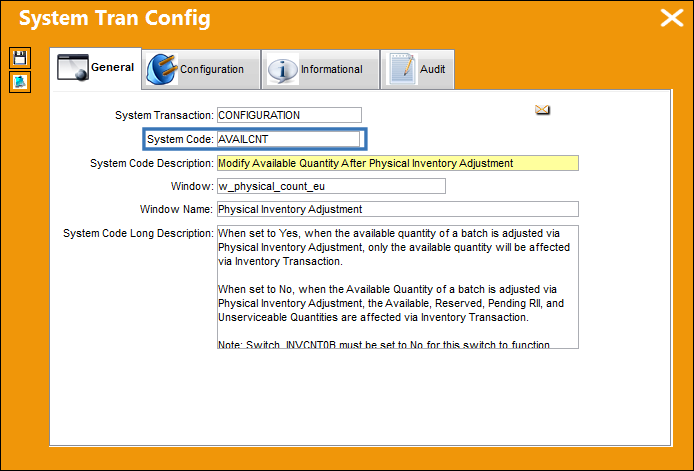
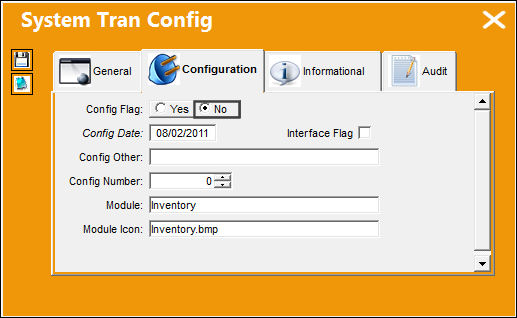
Switch  INVCNT0B must be set to No for this switch to function correctly.
Switch Set to Yes:
When set to Yes, when the available quantity of a batch is adjusted via Physical Inventory Adjustment, only the available quantity will be affected via Inventory Transaction.
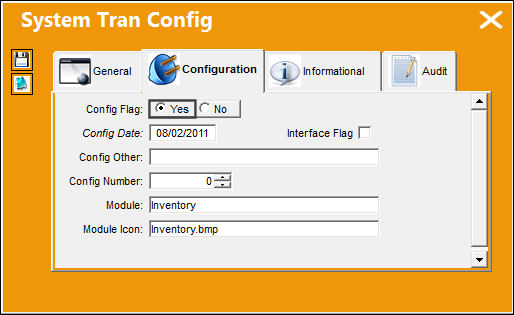
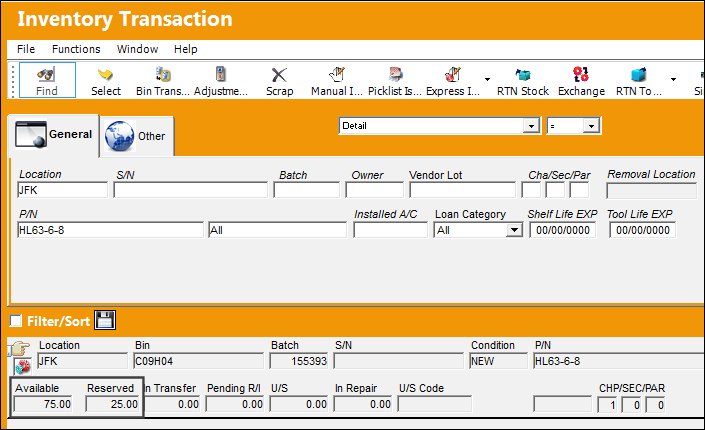
The following Picklist was generated.
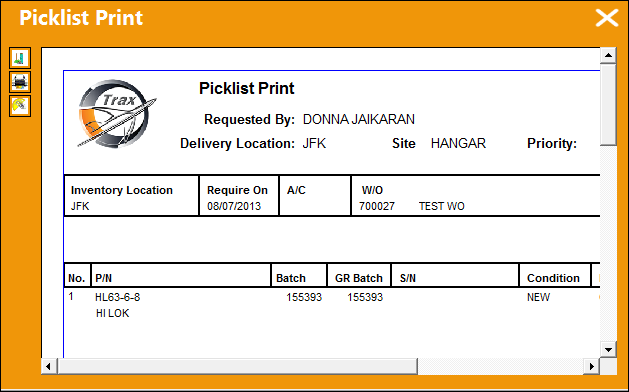
25 parts were reserved in location JFK.
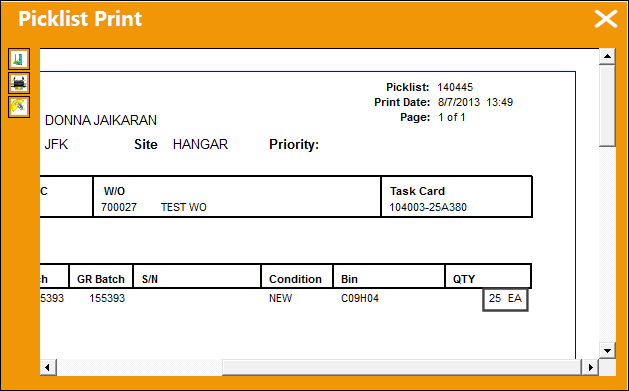
There are now 75 parts available and 25 reserved.
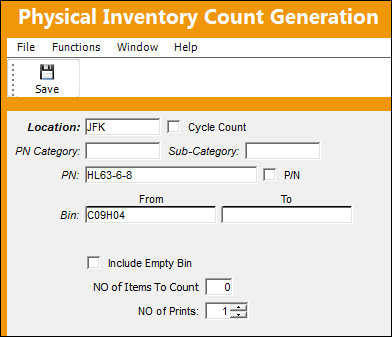
A Physical Inventory Count Generation is performed.
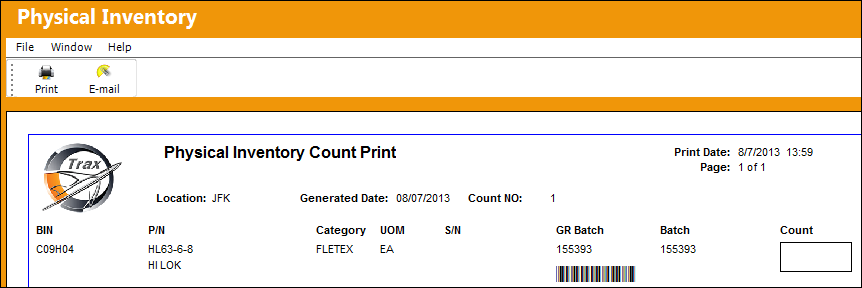
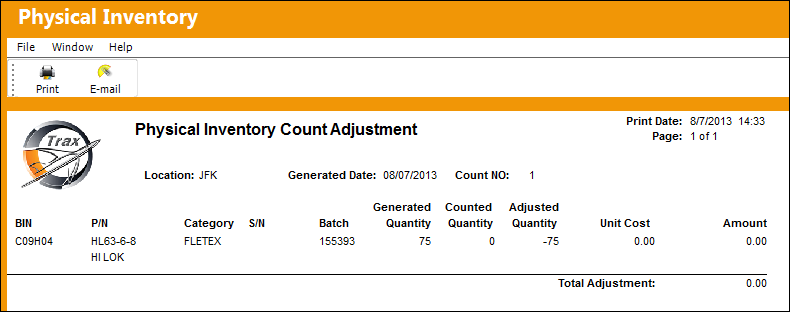
The Physical Inventory Count Print is generated.
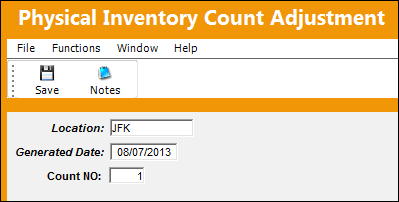
An inventory count of '0' is performed and saved.
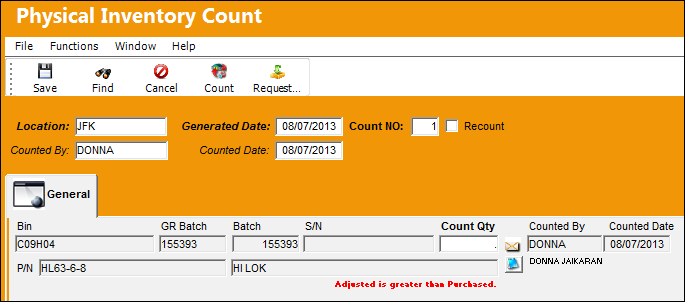
The adjustment is made and saved.
Physical Inventory Count Adjustment print.
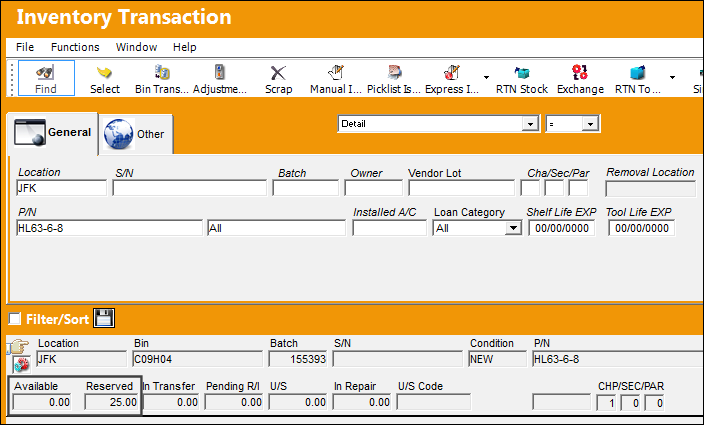
The system displays an Available quantity of '0' and a Reserved quantity of 25.
Switch Set to No:
When set to No, when the Available Quantity of a batch is adjusted via Physical Inventory Adjustment, the Available, Reserved, Pending RII, and Unserviceable Quantities are affected via Inventory Transaction.
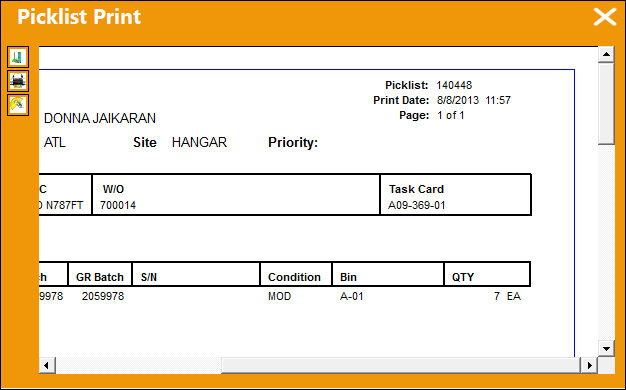
The following Picklist was generated.
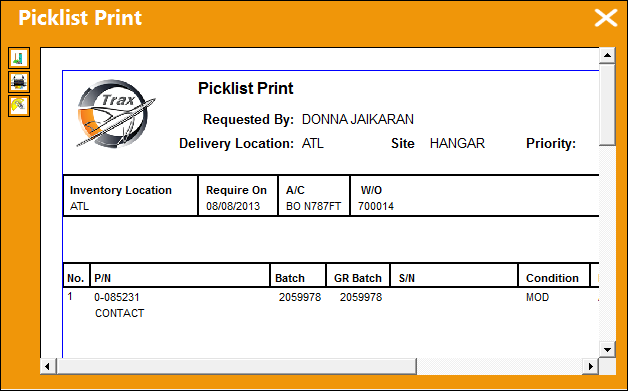
7 parts were reserved in location ATL.
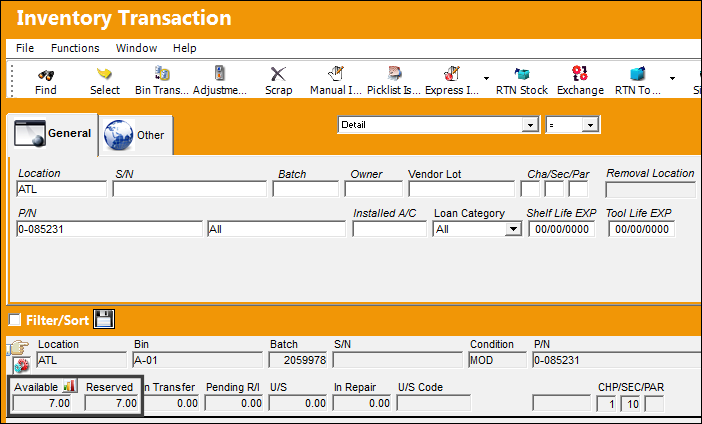
There are now 7 parts available and 7 reserved.
A Physical Inventory Count Generation is performed.
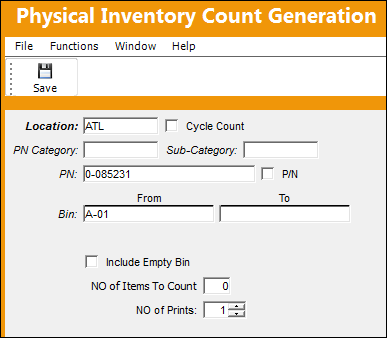
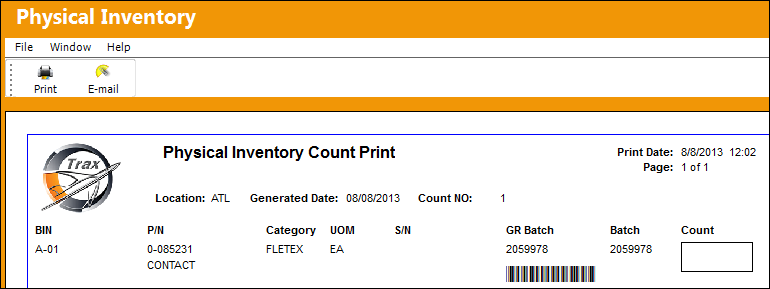
The Physical Inventory Count Print is generated.
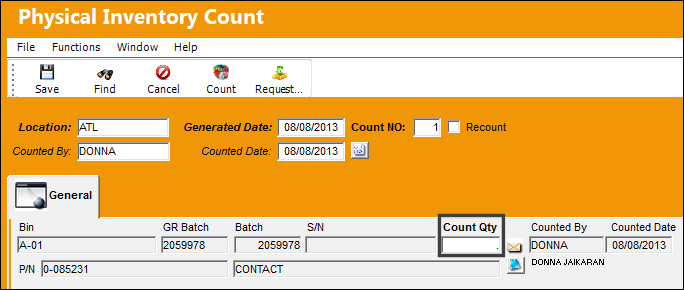
An inventory count of '0' is performed and saved.
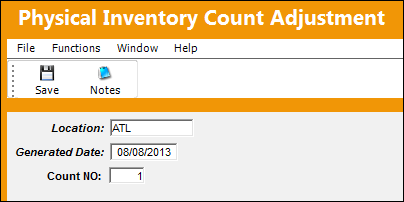
The adjustment is made and saved.
Physical Inventory Count Adjustment print.
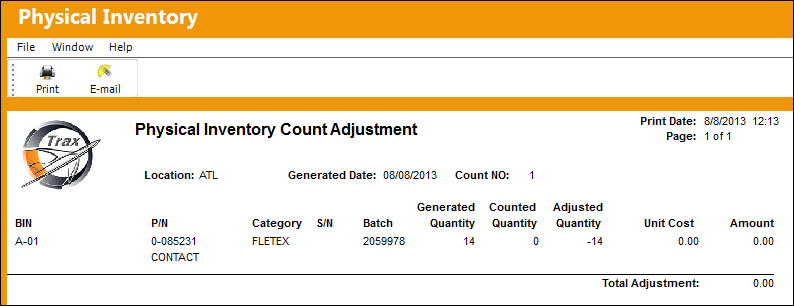
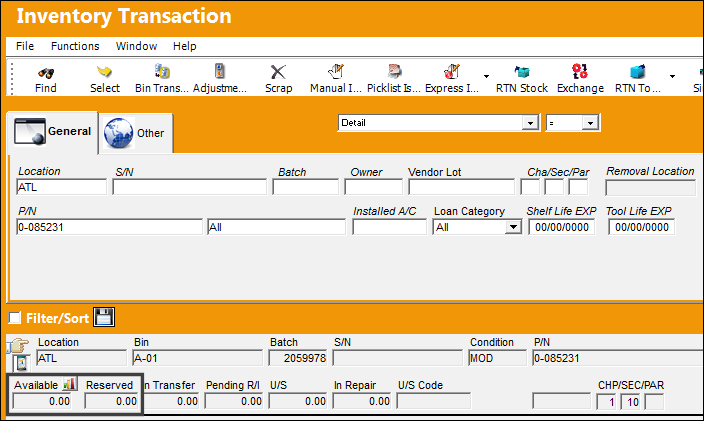
The part now appears as pending inventory with an available quantity of '0' and a reserved quantity of '0.'
Share
Print
|
©1997-2026 Trax USA Corp. All rights reserved. This manual may not be copied, photocopied, reproduced, translated, or converted to any electronic or machine-readable form, in whole or in part, without prior written approval from Trax USA Corp. |
 |