
 Share
Share
 Print
Print
|
|
|
|
|


TAGTOOLCHKIN - Suppress Tag Reprint at Tool Check In Window
Suppress Tag Reprint at Tool Check In Window
Affected Window: w_inventory_transaction_tool_check_in
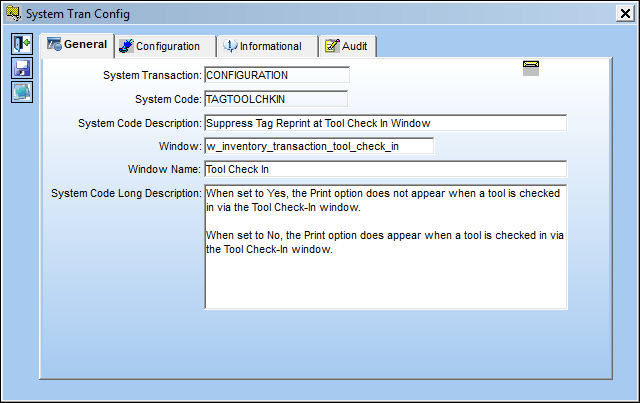
Switch Set to Yes:
When set to Yes, the Print option does not appear when a tool is checked in via the Tool Check-In window.
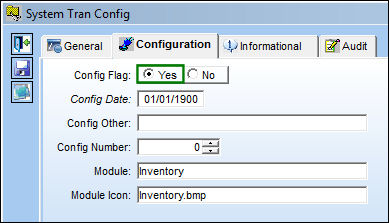
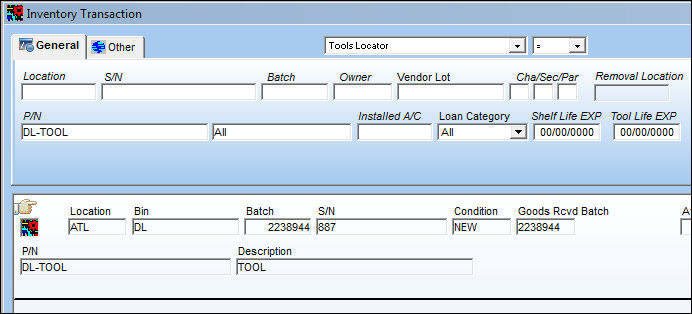
For example, notice the following checkout-out tool via the Inventory Transaction window. Select the Tool Check In  button.
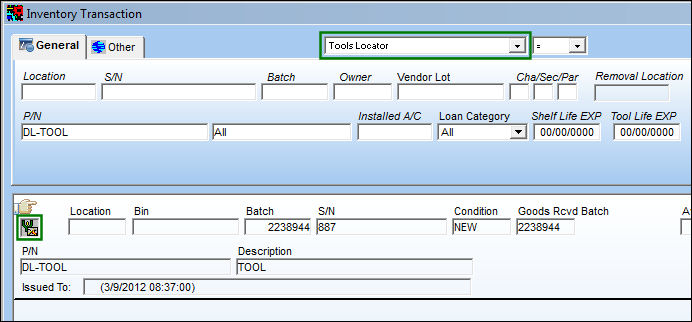
From the Tool Check-In window, enter all pertinent information then save.
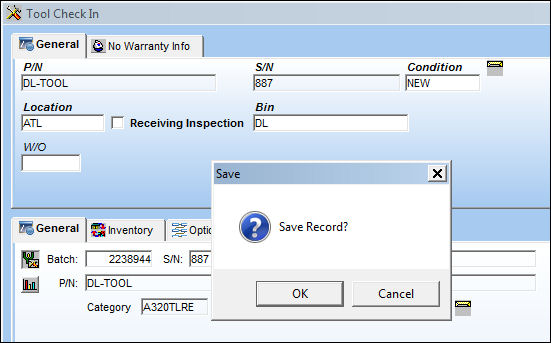
Once saved, notice that the print option does not appear and the user is returned to the Inventory Transaction window.
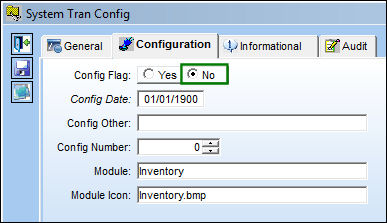
Switch Set to No:
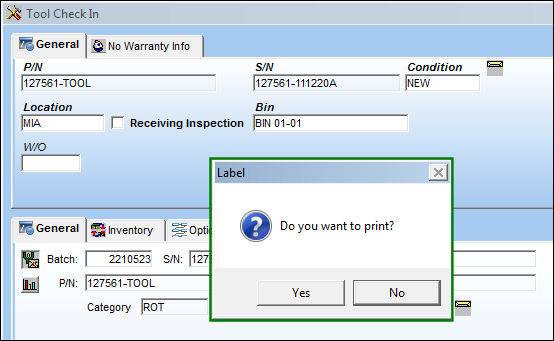
When set to No, the Print option does appear when a tool is checked in via the Tool Check-In window.
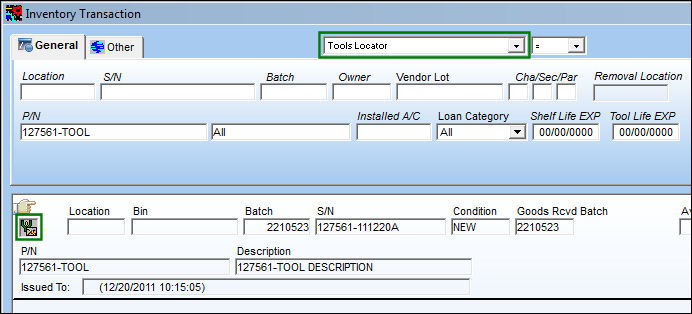
For example, notice the following checkout-out tool via the Inventory Transaction window. Select the Tool Check In button.
From the Tool Check-In window, enter all pertinent information then save.
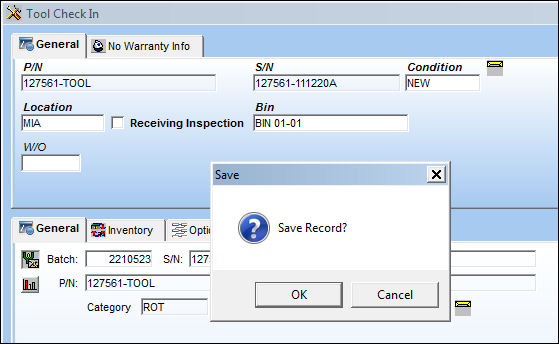
Once saved, notice that the print Label option appears.
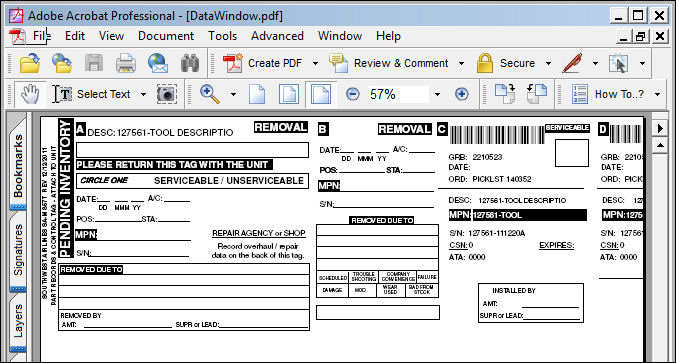
The following Label regarding the checked-in tool can be printed or saved as a PDF.
Share
Print
|
©1997-2026 Trax USA Corp. All rights reserved. This manual may not be copied, photocopied, reproduced, translated, or converted to any electronic or machine-readable form, in whole or in part, without prior written approval from Trax USA Corp. |
 |