
 Share
Share
 Print
Print
|
|
|
|
|


LABELPRNTOPEN - Multiple Labels can be Printed when a Return to Stock returns Multiple Parts

Multiple Labels can be Printed when a Return to Stock returns Multiple Parts
Affected Window: w_inventory_transaction_return_stkwo_eu
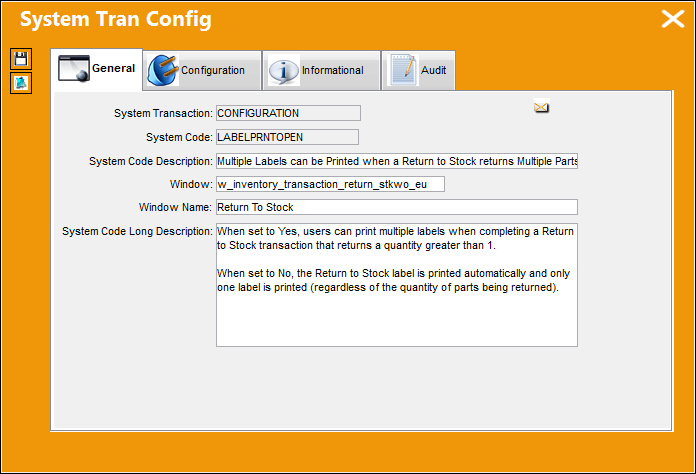
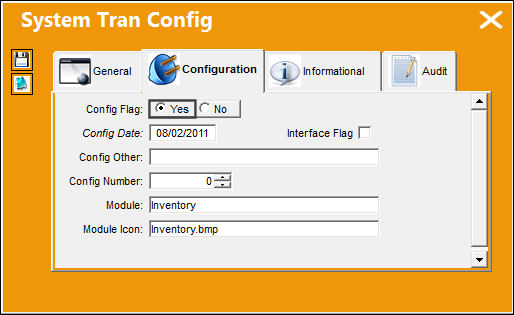
Switch Set to Yes:
When set to Yes, users can print multiple labels when completing a Return to Stock transaction that returns a quantity greater than 1.
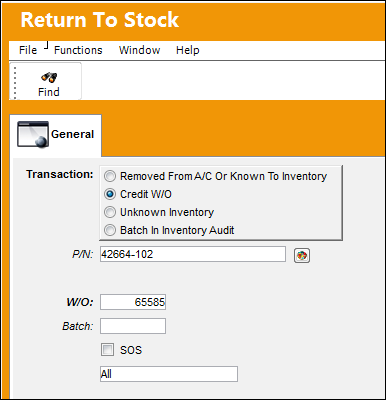
For example, the following Return to Stock is being created to return parts to stock that had previously been issued to a Work Order.
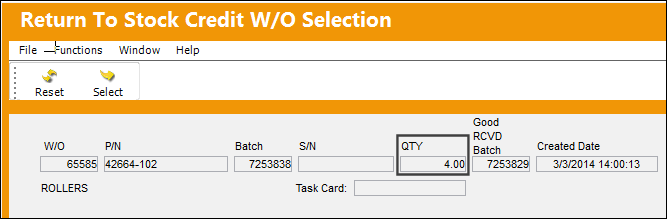
Select the parts that need to be returned to stock from the W/O. Notice that the W/O contains 4 of the returning part.
From the Return to Stock window, specify that all 4 parts are being returned to stock.
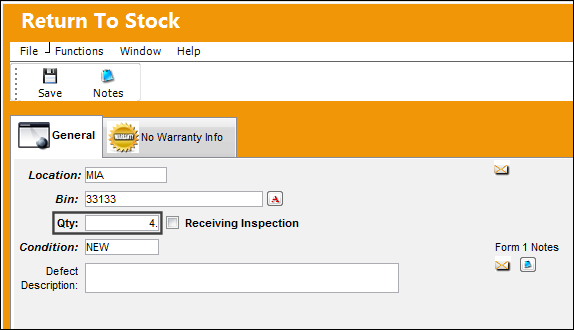
When the print Label prompt comes up, select Yes.
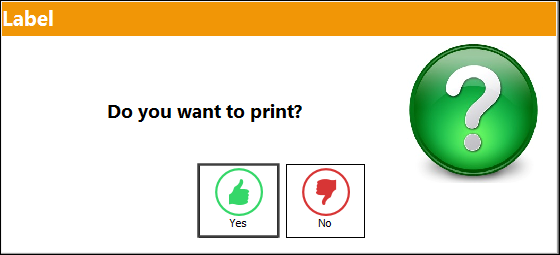
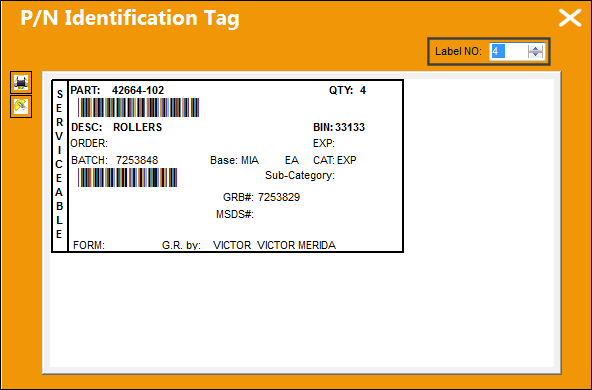
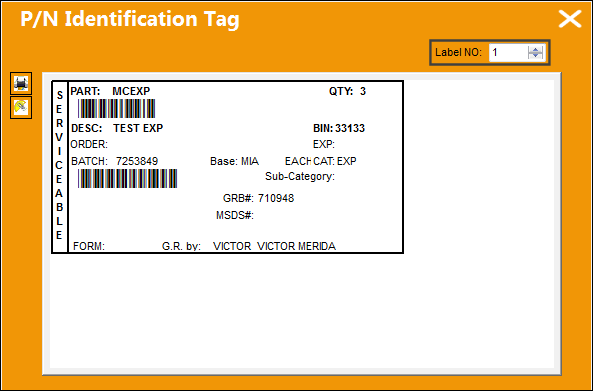
When the P/N Identification Tag comes up, the number of labels that need to be printed can be specified.
Switch Set to No:
When set to No, the Return to Stock label is printed automatically and only one label is printed (regardless of the quantity of parts being returned).
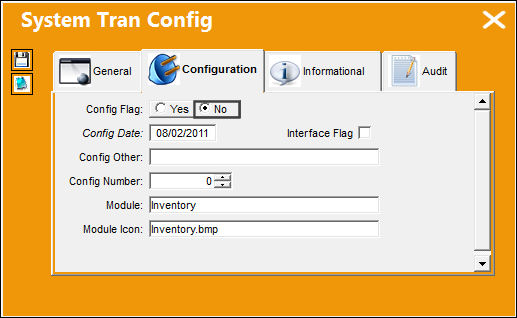
For example, the following Return to Stock is being created to return parts to stock that had previously been issued to a Work Order.
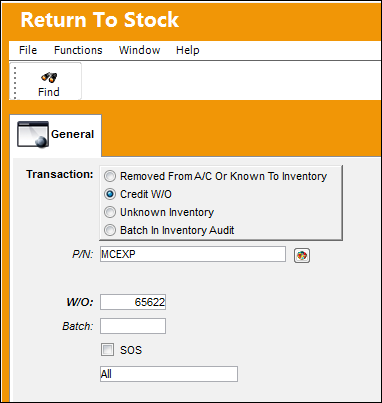
Select the parts that need to be returned to stock from the W/O. Notice that the W/O contains 3 of the returning part.
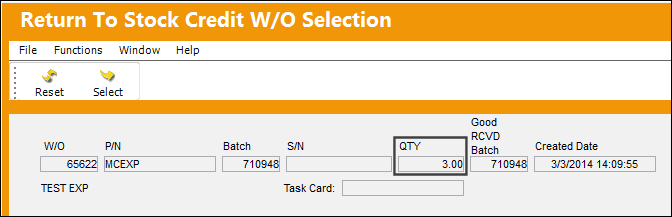
From the Return to Stock window, specify that all 3 parts are being returned to stock.
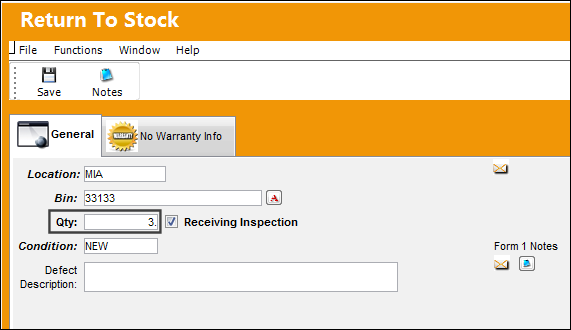
When the print Label prompt comes up, select Yes.
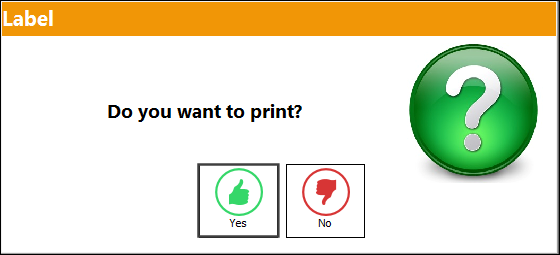
When the P/N Identification Tag comes up, the number of labels that will be printed cannot be modified. Only one will be printed automatically.
Share
Print
|
©1997-2026 Trax USA Corp. All rights reserved. This manual may not be copied, photocopied, reproduced, translated, or converted to any electronic or machine-readable form, in whole or in part, without prior written approval from Trax USA Corp. |
 |