
 Share
Share
 Print
Print
|
|
|
|
|


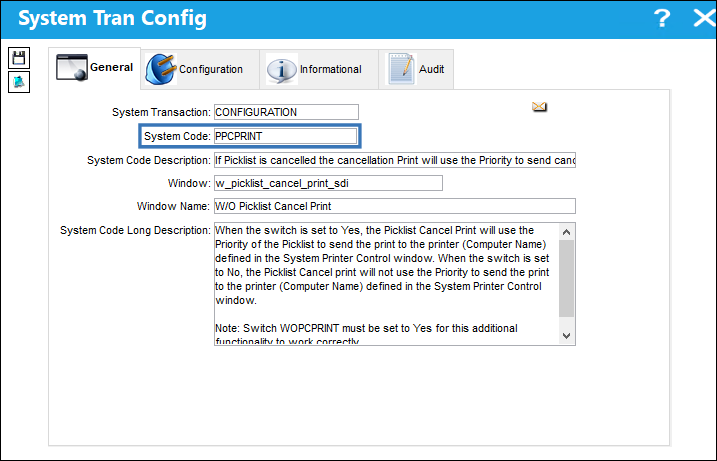
PPCPRINT - If Picklist is Cancelled the Cancellation Print will use the Priority to Send Cancellation to the Printer Defined in System Printer Control
If picklist is canceled the cancellation print will use the Priority to send cancellation to the printer defined in System Printer Control
Affected Window: w_picklist_cancel_print_sdi
Configuration:
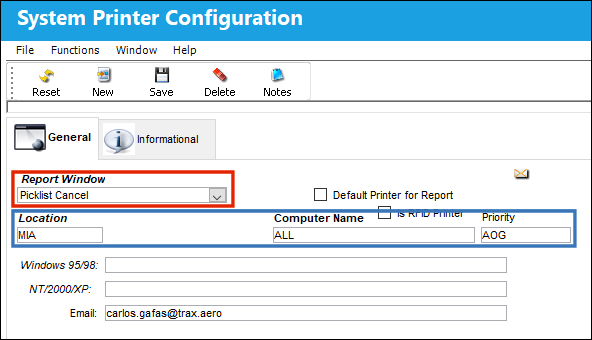
Navigate to System Printer Control and select the New button to set up a new System Printer Configuration. From the Report Window drop-down, select the Picklist Cancel option, then enter the Location, Computer Name, Priority, and Email. Click the Save button to complete the setup.
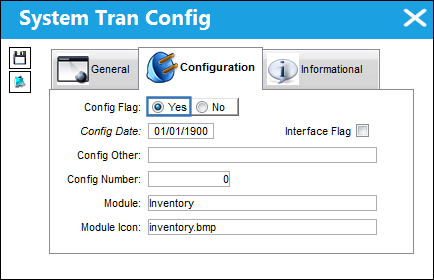
Switch Set to Yes:
When the switch is set to Yes, the Picklist Cancel Print will use the Priority of the Picklist to send the print to the printer (Computer Name) defined in the System Printer Control window.
Note: The switch  WOPCPRINT must be set to Yes for this additional functionality to work correctly.
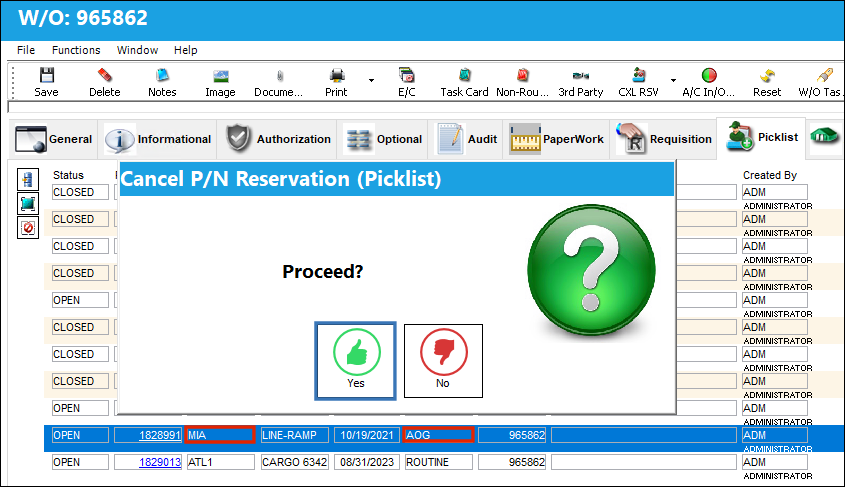
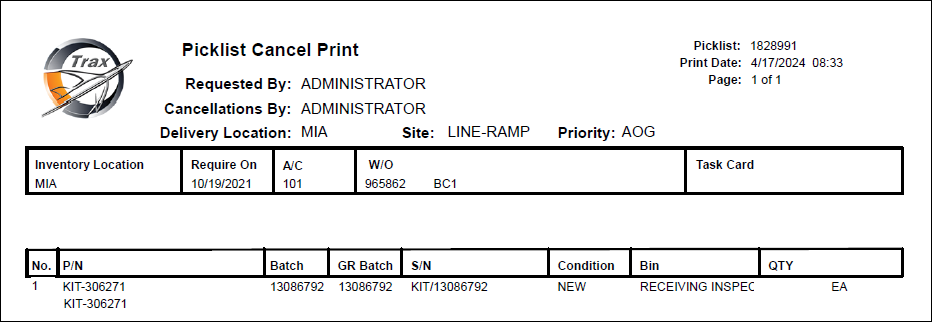
The following Picklist is canceled. Notice that the Priority and Location match the configuration for the Picklist Cancel report in the System Printer Control window.
The Picklist Cancel Print is successfully sent to the printer (Computer Name) or Email configured in the System Printer Control window.
Switch Set to No:
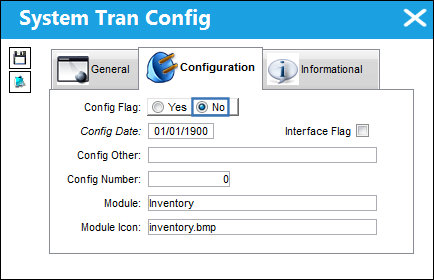
When the switch is set to No, the Picklist Cancel print will not use the Priority to send the print to the printer (Computer Name) defined in the System Printer Control window.
Share
Print
|
©1997-2026 Trax USA Corp. All rights reserved. This manual may not be copied, photocopied, reproduced, translated, or converted to any electronic or machine-readable form, in whole or in part, without prior written approval from Trax USA Corp. |
 |