
 Share
Share
 Print
Print
|
|
|
|
|


OWNCHGALL - Assign/Remove Owner For P/N In Inventory
Assign/Remove Owner For P/N In Inventory
Affected Window: w_inventory_transaction_owner_change
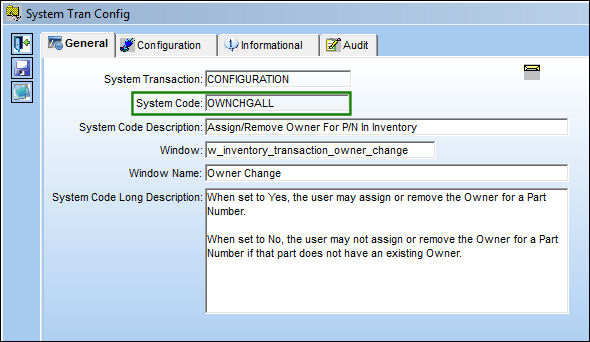
Assigning a new owner to a Part Number without a previous owner may result in creation/deletion of Fixed Asset records.
Switch Set to Yes:
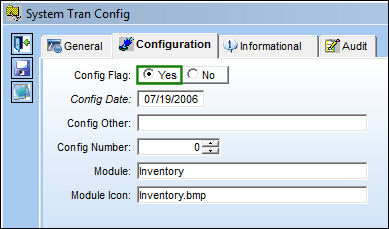
When set to Yes, a PN owner may be changed whether there is an existing owner or not.
The user must define an Expenditure account in the Config Other field for a Sales Order created by the system when the Owner Change is done. If a Sales Expenditure account does not exist in the system, and/or is not defined in the Config Other field, TRAX will create empty journal entries.
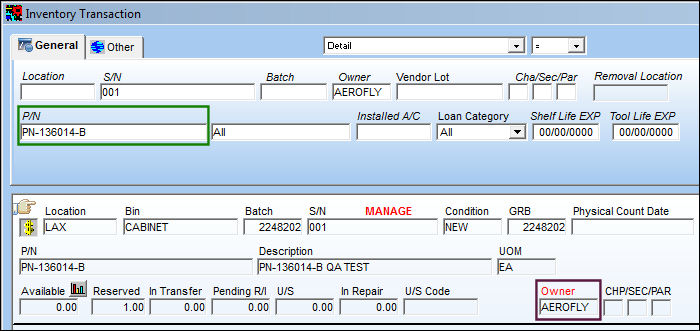
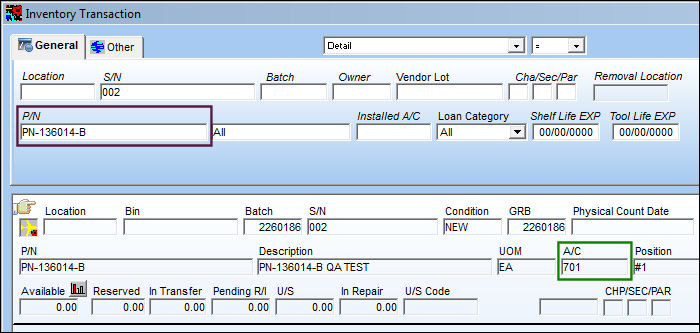
The following part has an Owner.
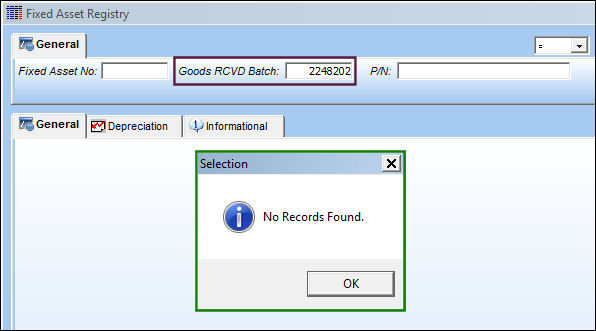
This batch has no Fixed Assets.
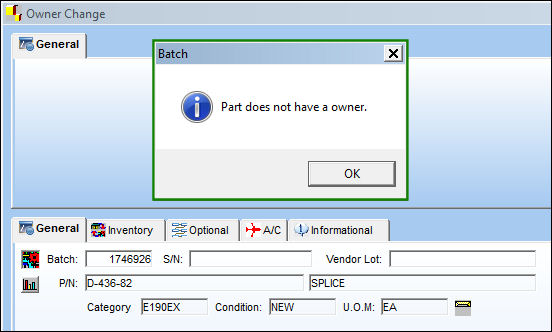
From Inventory Transaction, select the Owner Change  button. TRAX displays the Owner Change window. Save the record without populating the 'New Owner' field. The following soft warning appears. Select 'OK' and save the transaction.
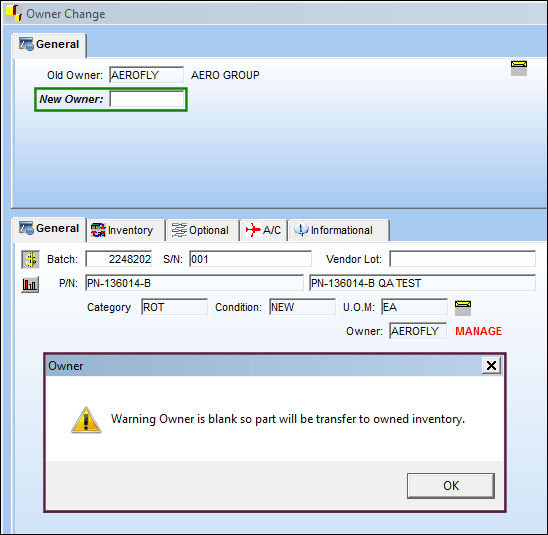
The part no longer has an Owner associated to it.
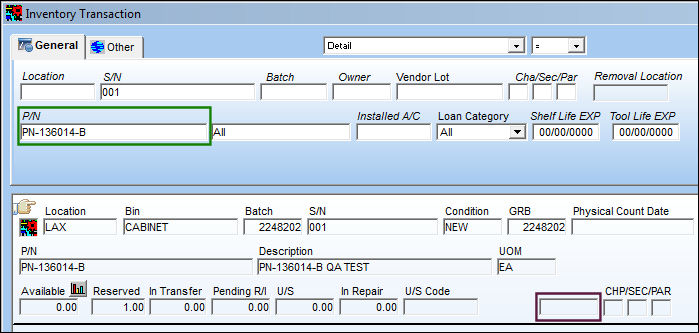
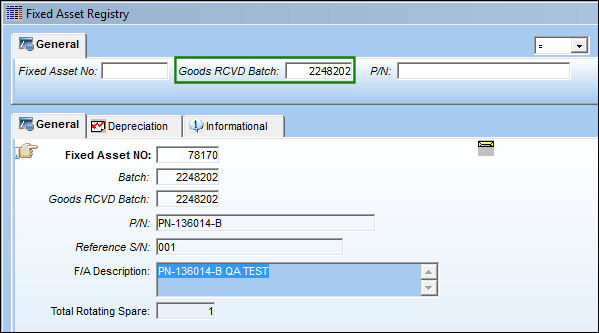
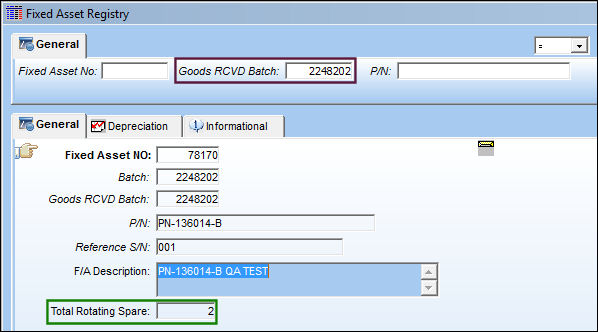
Fixed Assets were added to the Batch.
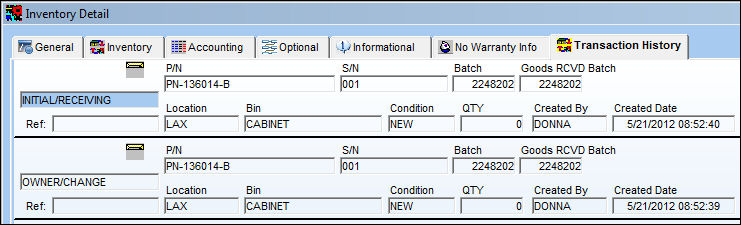
The transaction is recorded in the Inventory Detail, Transaction History tab.
The part has been installed on an aircraft.
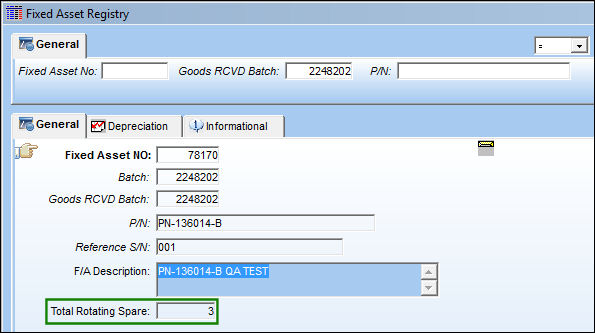
The batch now has 3 Total Rotating Spares.
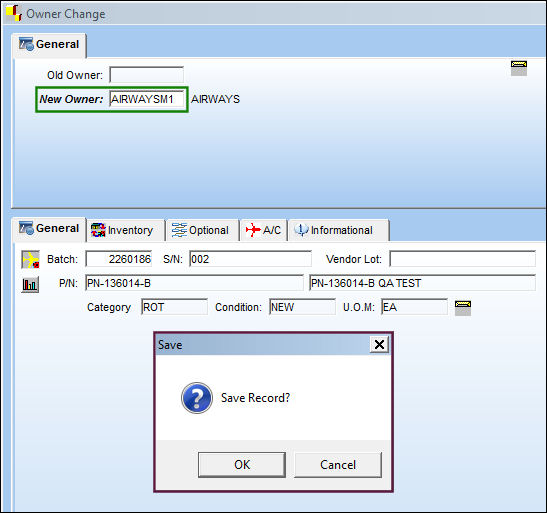
From the Inventory Transaction window, select the Owner Change button. TRAX displays the Owner Change window. Populate the New Owner field and save the record.
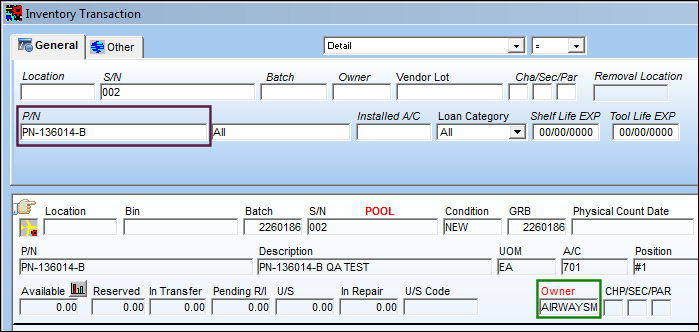
The part now has an Owner.
The Fixed Asset has been removed.
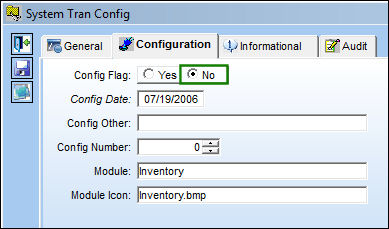
Switch Set to No:
When set to No, the PN owner can be changed only if an owner has been previously assigned.
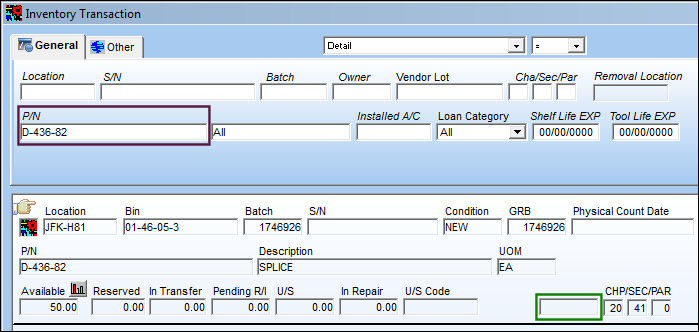
The following part does not have an Owner. Select the Owner Change button.
The user is unable to assign or remove an owner.
Share
Print
|
©1997-2026 Trax USA Corp. All rights reserved. This manual may not be copied, photocopied, reproduced, translated, or converted to any electronic or machine-readable form, in whole or in part, without prior written approval from Trax USA Corp. |
 |