
 Share
Share
 Print
Print
|
|
|
|
|


PLPOLOC - Print Picklist In Original Location
Print Picklist In Original Location
Affected Window: w_picklist_print
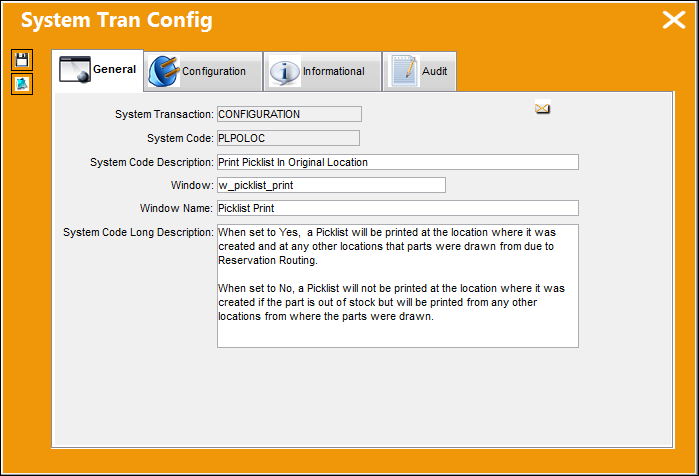
Switch Set to Yes:
When set to Yes, Picklists will be printed at the location where it was created and at any other locations that parts were drawn from due to Reservation Routing.
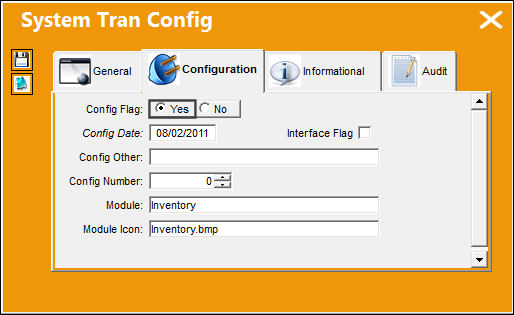
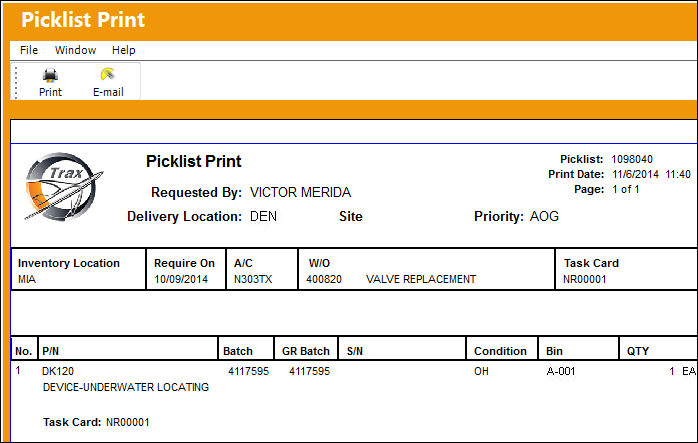
For example, if a Picklist is created in Denver (DEN) and the Reservation Routing for Denver includes Atlanta (ATL) and Charlotte (CLT), the Picklist will be printed at all locations even if the particular part is out of stock in Denver. The Denver location will receive a printed Picklist even if the part if not in stock.
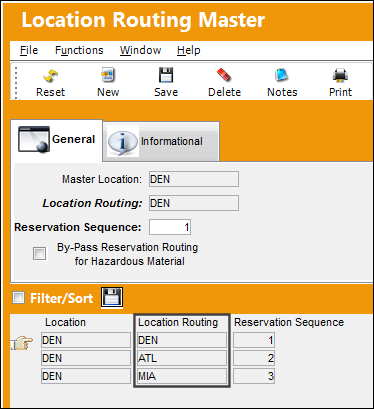
Reservation Routing allows the set up of a location 'tree' that defines the sequence of locations in which parts are reserved during Picklist Creation. To set this up, select the RSV Routing  icon in the Location master window via the Settings module.
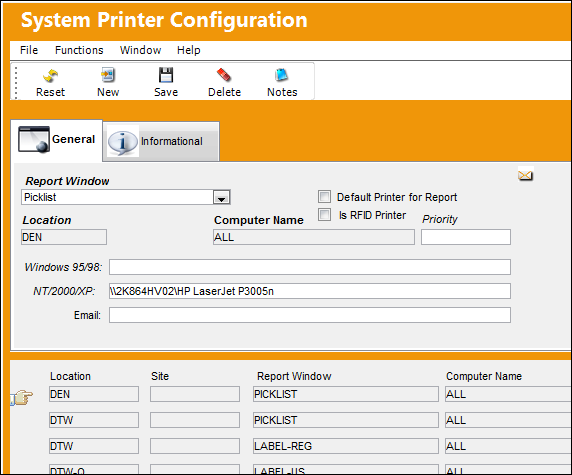
The printing preference for each location is set up in the System Printer Configuration window via the System Administration module.
Switch Set to No:
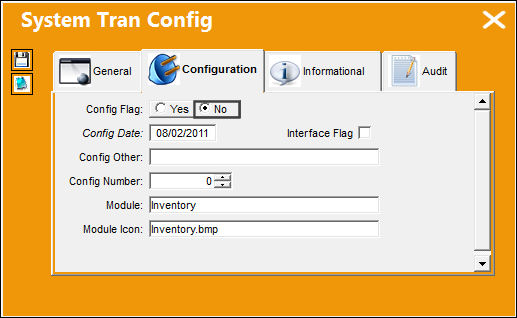
When set to No, Picklists will not be printed at the location where it was created if the part is out of stock but will be printed from any other locations from where the parts were drawn.
For example, if a Picklist is created in Denver (DEN) and the Reservation Routing for Denver includes Atlanta (ATL) and Charlotte (CLT), the Picklist will only be printed in Atlanta and Charlotte if the particular part is out of stock in Denver. The Denver location will not receive a printed Picklist if the part is not in stock.
Share
Print
|
©1997-2026 Trax USA Corp. All rights reserved. This manual may not be copied, photocopied, reproduced, translated, or converted to any electronic or machine-readable form, in whole or in part, without prior written approval from Trax USA Corp. |
 |