
 Share
Share
 Print
Print
|
|
|
|
|


RESETDATENULL - P/N Control Authorization Default

P/N Control Authorization Default
Affected window: w_pn_control_receivng_eu
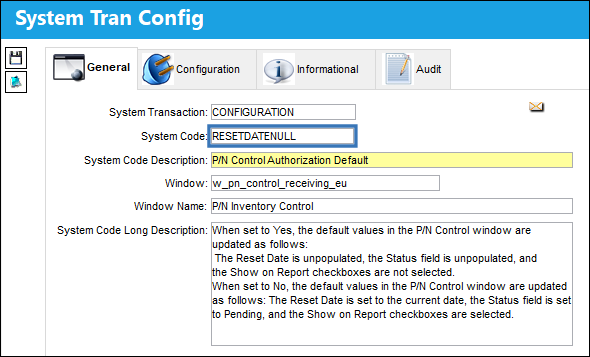
When set to Yes:
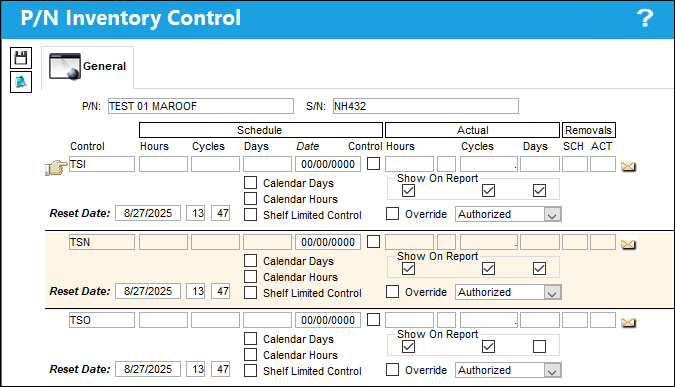
When set to Yes, the default values in the P/N Control window are updated as follows: The Reset Date is unpopulated, the Status field is unpopulated, and the Show on Report checkboxes are not selected.
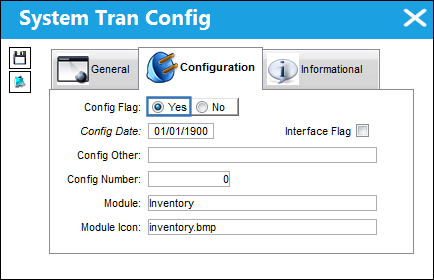
A Purchase Order is selected and Received.
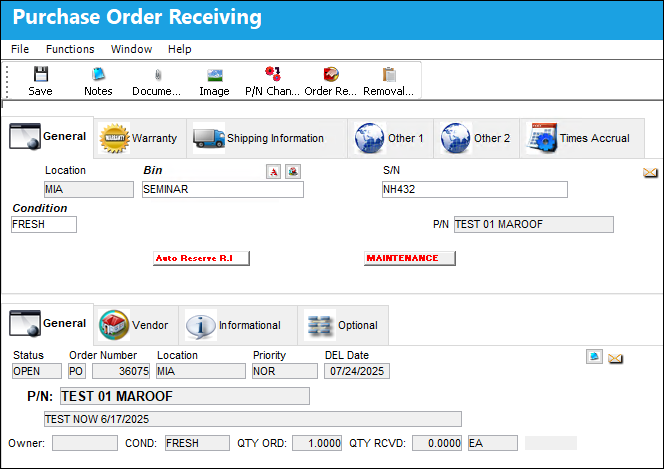
After the Order is saved, the default values for the following fields in the P/N Inventory Control window are updated as follows: The Reset Date is unpopulated, the Status field is unpopulated, and the Show on Report checkboxes are not selected.
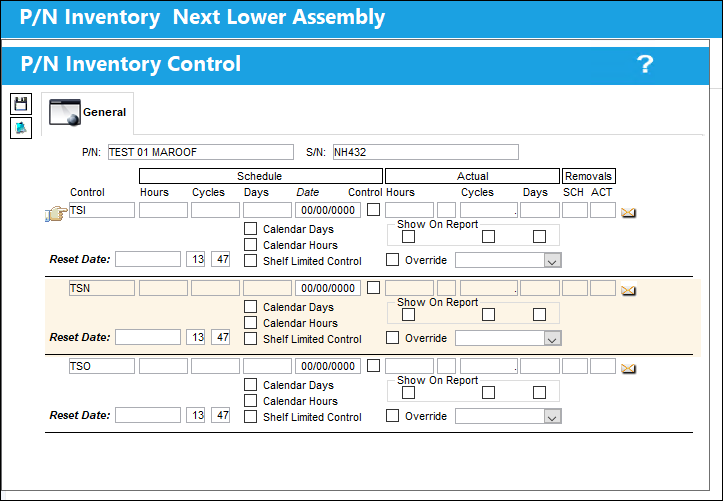
These fields can be manually updated.
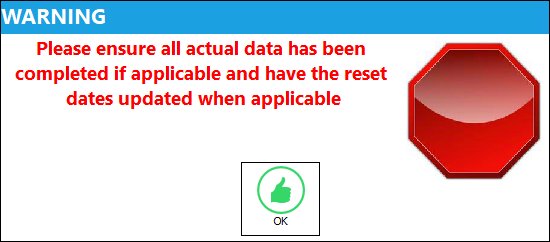
A hard warning appears upon saving. After selecting 'OK', the system generates the Order Receive Print Form.
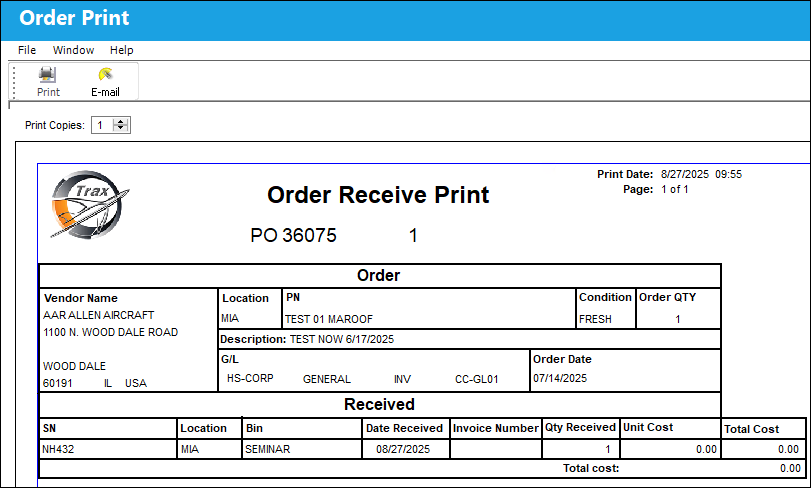
Upon Saving, the user has the option to print. The Order Receive Print Form reflects the the updated information.
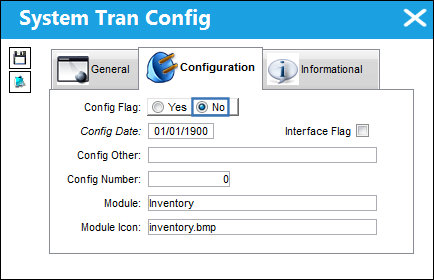
When set to No:
When set to No, the default values in the P/N Control window are updated as follows: The Reset Date is set to the current date, the Status field is set to Pending, and the Show on Report checkboxes are selected.
A Purchase Order is selected and received.
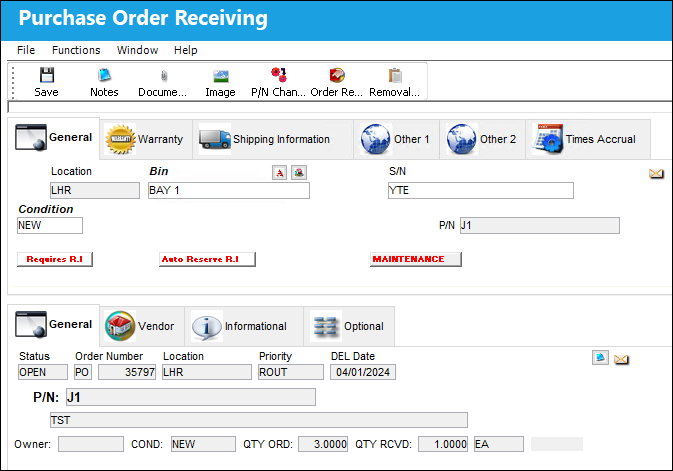
After the Order is saved, the default values for the following fields in the P/N Inventory Control window are updated as follows: The Reset Date is set to the current date, the Status field is set to Pending, and the Show on Report checkboxes are selected.
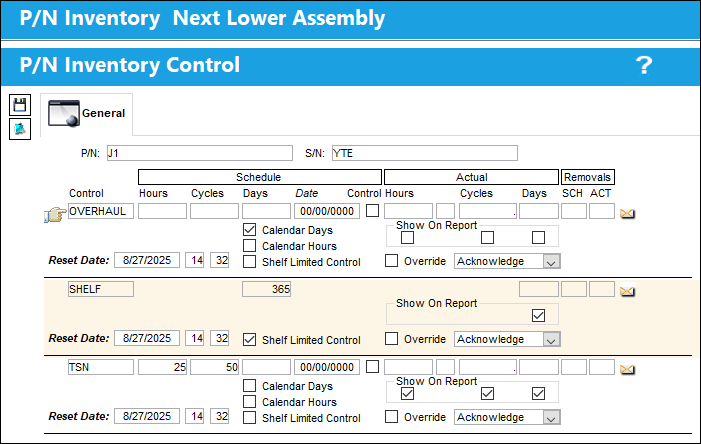
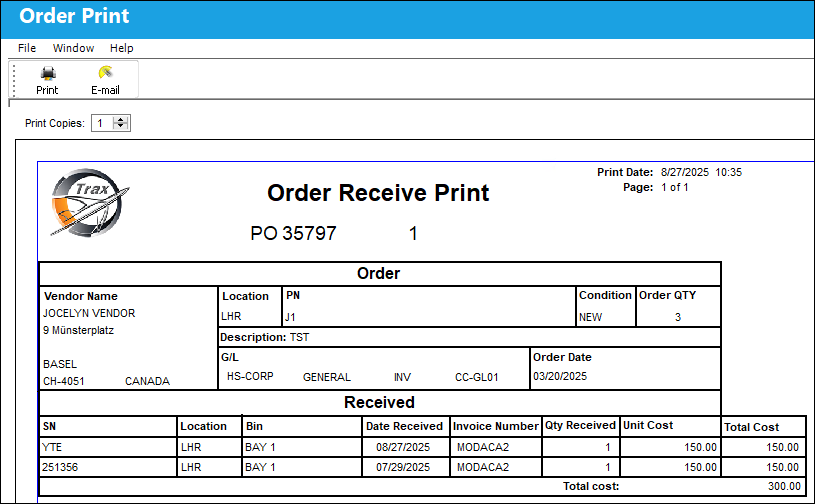
A hard warning appears upon saving. After selecting 'OK', the system generates the Order Receive Print Form.
The Order Receive Print reflects the information.
Share
Print
|
©1997-2026 Trax USA Corp. All rights reserved. This manual may not be copied, photocopied, reproduced, translated, or converted to any electronic or machine-readable form, in whole or in part, without prior written approval from Trax USA Corp. |
 |